

Creator
$9 per month
STYLE — PRODUCT
The clean cutout look isolates a subject — product or person — from a messy original photo and re-seats it on a seamless studio background with a soft contact shadow. It is the workhorse style of e-commerce and paid social, where a busy background costs attention and clicks. Our engine handles the cutout and the re-light in one pass, turning phone photos into studio-grade assets.
THE TECHNIQUE
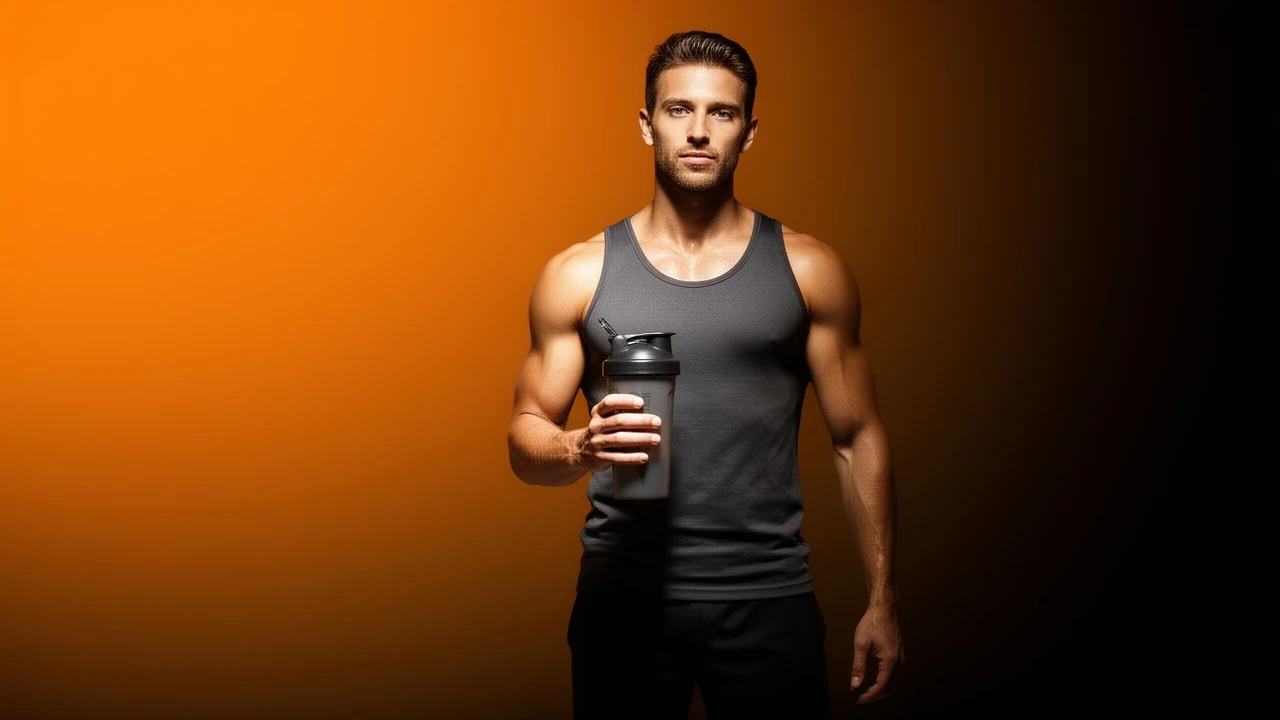
Background removal sounds like a solved problem until edges are involved: hair, fabric fuzz, bottle rims, and semi-transparent straps are where cheap cutouts fall apart. The engine's removal pipeline is edge-aware, and — more importantly — it does not stop at transparency. It re-seats the subject on a designed background, adds a physically sensible contact shadow, and matches the light direction so the composite reads as a single photograph rather than a sticker. The samples on this page are real committed outputs showing the full journey: a cluttered candid gym photo of an athlete with a shaker bottle, then the same athlete cleanly isolated on a seamless orange-to-black gradient. Use this style to standardize a product grid shot by different people on different phones, to rescue good moments from bad backgrounds, and to produce consistent hero images for ads. One brief defines the destination background; every future cutout can reuse it.
The rate card
FAQ
The removal model is edge-aware and preserves fine detail like hair strands and fabric texture rather than cutting a hard outline.
Yes. Describe any seamless color, gradient, or simple set in the brief and the subject is re-lit to sit naturally on it.
Both. The committed samples show an athlete cutout; the same pipeline isolates products, packaging, and food.
Keep exploring
LAST LOOKS
A closing reel of real engine output — video and image, across formats and use cases. Every tile is a sample render.