01
Write the brief
Describe the output you need in plain words — subject, mood, format, aspect ratio. No prompt engineering, no camera crew.
MODEL FAMILY — IMAGE TO VIDEO
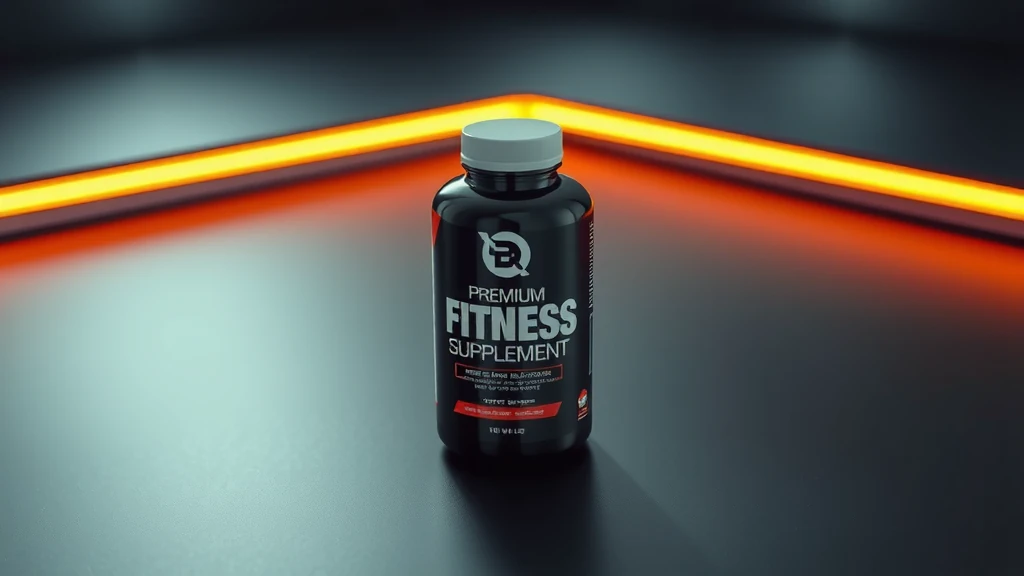
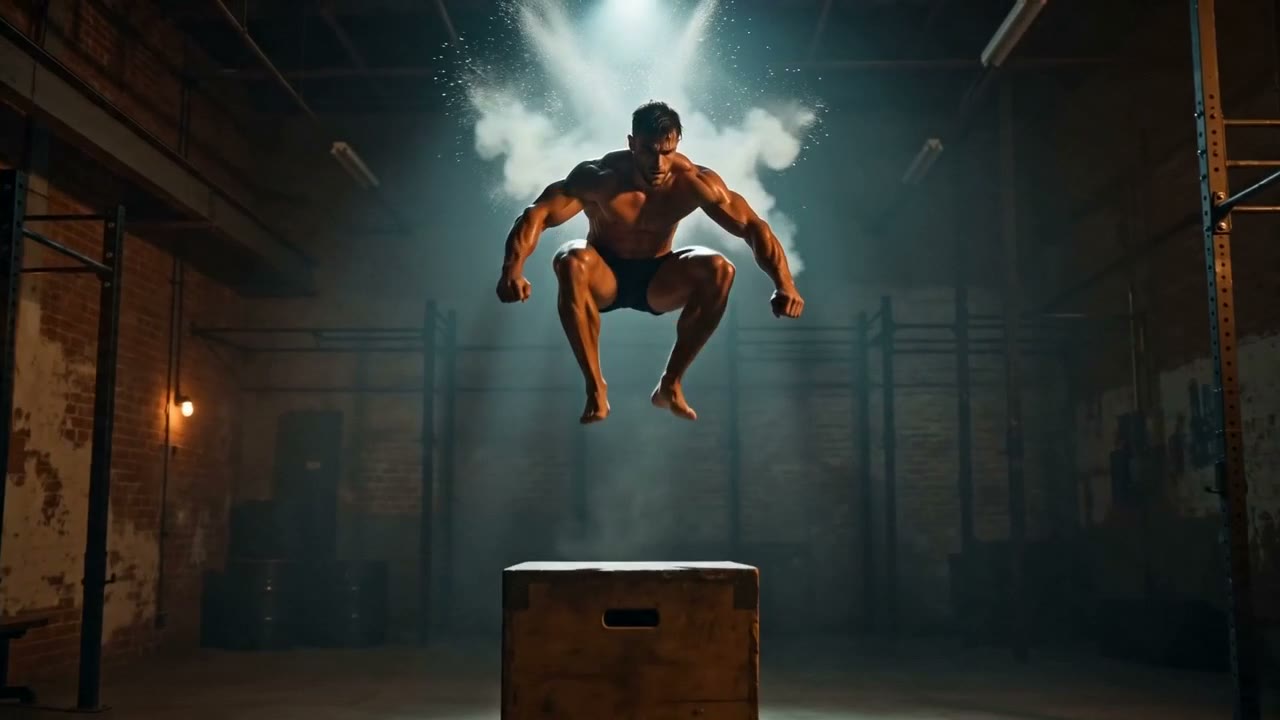
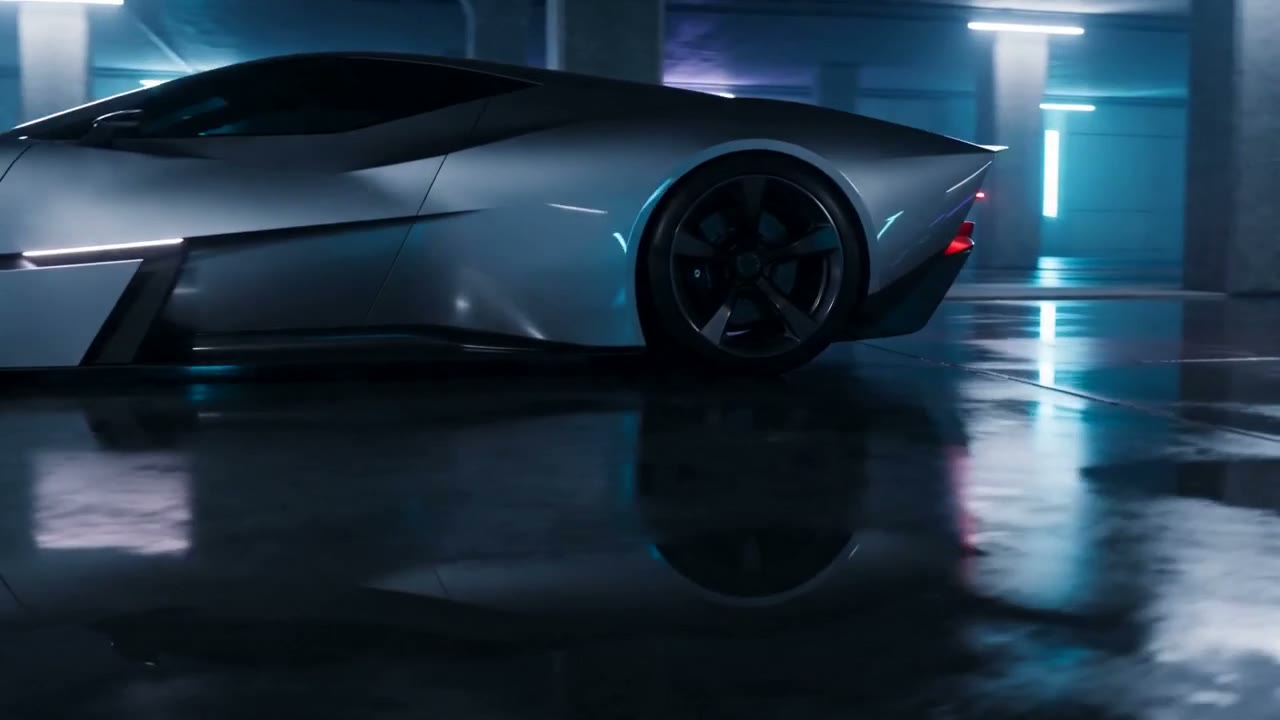
Every tile below was generated with Seedance on this engine. No mockups.
HOW IT WORKS
Describe the output you need in plain words — subject, mood, format, aspect ratio. No prompt engineering, no camera crew.
Open the model picker and choose Seedance. The studio shows the exact credit cost of the run before you commit.
Generate, review, change one line of the brief, and run it again — iteration costs a sentence, not a reshoot.
WHAT YOU GET
| No. | Capability | Detail |
|---|---|---|
| 01 | Animate any image | Turn a product still, lifestyle photo, or portrait into a fluid short video with natural motion. |
| 02 | Physics-aware motion | Premium families understand fabric, liquid, hair, and particle motion — outputs feel physically plausible. |
| 03 | Multi-reference video | Veo 3.1 Reference and Wan 2.7 Reference accept multiple input images to composite complex scenes. |
| 04 | Consistent brand identity | Animate your approved hero shots to create motion variants without reshooting — brand consistency at scale. |
REAL RENDERS
INCLUDED VARIANTS
| No. | Model | Capability |
|---|---|---|
| 01 | Seedance | Image to Video |
| 02 | Seedance 1.5 | Image to Video |
The rate card
FAQ
ByteDance's Seedance family — premium 1080p image-to-video with Lite and Pro variants. On Orvik it sits in the Image to Video lane of the studio, on the same plan as every other frontier family.
Image to Video work, directed from a plain-language brief. The listed variants — Seedance, Seedance 1.5 — all run from the same brief box in the studio, and every sample on this page is a real engine output.
Rates are per model and the studio shows the exact credit cost before you generate. The plan math — monthly credit allowances and what they convert to — is on /pricing.
Yes — 2 variants listed (Seedance, Seedance 1.5). The live studio reflects the current catalog, so new variants appear as the catalog updates.
A starting image (product shot, portrait, scene) plus an optional text prompt describing the desired motion. The model animates your image into a short video clip.
Yes — image-to-video is ideal for animating hero product shots, lifestyle images, and brand visuals into short video ads.
Most i2v families support 16:9 (landscape), 9:16 (vertical/social), and 1:1. Specific options per model are shown in the studio at generation time.
Keep exploring
LAST LOOKS
A closing reel of real engine output — video and image, across formats and use cases. Every tile is a sample render.