01
Upload the garment
Drop in a flat product shot or a ghost-mannequin image of the garment. The engine reads the cut, fabric texture, and print detail automatically.
Production — VIRTUAL TRY-ON
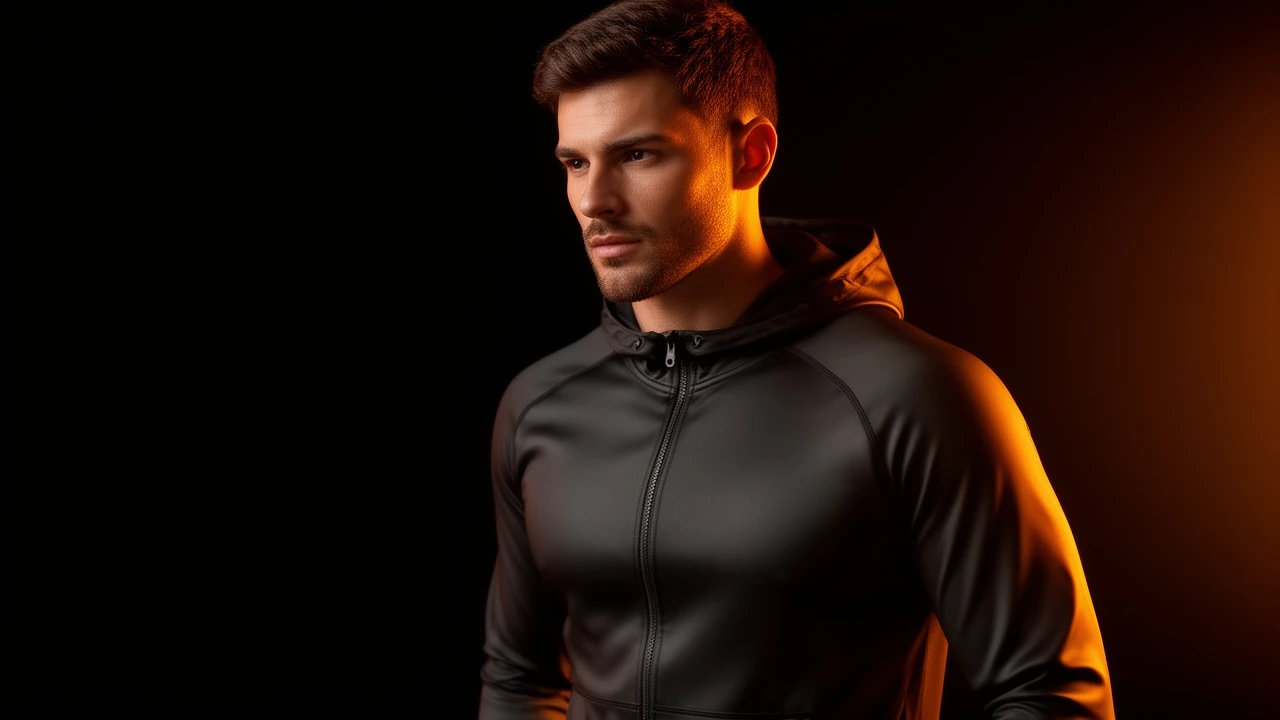
Upload a flat garment image and a model reference — the engine renders the model wearing the item with realistic fabric drape, lighting, and wrinkle detail. No fitting session, no studio day.
STORYBOARD — HOW IT WORKS
Drop in a flat product shot or a ghost-mannequin image of the garment. The engine reads the cut, fabric texture, and print detail automatically.
Provide a model reference image — or use a prompt to describe the model type, pose, and setting. The engine renders the garment on the model with realistic drape and shadow.
Get a model-on-garment image with realistic fabric physics and professional lighting — ready for your fashion PDP, paid ad, or lookbook without a physical fitting.
SCREENING ROOM — SAMPLE OUTPUT
Sample output videos and images — representative of format categories available in Orvik. Hover or scroll to play video tiles.
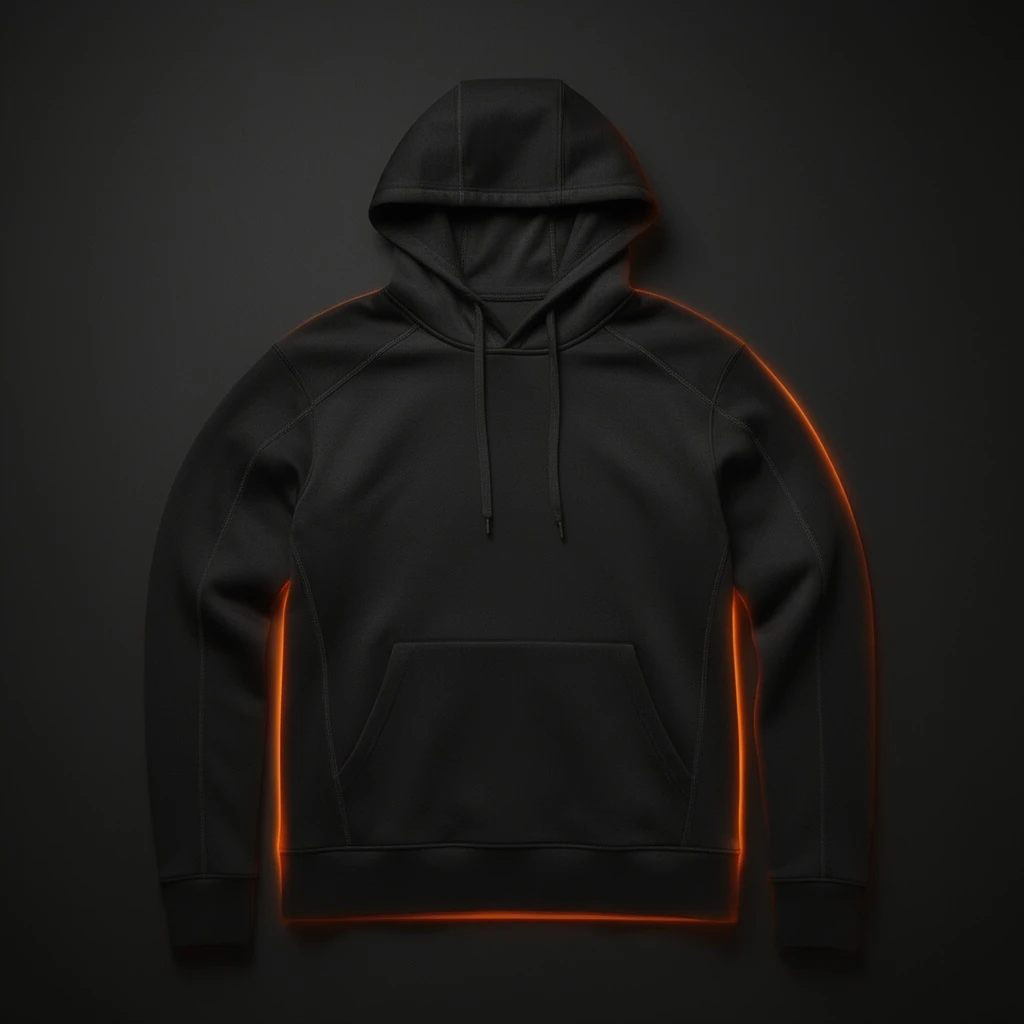
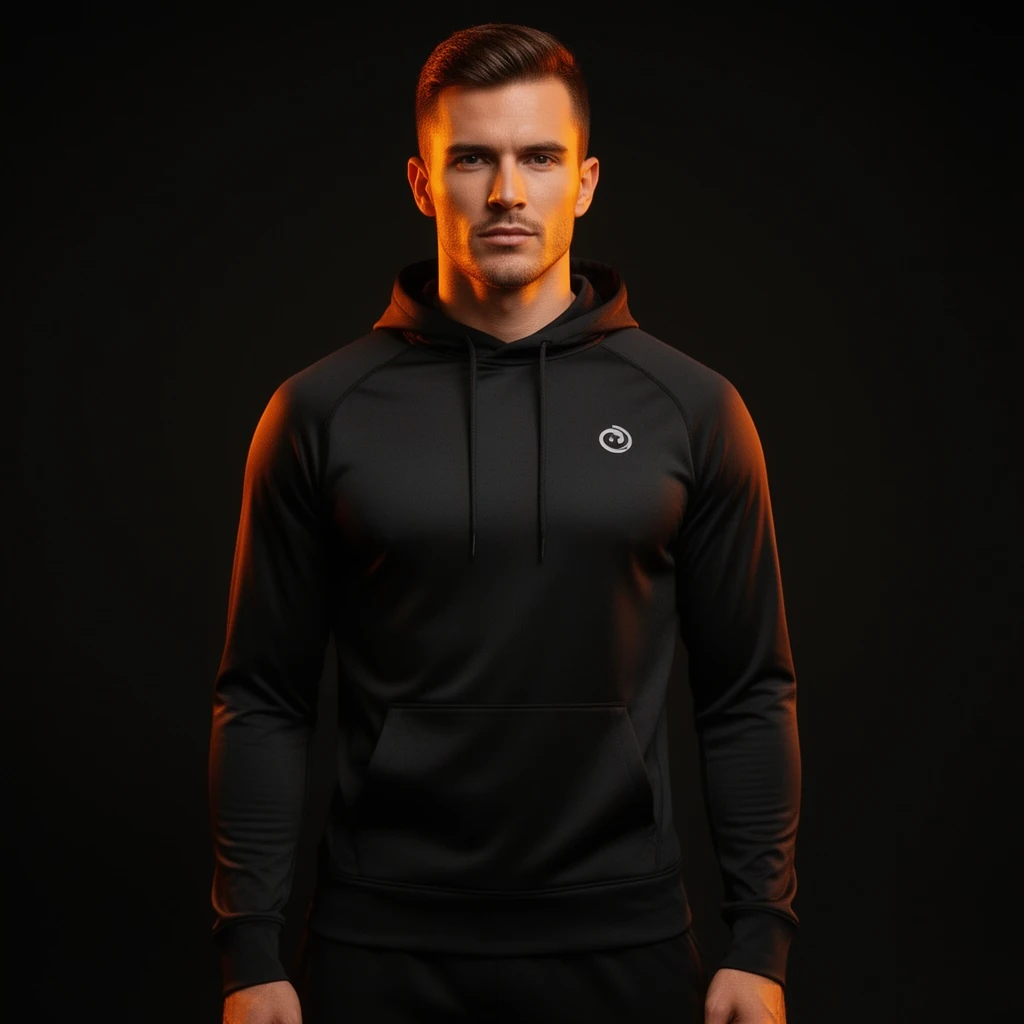 Before: A clean flat product shot of a black performance hoodie on a near-black seamless surface with realistic fabric and stitch detail and a subtle orange edge light — sample output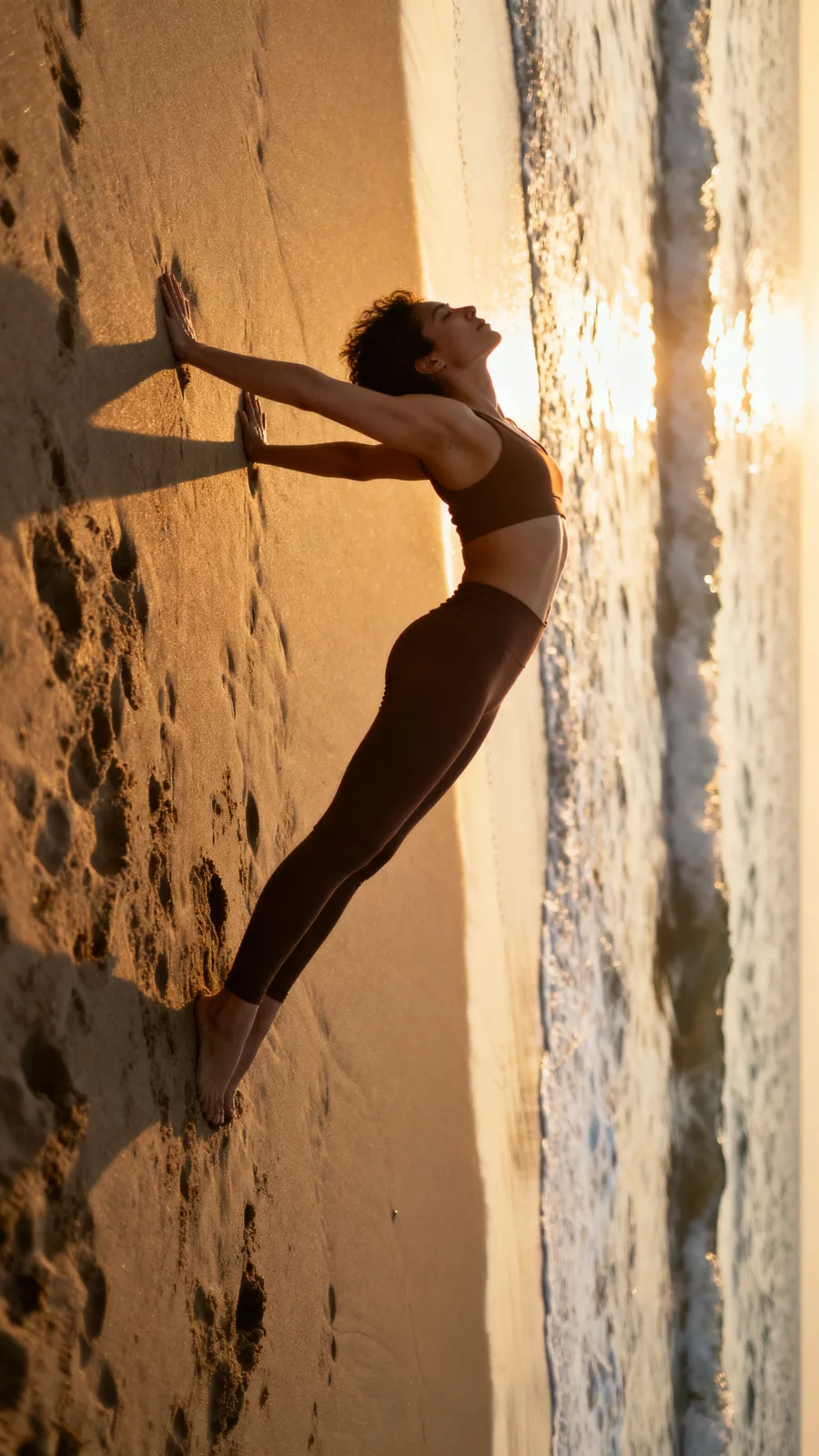
CALL SHEET — WHAT YOU GET
| No. | Item | Detail |
|---|---|---|
| 01 | Realistic drape and fabric physics | The engine simulates how the garment hangs, folds, and wrinkles on a real body — no stiff flat-lay feel. Fabric texture, stitching, and print are preserved through the render. |
| 02 | Any garment type, flat or ghost-mannequin | Upload a flat lay, a ghost-mannequin studio shot, or a hanger image. The engine extracts the garment geometry regardless of how it was photographed. |
| 03 | Flexible model input | Provide a model reference image or describe the model in a prompt — body type, skin tone, pose, setting. The engine renders the garment appropriately for the specified body. |
| 04 | Fashion PDP and lookbook ready | Outputs are sized and lit for fashion product pages, paid ads, and lookbook layouts. No retouching queue, no fitting day — go from garment to model image in minutes. |
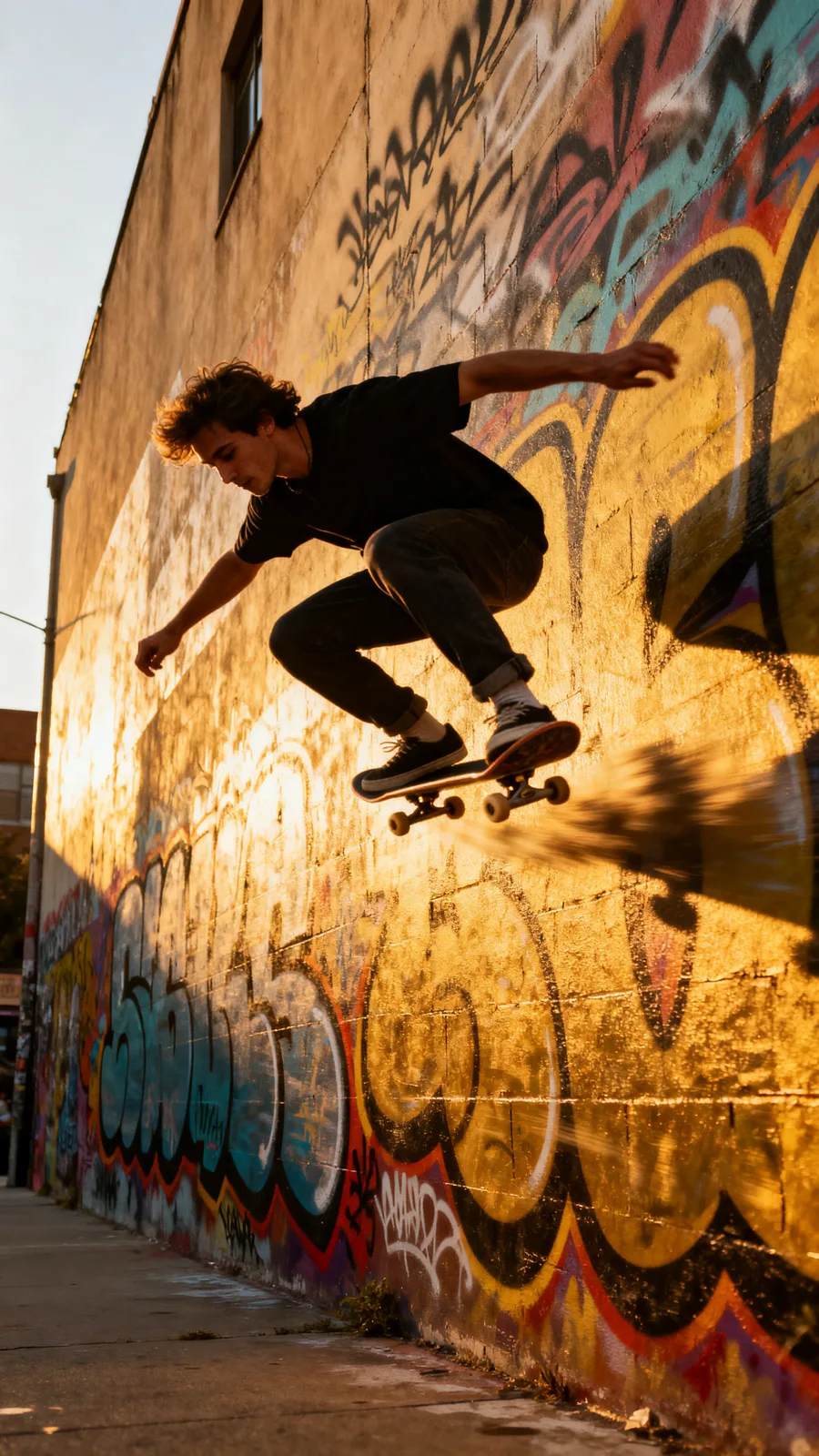
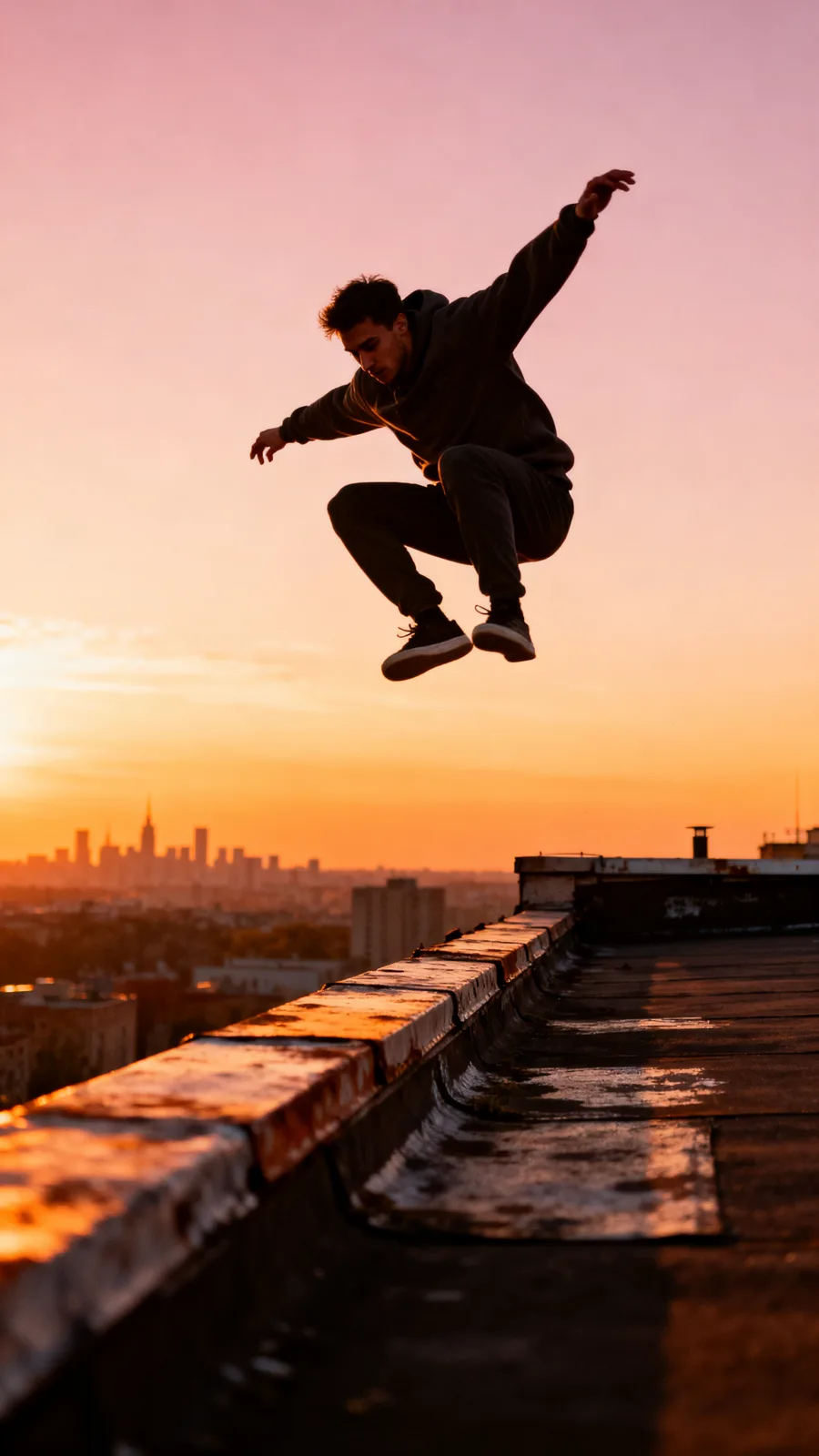
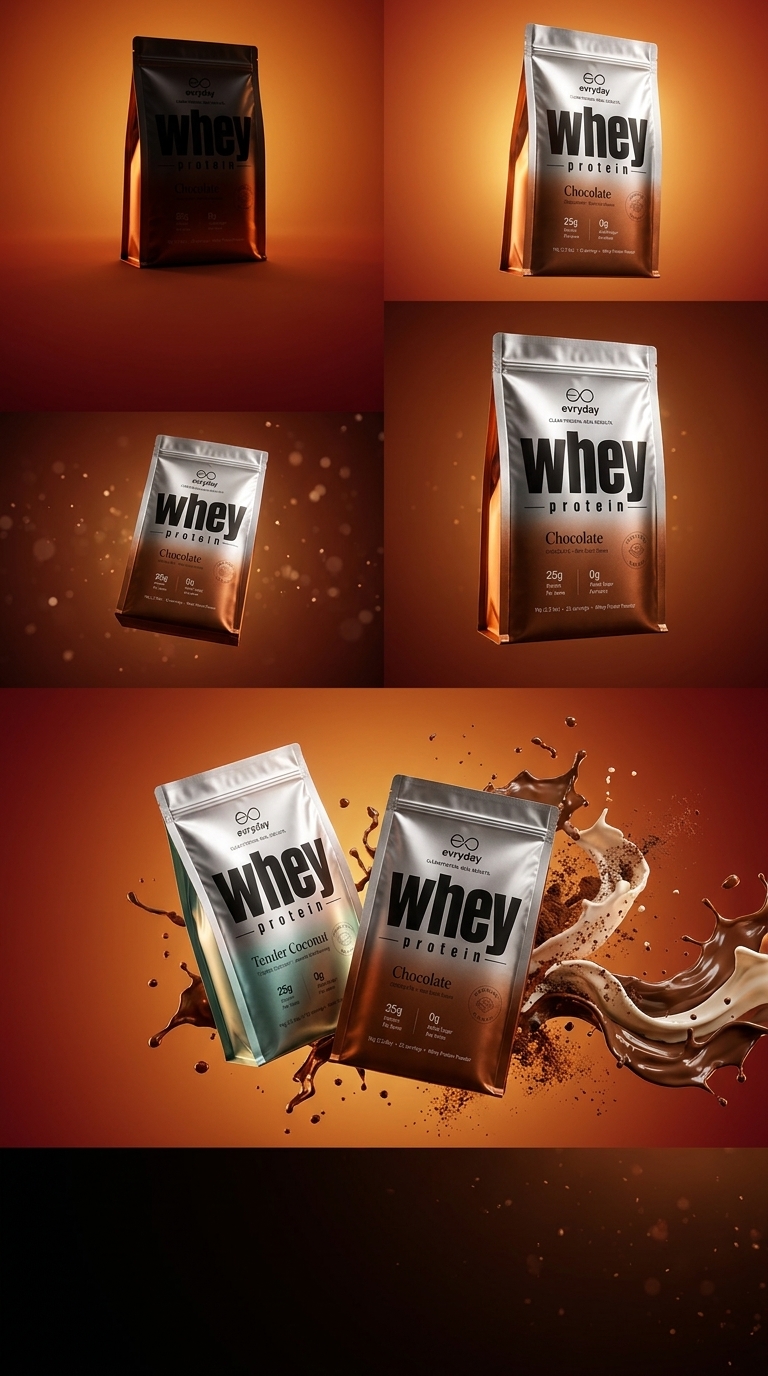
23 real renders. No mockups, no stock — every tile was generated here.

Powered by
The rate card
FAQ
Tops, hoodies, jackets, t-shirts, and most upper-body garments work well. Full-body garments (trousers, dresses, full outfits) have variable results depending on the model and garment complexity.
A flat-lay, ghost-mannequin, or hanger product shot works best. The garment should be clearly visible with the full silhouette captured. The engine handles the garment extraction automatically.
You can either upload a model reference image or describe the desired model in a text prompt. Both approaches work — the reference image gives more precise results when you need a specific look.
Yes — the model reference or prompt controls the body type. Generate the same garment across a range of model types to show fit diversity for your product page without multiple fitting sessions.
Yes. The engine reads the original garment's fabric texture, weave, colour, and print and preserves them through the rendering. Logos and graphic prints are maintained in the output.
You retain the rights the underlying model licenses allow — most models permit full commercial use; check the model page for exceptions.
Yes — plans start at $9/month for Creator and $29/month for Studio. The free tier (15 generations/day) requires no payment method.
Keep exploring
LAST LOOKS
A closing reel of real engine output — video and image, across formats and use cases. Every tile is a sample render.