01
Upload the photo
Drop in a product shot or a photo of a person — any background, any lighting. The engine reads the scene and identifies the subject automatically.
Production — REMOVE BACKGROUND
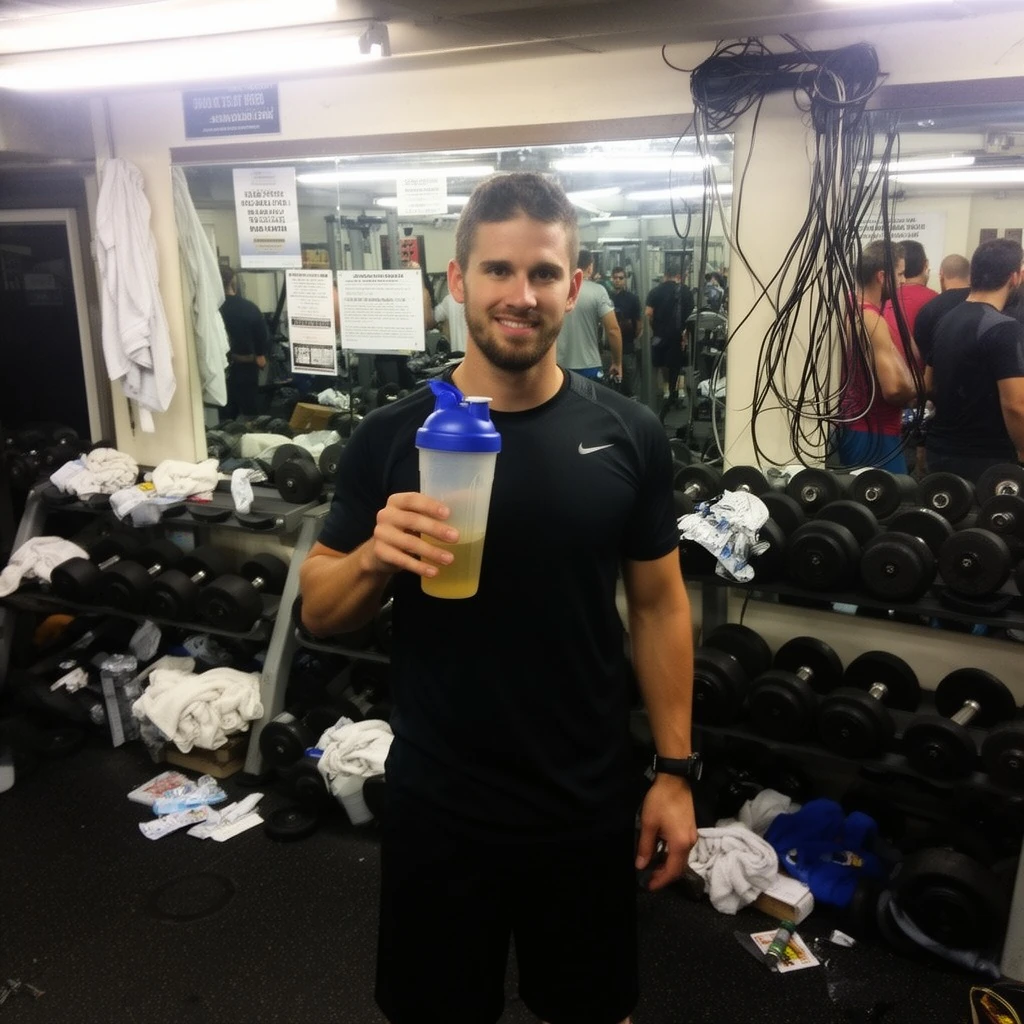
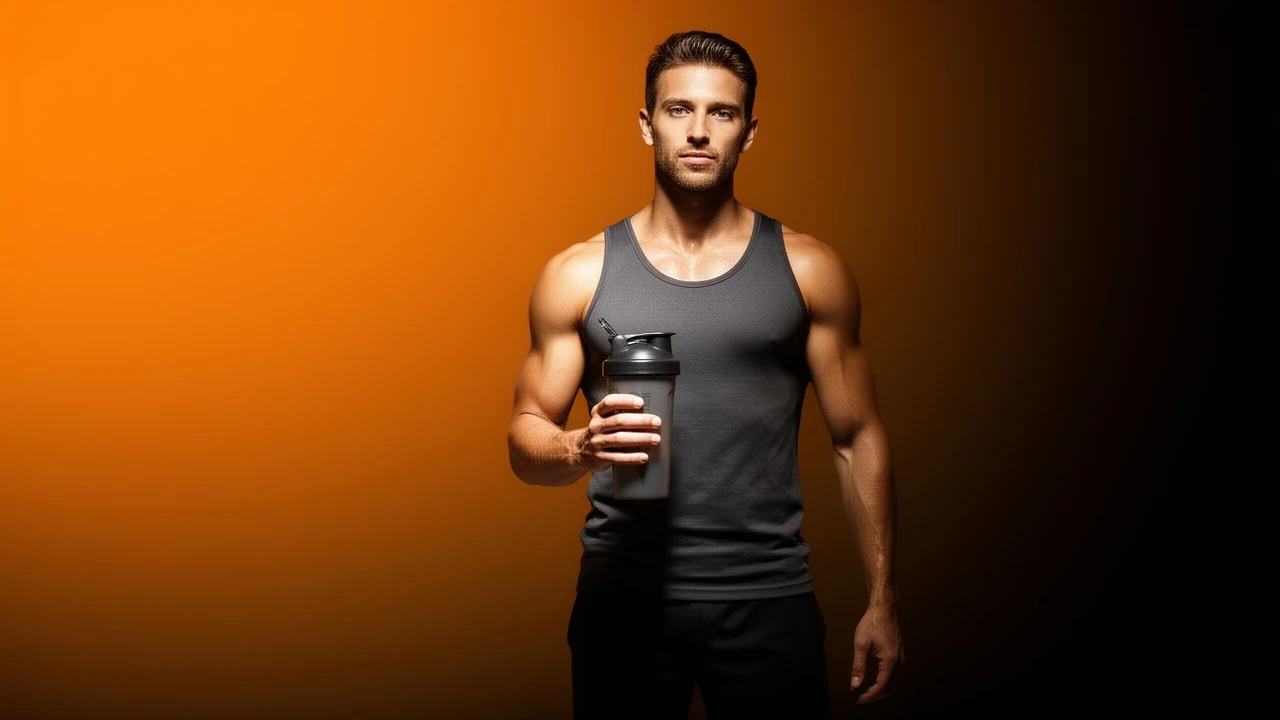
Isolate your product or subject in one click — flawless edge, no fringe, no halo. Drop it onto any scene, gradient, or transparent canvas and you're ready to post.
STORYBOARD — HOW IT WORKS
Drop in a product shot or a photo of a person — any background, any lighting. The engine reads the scene and identifies the subject automatically.
Background is removed with a clean, fringe-free edge — hair, fine detail, and product edges included. Output is a transparent PNG or a subject on a new background.
Use the transparent PNG in your own layouts, or apply a new scene or gradient background in the same step. Download ready-to-post for e-commerce, ads, or social.
SCREENING ROOM — SAMPLE OUTPUT
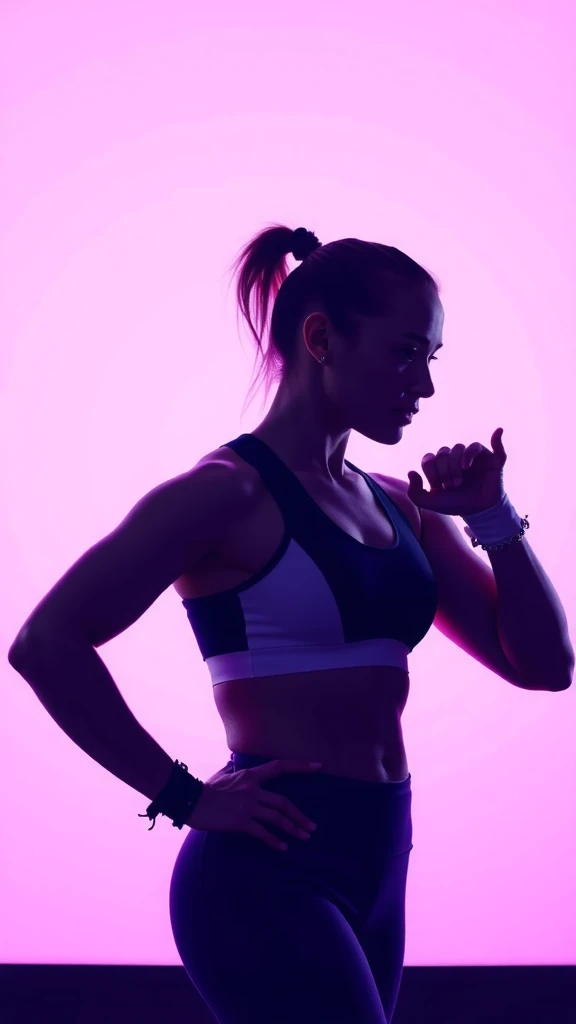
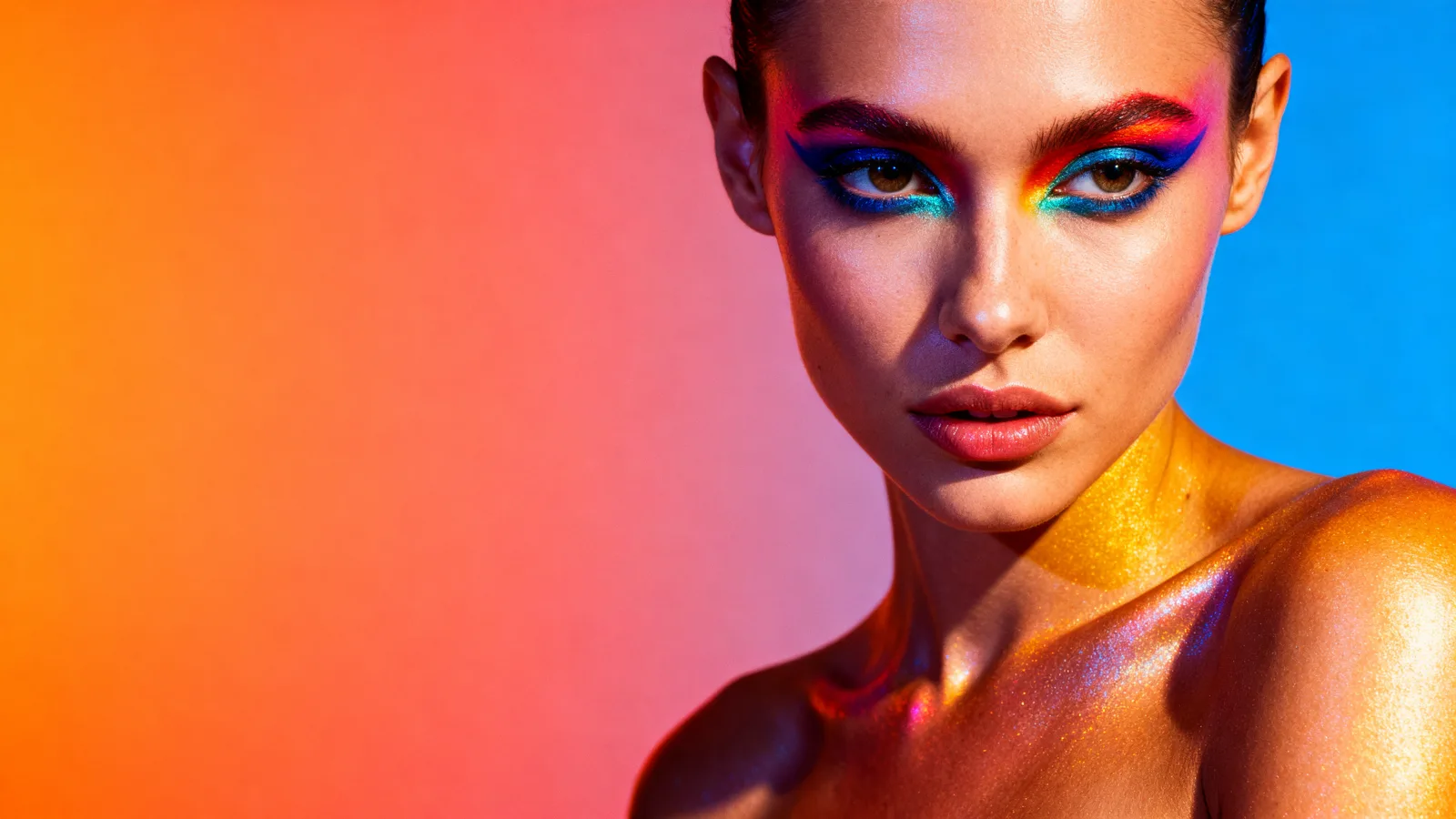
Sample output videos and images — representative of format categories available in Orvik. Hover or scroll to play video tiles.
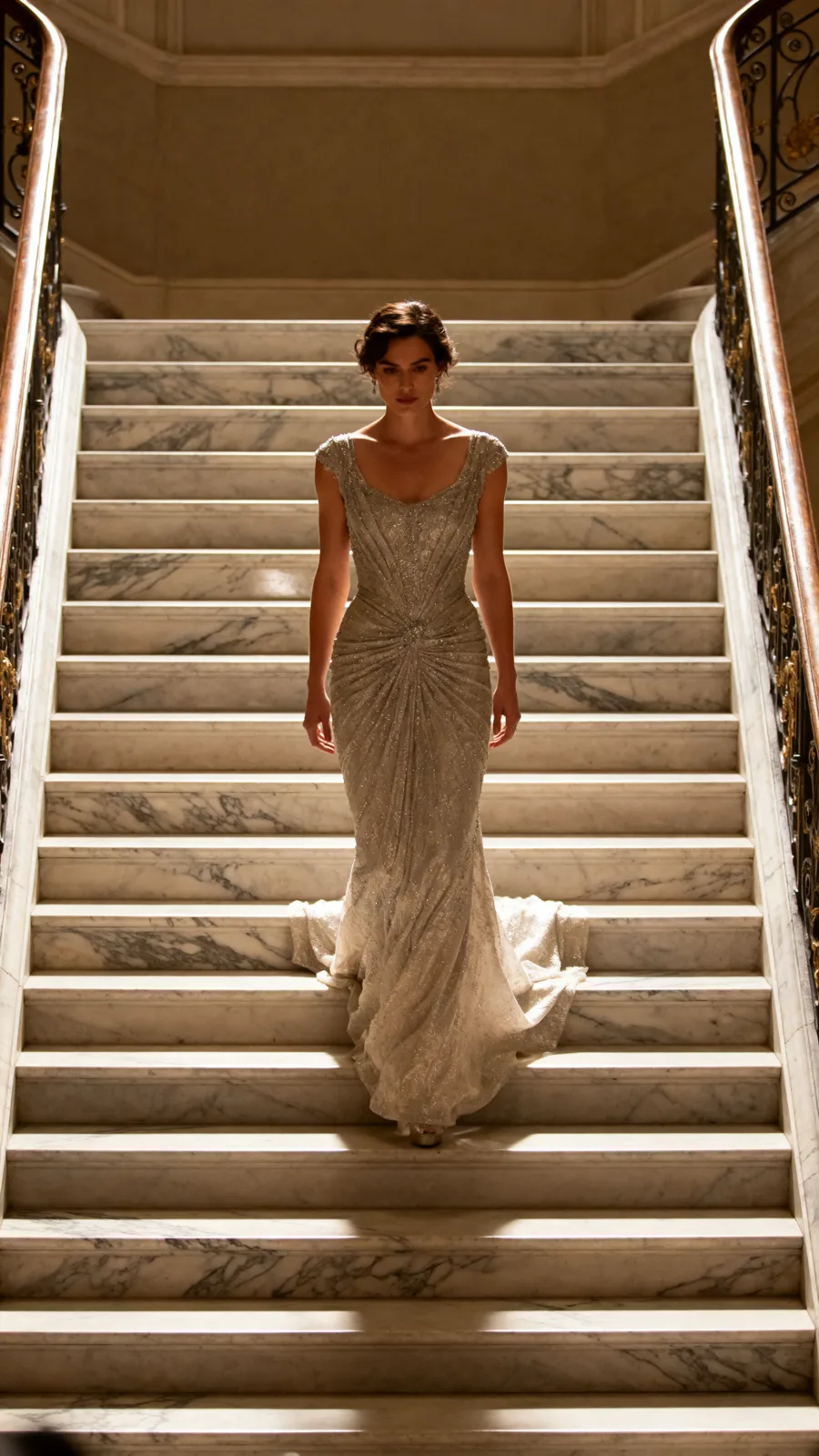
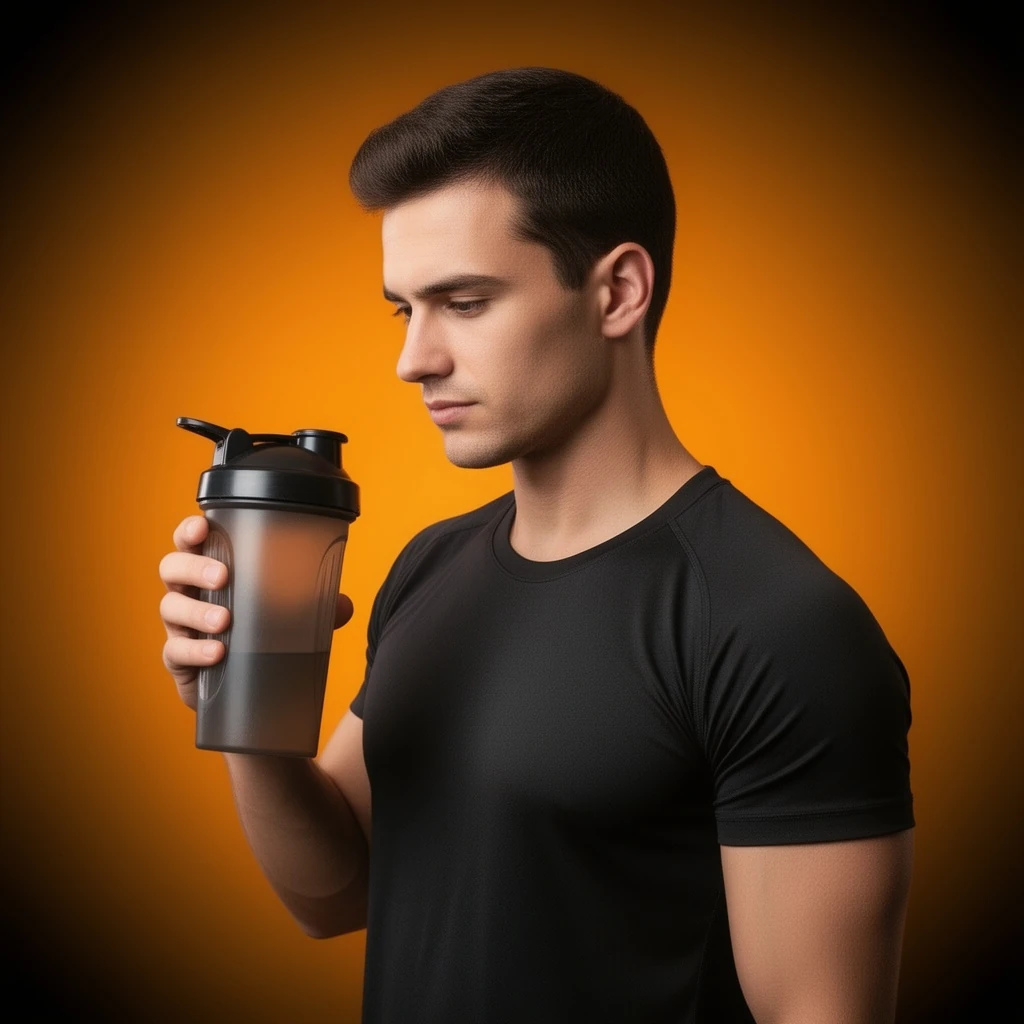 Before: BEFORE: a candid gym photo of an athlete holding a shaker bottle, busy background of weight racks and signage — sample output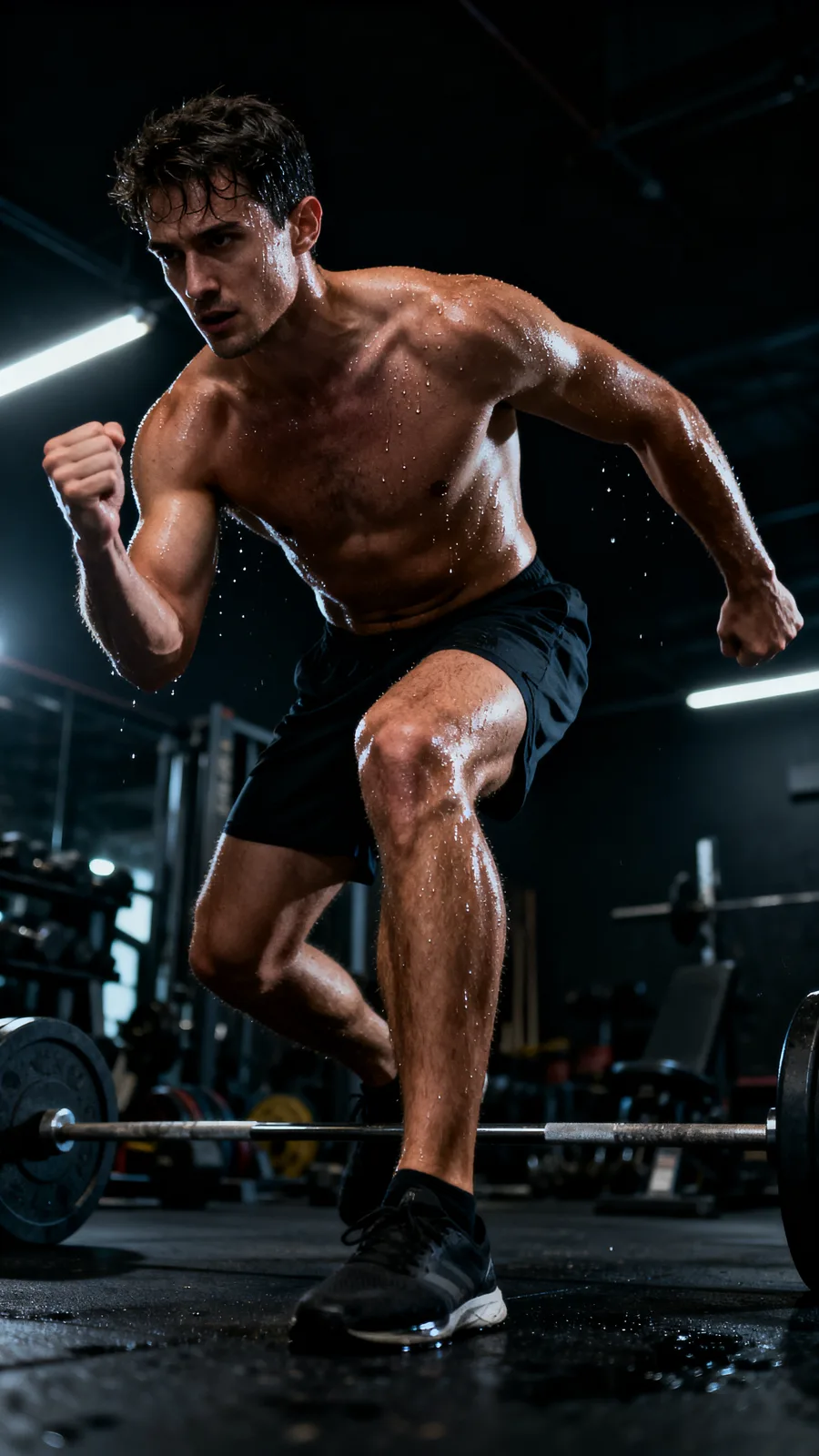


CALL SHEET — WHAT YOU GET
| No. | Item | Detail |
|---|---|---|
| 01 | Flawless edges — hair and fine detail included | The cutout engine handles complex edges: flyaway hair, product fine detail, mesh fabric, and glass. No jagged outlines or colour fringe that requires manual cleanup. |
| 02 | Transparent PNG or scene replace in one step | Get a transparent-background PNG ready for your own layouts — or choose a new background scene, gradient, or studio sweep in the same request. No separate compositing tool needed. |
| 03 | Batch-ready for catalog processing | Remove backgrounds from a full product catalog in one session. Consistent results across SKUs mean no per-image touch-up and a uniform look across your store. |
| 04 | Works on any input quality | Phone snaps, studio shots, outdoor lifestyle photos — the engine identifies the subject regardless of background complexity or lighting conditions. |
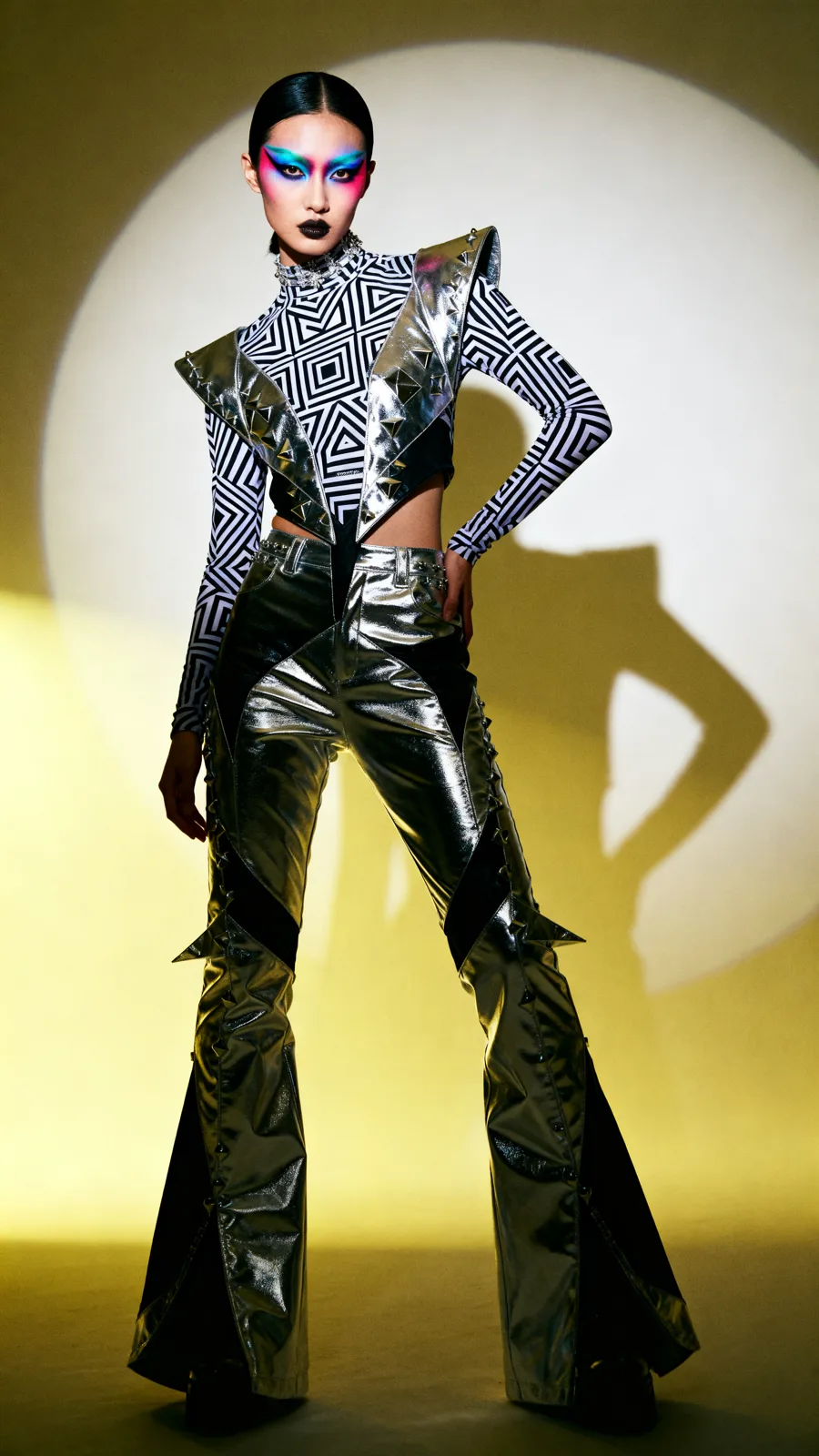
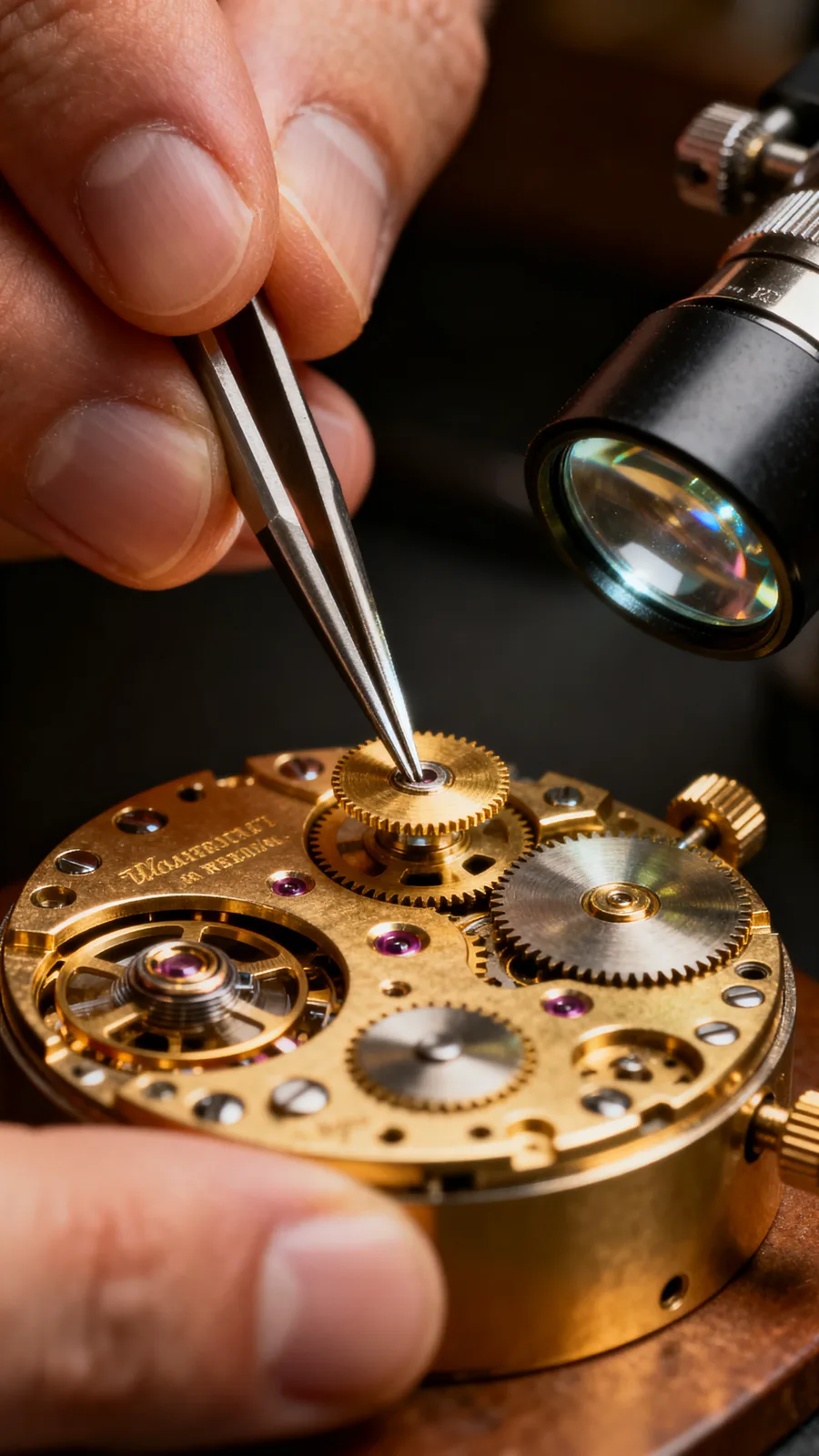
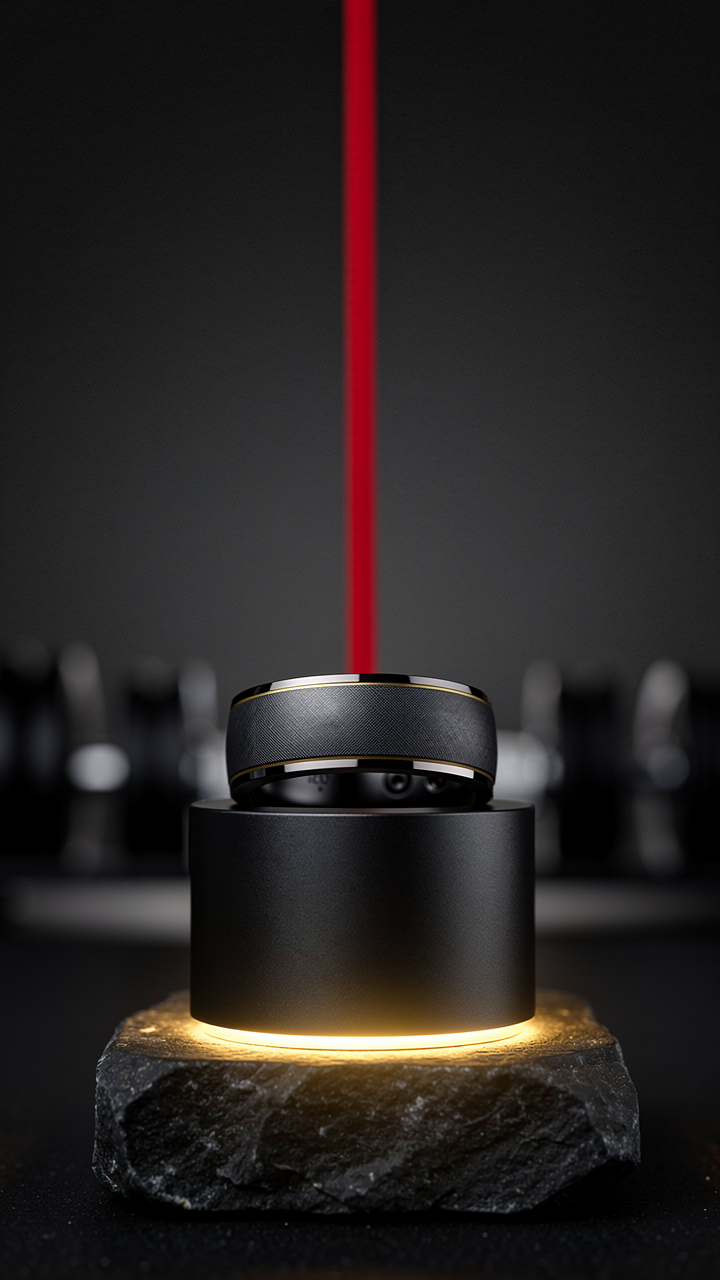
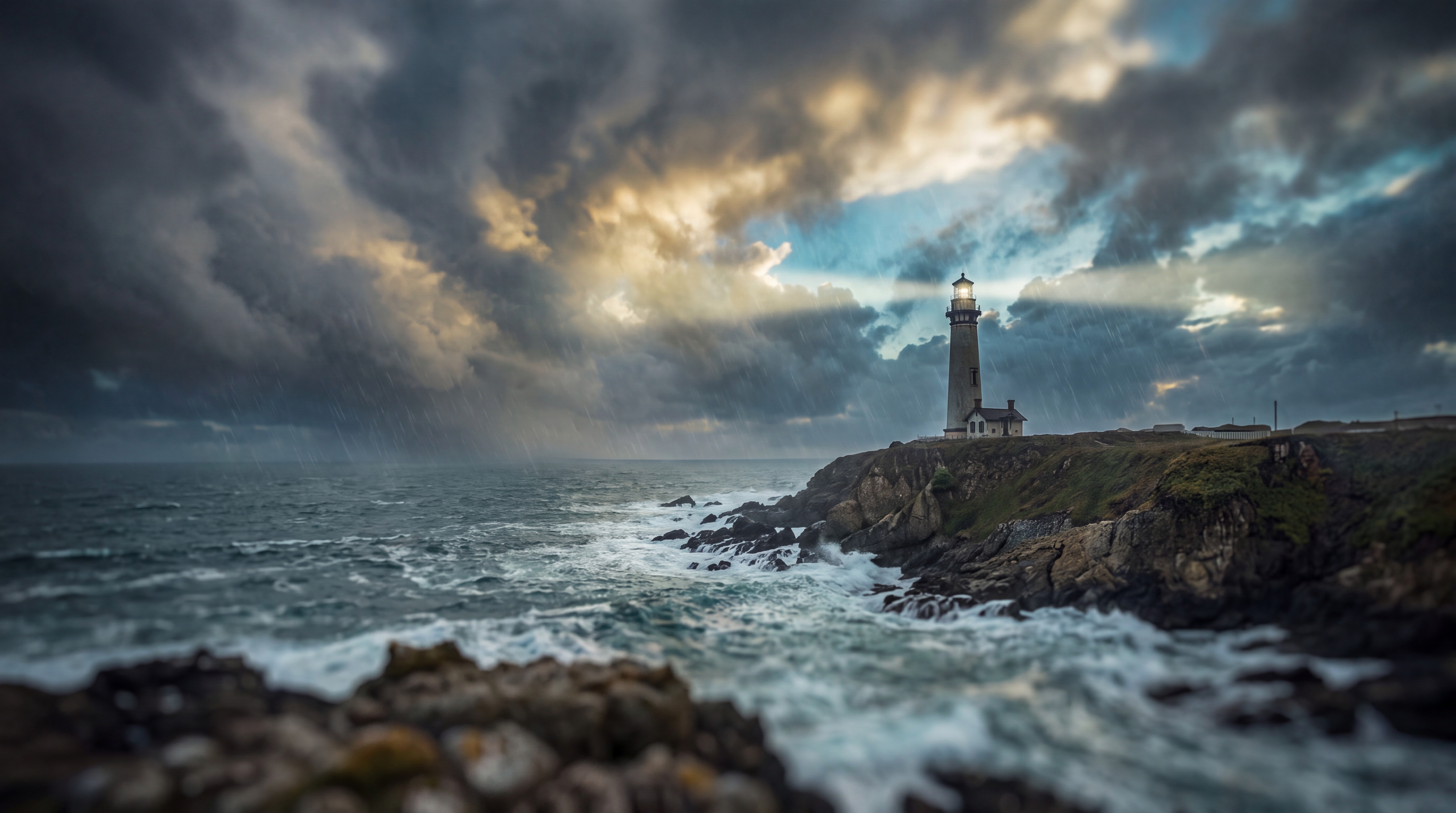
22 real renders. No mockups, no stock — every tile was generated here.






Powered by
The rate card
FAQ
The primary output is a transparent PNG with the background removed. You can also choose to replace the background with a solid colour, gradient, or AI-generated scene — all in the same step.
Yes — fine edges including hair, flyaways, mesh fabric, and thin product struts are handled cleanly. The result is a production-quality cutout, not a rough mask that requires manual cleanup.
Yes — product cutout is one of the primary use cases. Upload any product shot and get a transparent PNG ready for your e-commerce PDP, paid ad, or catalog. Works on supplements, clothing, hardware, and more.
Semi-transparent surfaces like glass or clear packaging are challenging for all cutout tools. The engine handles them better than legacy masking approaches, but complex translucency may require a manual touch.
Yes. After removing the original background, you can describe a new scene — a studio sweep, a lifestyle context, or a branded gradient — and the engine composites the subject onto the new background in the same pass.
You retain the rights the underlying model licenses allow — most models permit full commercial use; check the model page for exceptions.
Yes — plans start at $9/month for Creator and $29/month for Studio. The free tier (15 generations/day) requires no payment method.
Keep exploring
LAST LOOKS
A closing reel of real engine output — video and image, across formats and use cases. Every tile is a sample render.