

Creator
$9 per month
STYLE — PRODUCT
The before/after reveal is advertising's most trusted format: show the starting state, show the finished state, and let the gap do the persuading. It works for image quality, cleanups, and restyles — anywhere a transformation is the product. Our engine generates both halves of the reveal, from a blurry input restored to sharp 4K, to a cluttered photo re-staged as a clean studio shot.
THE TECHNIQUE
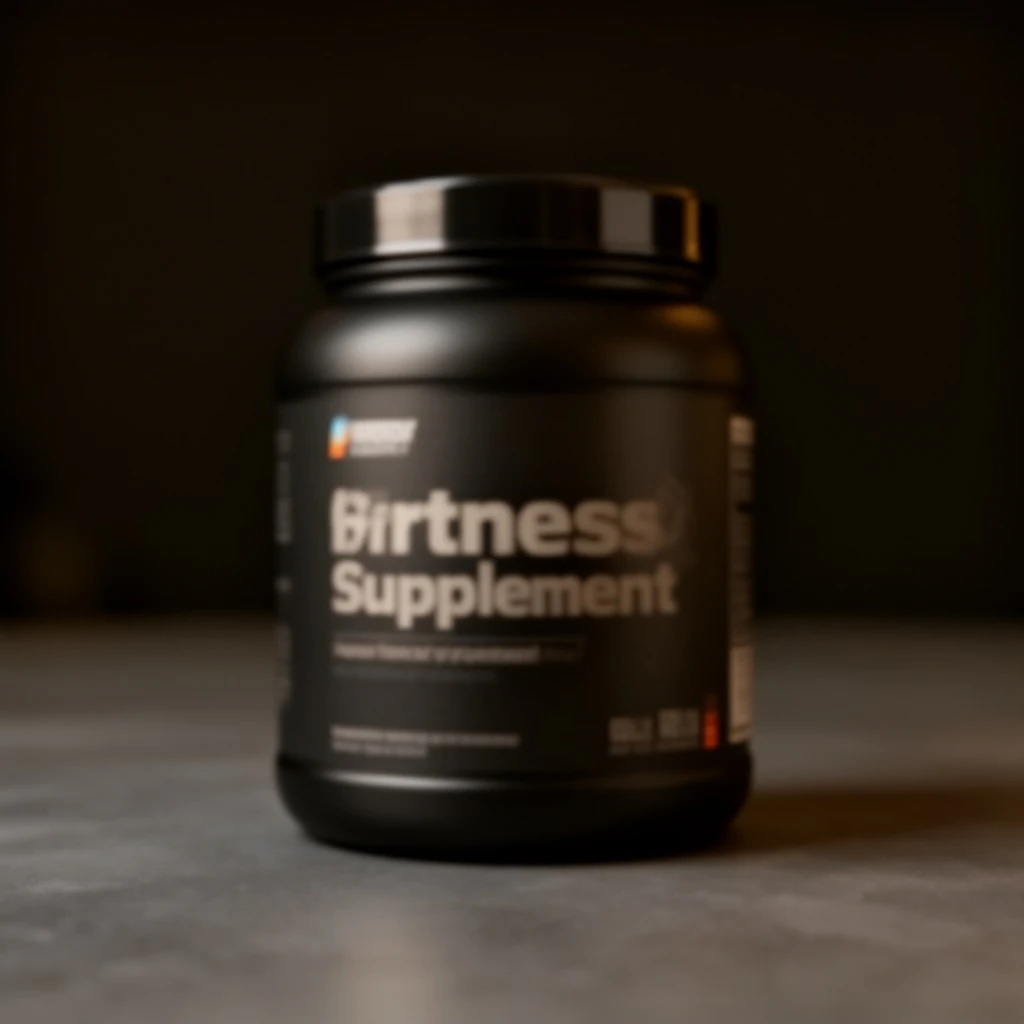
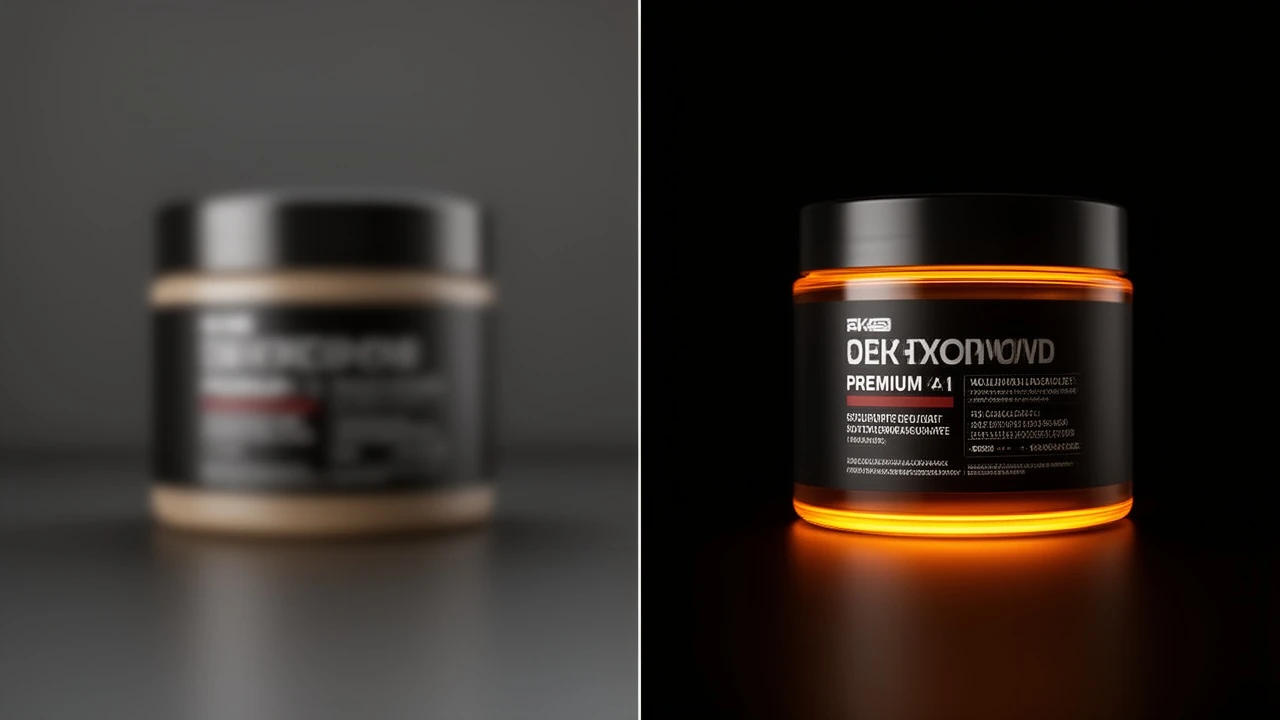
A convincing before/after has one rule: the two frames must be genuinely comparable — same subject, same framing, only the treatment changed. That is exactly how the engine's enhancement tools behave. The upscaler takes a soft, low-resolution product photo and returns the same photo with crisp label text and fine texture; background removal takes a busy candid and returns the same subject on a seamless gradient. The committed samples on this page are honest pairs: a 480p supplement tub beside its razor-sharp 4K restoration, and a cluttered gym photo beside its clean isolated cutout. Present them as a split-frame image, a swipe interaction, or a two-beat video cut. For brands, this format turns an invisible quality process into visible proof — old catalog photos restored for a relaunch, user-submitted photos standardized for a store, or archival assets lifted to modern resolution. Generate the pair together so lighting and framing stay truthful.
The rate card
FAQ
For upscale and background removal the after is your actual input, enhanced — same subject and framing, so the comparison is honest.
Up to 4K output with restored label text and texture detail, as shown in the committed before/after pair on this page.
Split-frame stills for landing pages, swipe pairs for social, and a two-beat cut for video ads all work from the same generated pair.
Keep exploring
LAST LOOKS
A closing reel of real engine output — video and image, across formats and use cases. Every tile is a sample render.