01
Write the script
Type your ad script, product description, or narration text. Choose a voice style — warm, authoritative, energetic — and the output language. Multiple languages included.
Production — AI AUDIO
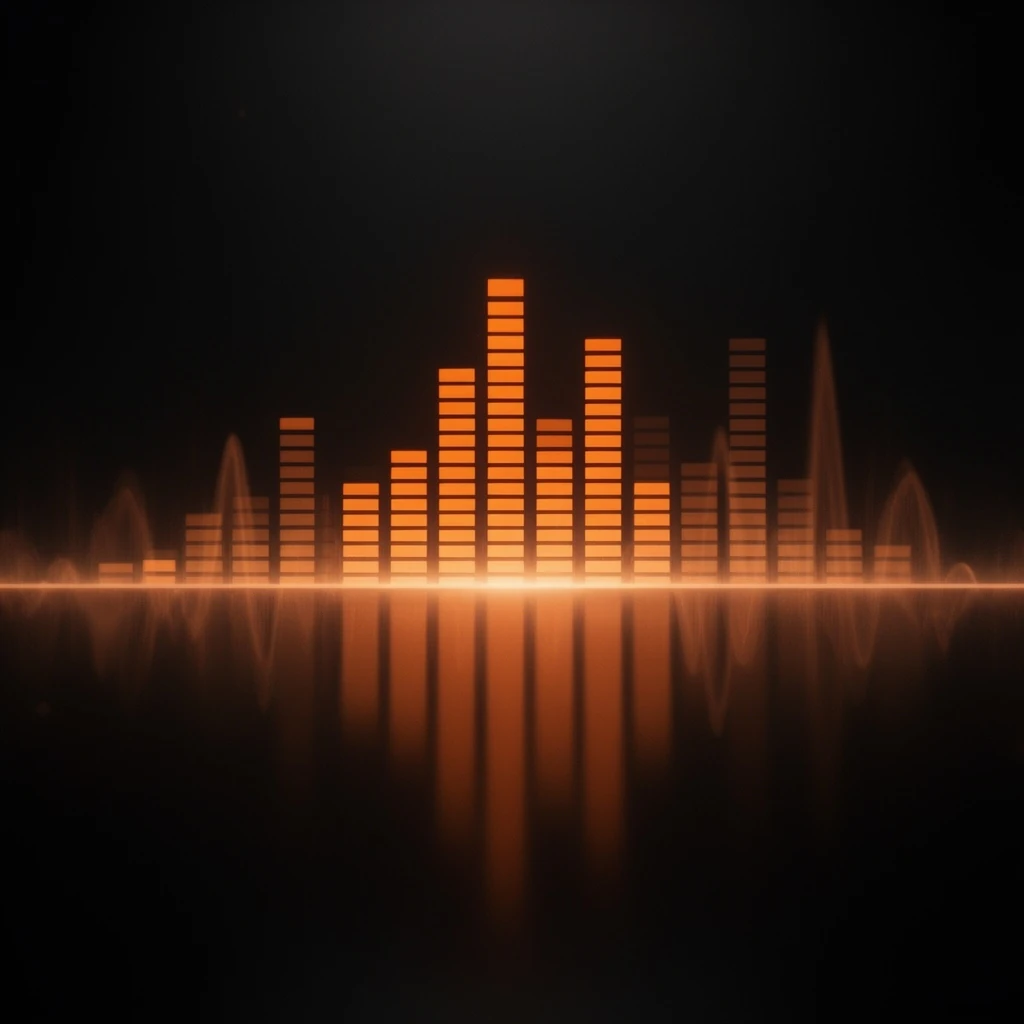
Generate brand voiceovers, background music, and sound effects from text — in seconds. Feed the audio straight into Lip Sync or Video for a complete multilingual ad with no recording booth.
STORYBOARD — HOW IT WORKS
Type your ad script, product description, or narration text. Choose a voice style — warm, authoritative, energetic — and the output language. Multiple languages included.
The engine produces a broadcast-quality voiceover in seconds. Or generate a background music track, a sound effect, or ambient audio to layer under your video.
Download the audio file, or pipe it directly into Lip Sync to animate a talking-head presenter, or into Video to add narration to a clip — all in one session.
SCREENING ROOM — SAMPLE OUTPUT
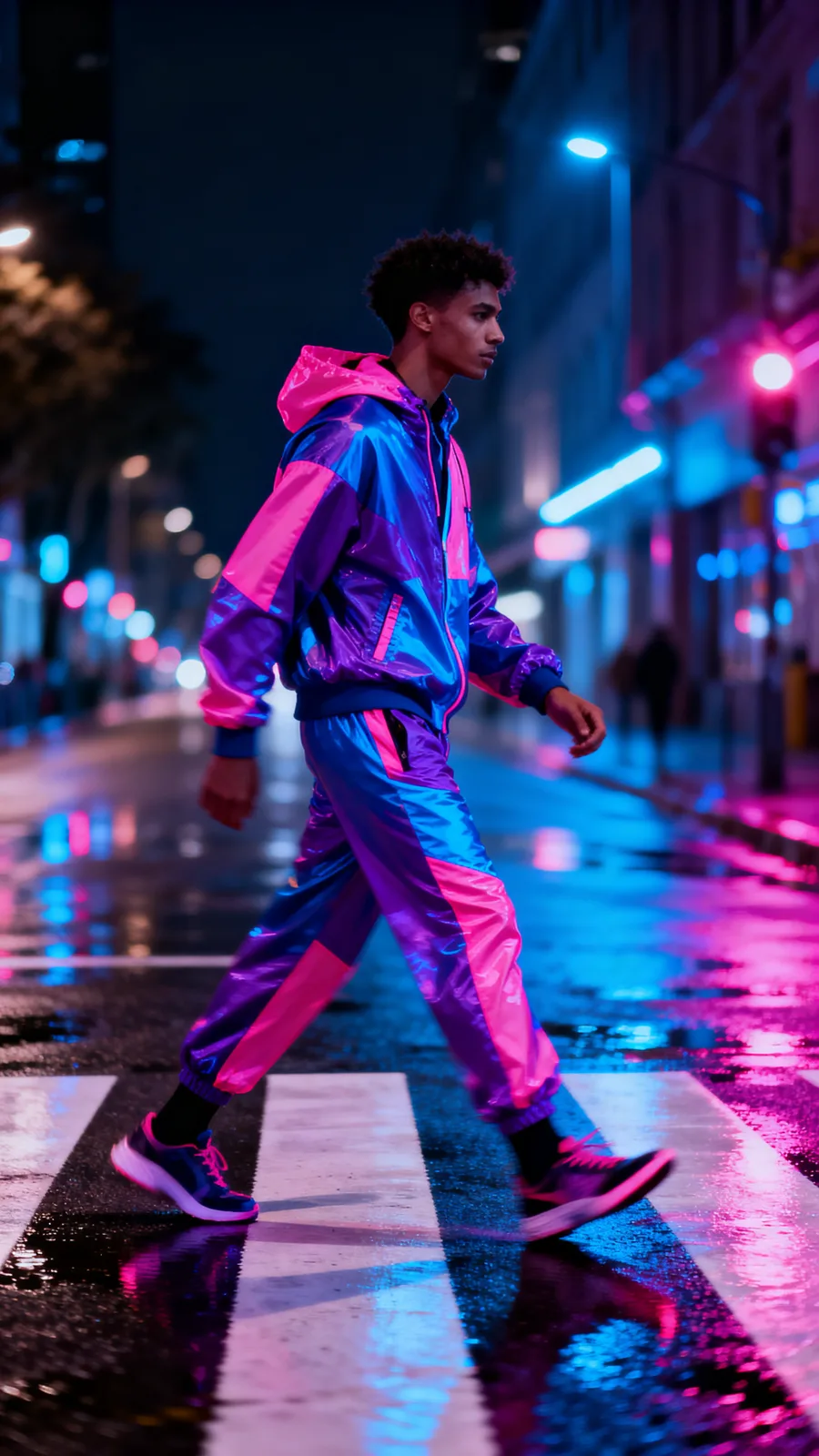
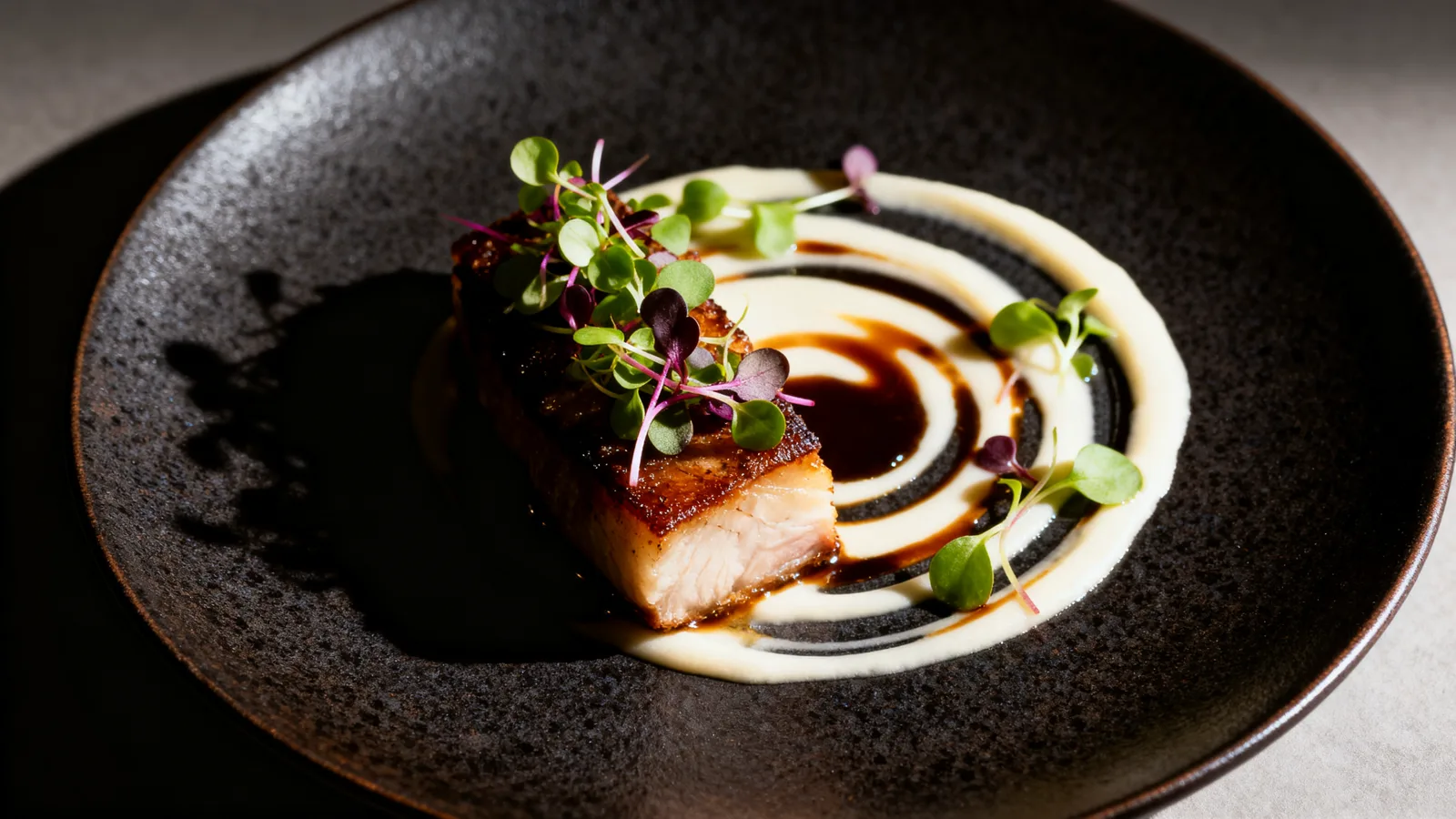
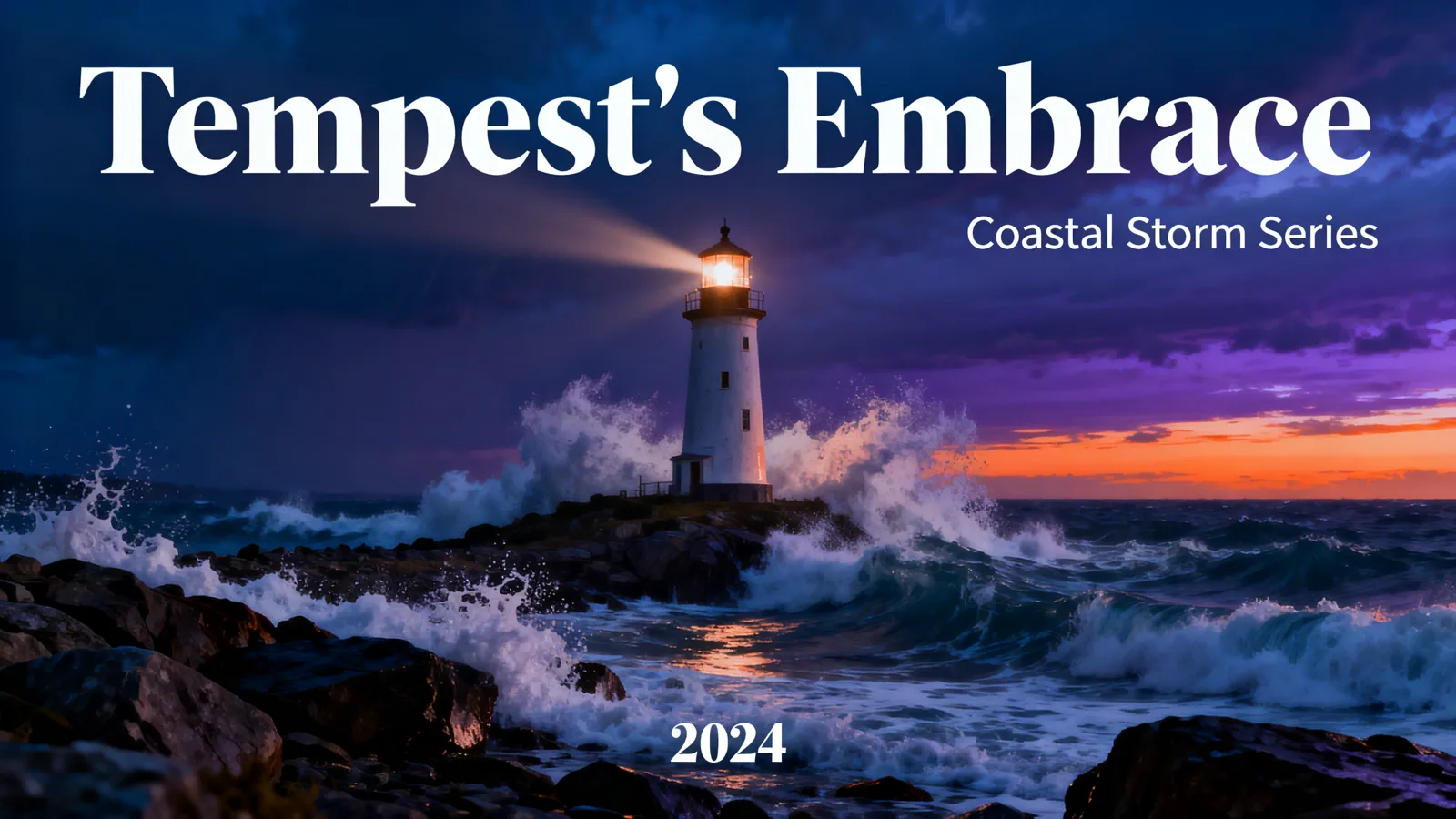
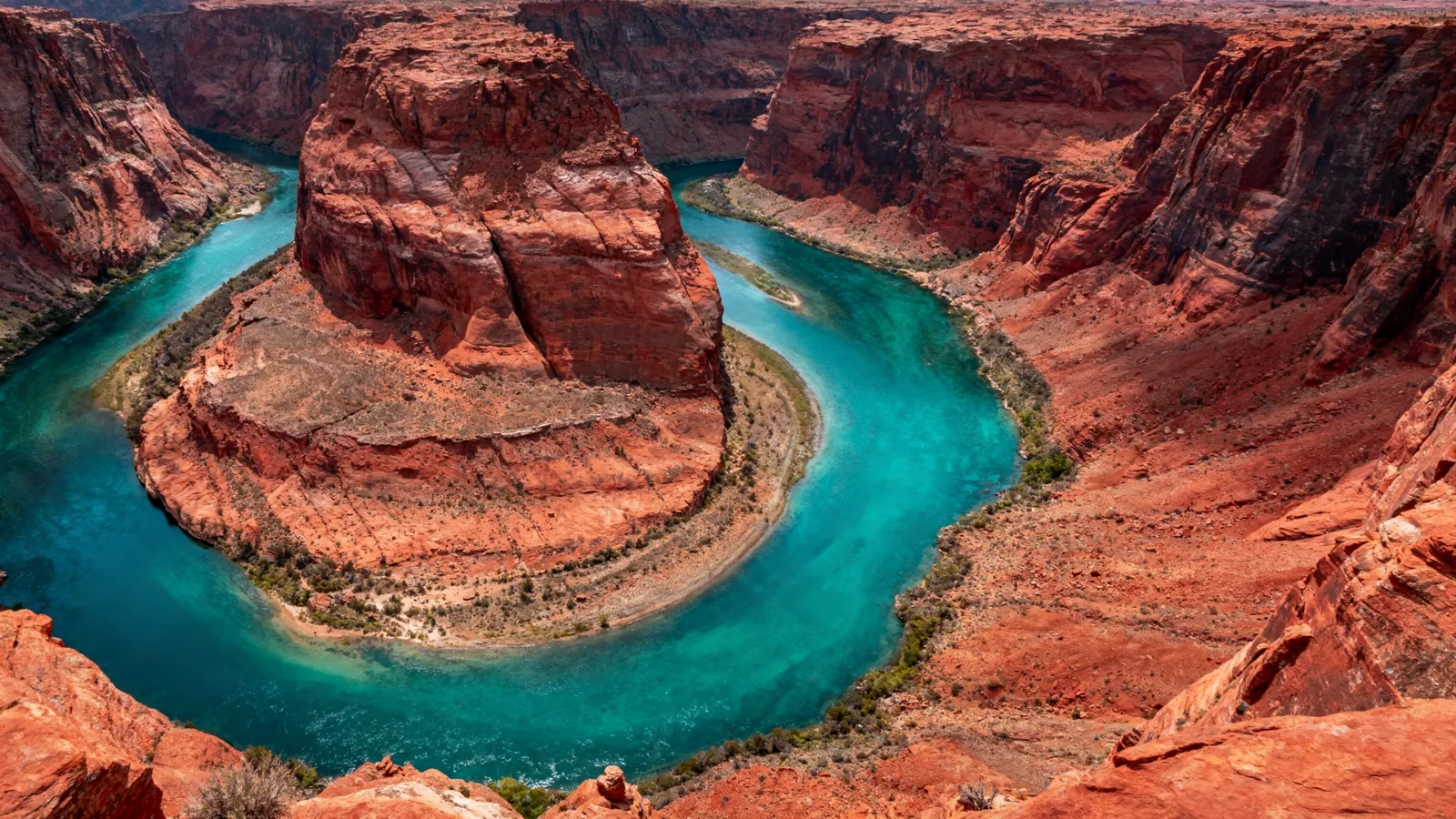
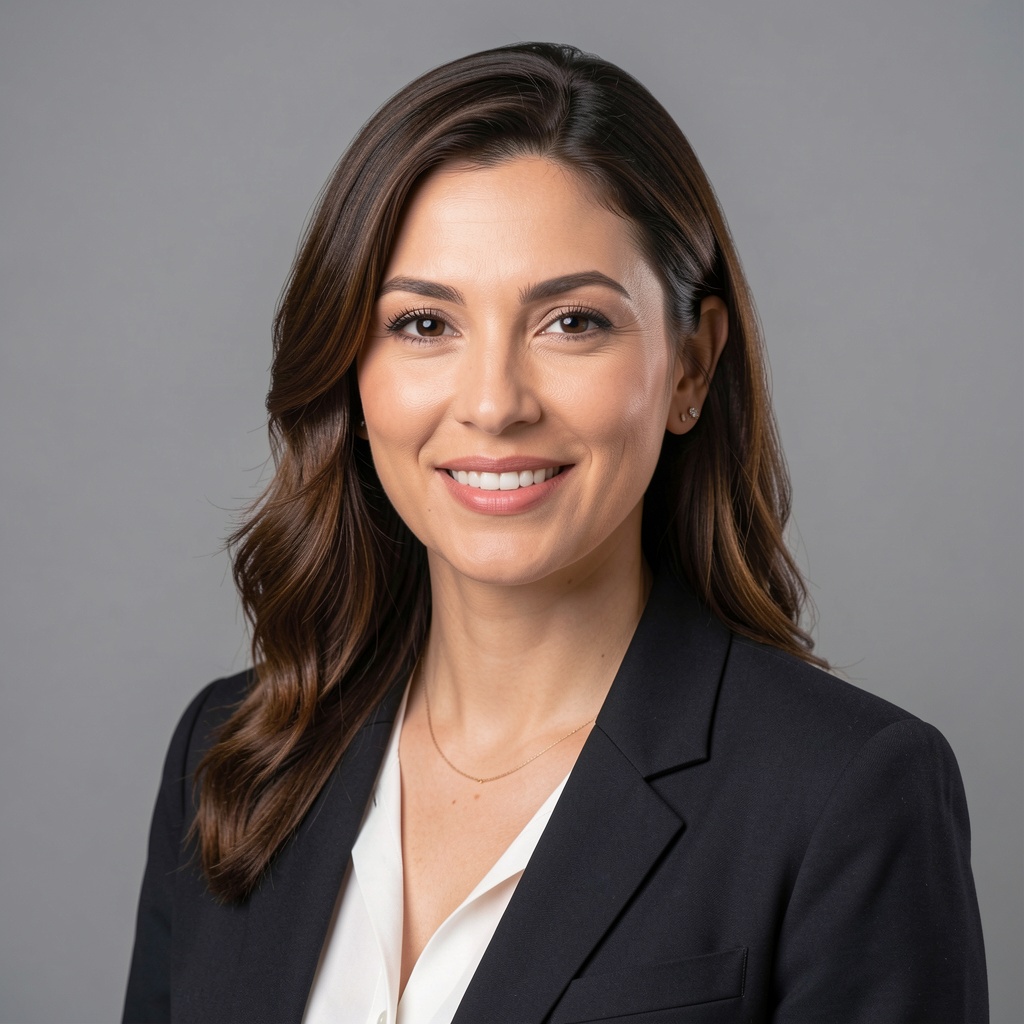
Sample output videos and images — representative of format categories available in Orvik. Hover or scroll to play video tiles.


CALL SHEET — WHAT YOU GET
| No. | Item | Detail |
|---|---|---|
| 01 | Broadcast-quality voiceover in seconds | Generate a polished narration track from your script — warm, authoritative, or energetic tone — ready to layer over a video ad or play in a radio spot. No recording booth, no talent fee. |
| 02 | Background music and sound effects | Generate short ambient, upbeat, or dramatic music tracks to underlay your videos. Or produce on-brand sound effects — product interaction cues, transition sounds, notifications. |
| 03 | Multilingual voiceover | Generate voiceovers in Hindi, Tamil, Telugu, Kannada, Bengali, Marathi, and English. Pair with Lip Sync to produce a native-language talking-head ad from a single script. |
| 04 | Direct pipe to Lip Sync and Video | Generated audio flows straight into the Lip Sync tool — no file export/import. Animate a portrait with the voiceover in one session. Or add narration to any video clip in the same workflow. |
19 real renders. No mockups, no stock — every tile was generated here.






Powered by
The rate card
FAQ
Three categories: (1) voiceover — spoken narration from a script, in multiple voices, tones, and languages; (2) background music — short ambient, upbeat, or dramatic tracks to underlay video; (3) sound effects — single audio cues generated from a text description.
English, Hindi, Tamil, Telugu, Kannada, Bengali, and Marathi are the primary supported languages today, with more coming as the voice roster expands.
Yes — the AI Audio and Lip Sync tools are integrated. Generate a voiceover, then immediately hand it to the Lip Sync tool to animate a portrait or reanimate a video clip. No file export/import between steps.
Multiple voice styles are available — warm and conversational, authoritative and clear, energetic and upbeat, and more. Voice style is selected as part of the generation request. Custom voice cloning is not currently available.
Voiceover generation handles scripts of typical ad length — 15 to 60 seconds is the primary use case. Longer narrations can be generated in segments. Background music tracks are typically 15–60 seconds.
You retain the rights the underlying model licenses allow — most models permit full commercial use; check the model page for exceptions.
Yes — plans start at $9/month for Creator and $29/month for Studio. The free tier (15 generations/day) requires no payment method.
Keep exploring
LAST LOOKS
A closing reel of real engine output — video and image, across formats and use cases. Every tile is a sample render.