01
Set the camera
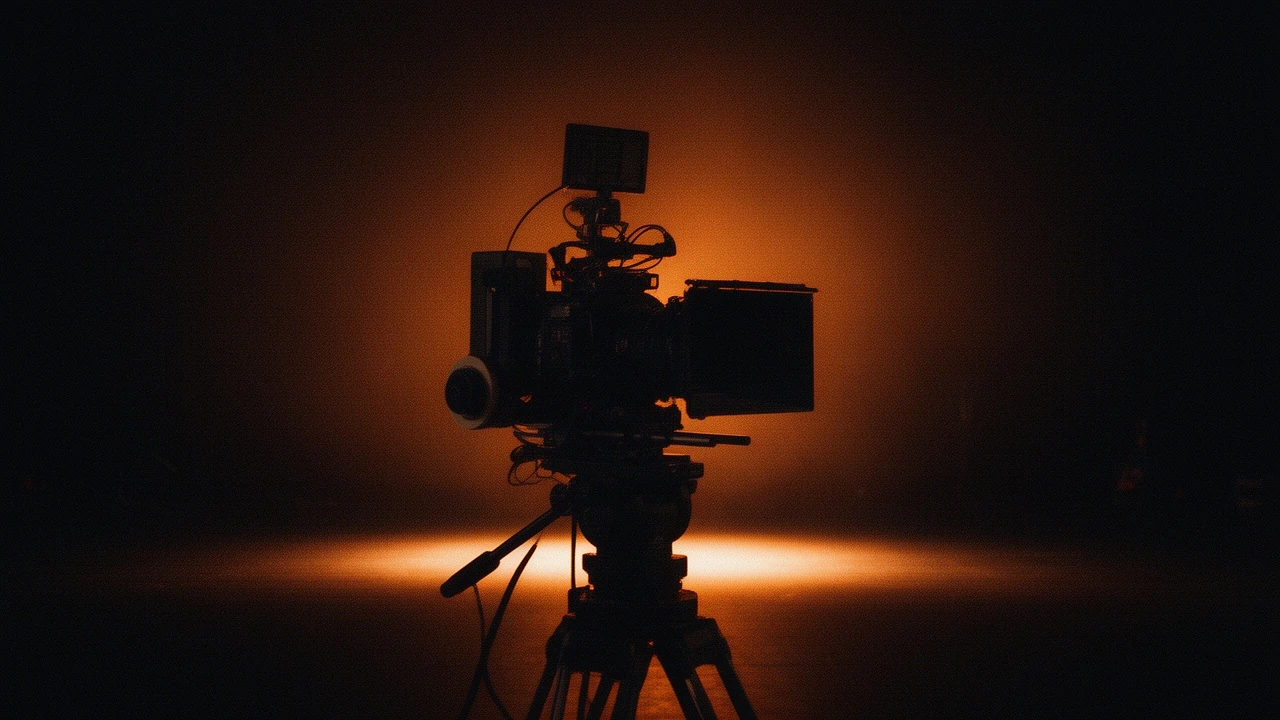
Choose camera type, lens, focal length, and aperture. The same controls that define a cinematographer's look — 24mm wide vs 85mm tight, f/1.4 bokeh vs f/8 sharp — applied to AI generation.
Production — CINEMA STUDIO
Build multi-shot cinematic sequences with professional camera controls — lens, focal length, aperture, camera type. Lock a look and hold it across every shot. From storyboard to rendered scene in minutes.
STORYBOARD — HOW IT WORKS
Choose camera type, lens, focal length, and aperture. The same controls that define a cinematographer's look — 24mm wide vs 85mm tight, f/1.4 bokeh vs f/8 sharp — applied to AI generation.
Write one line per shot in Storyboard mode. The engine queues and renders each shot with your locked look — consistent grade, lens character, and lighting across the sequence.
Pin a seed number and character references to hold visual consistency across every shot — same presenter, same product, same grade. No drift between cuts.
SCREENING ROOM — SAMPLE OUTPUT
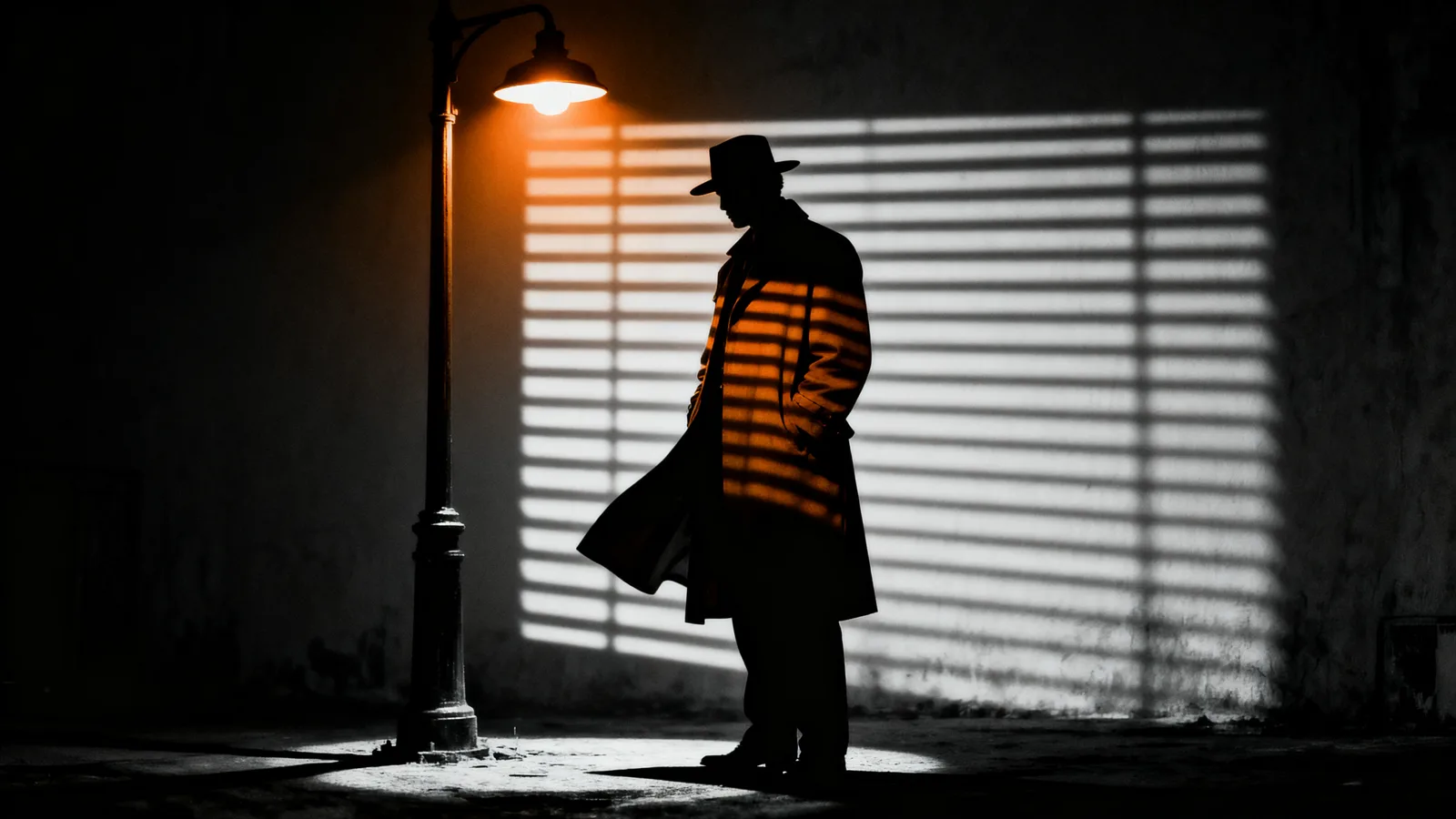
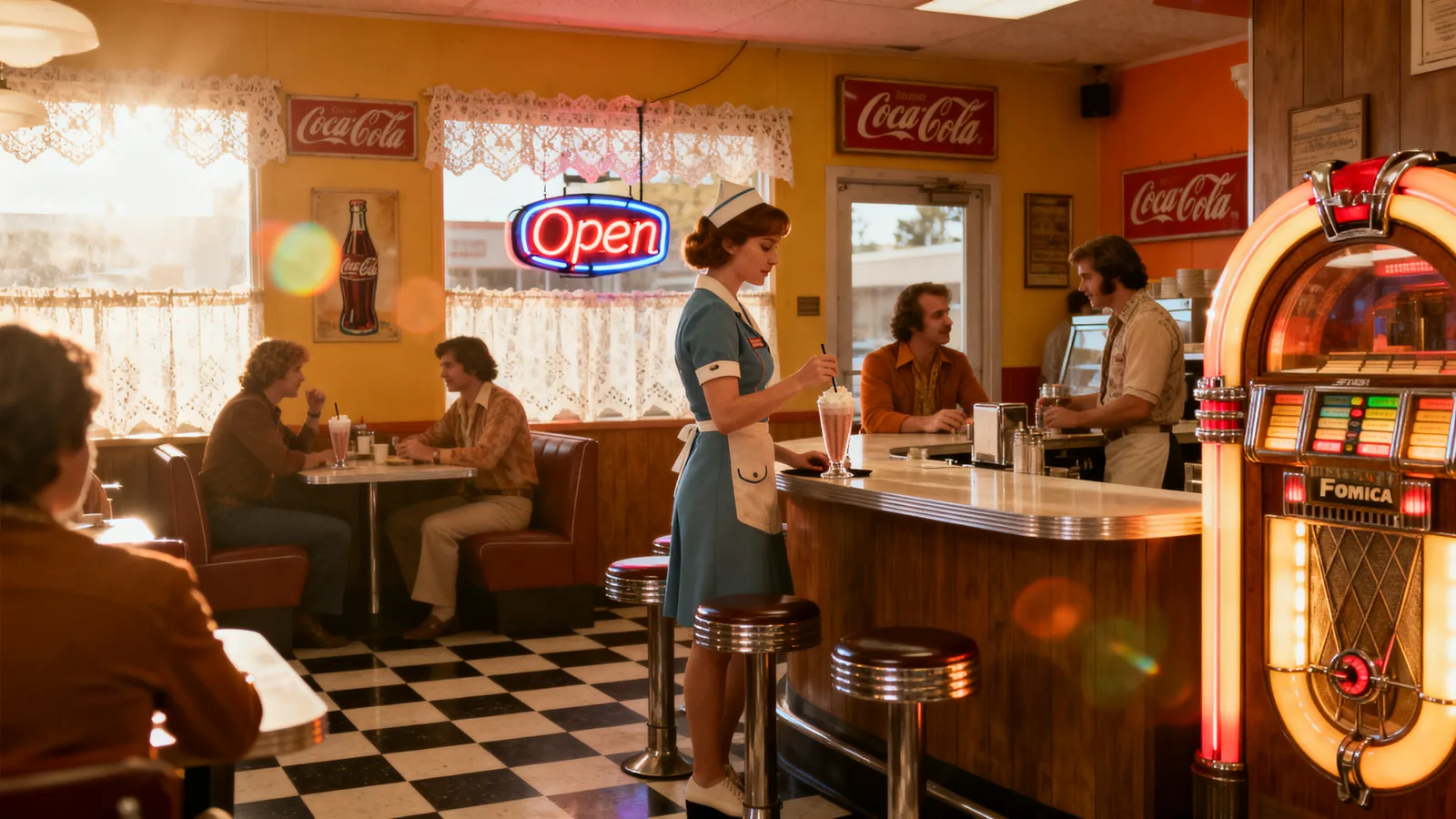
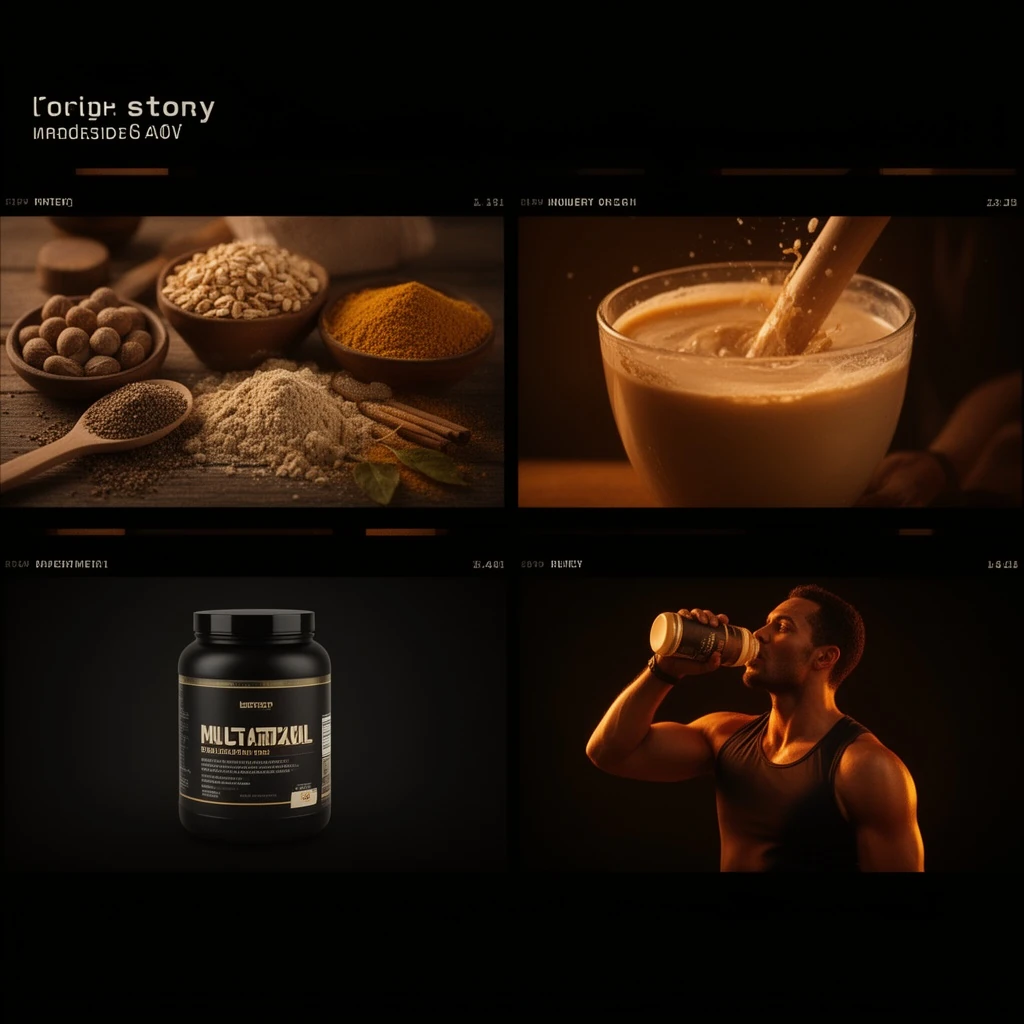
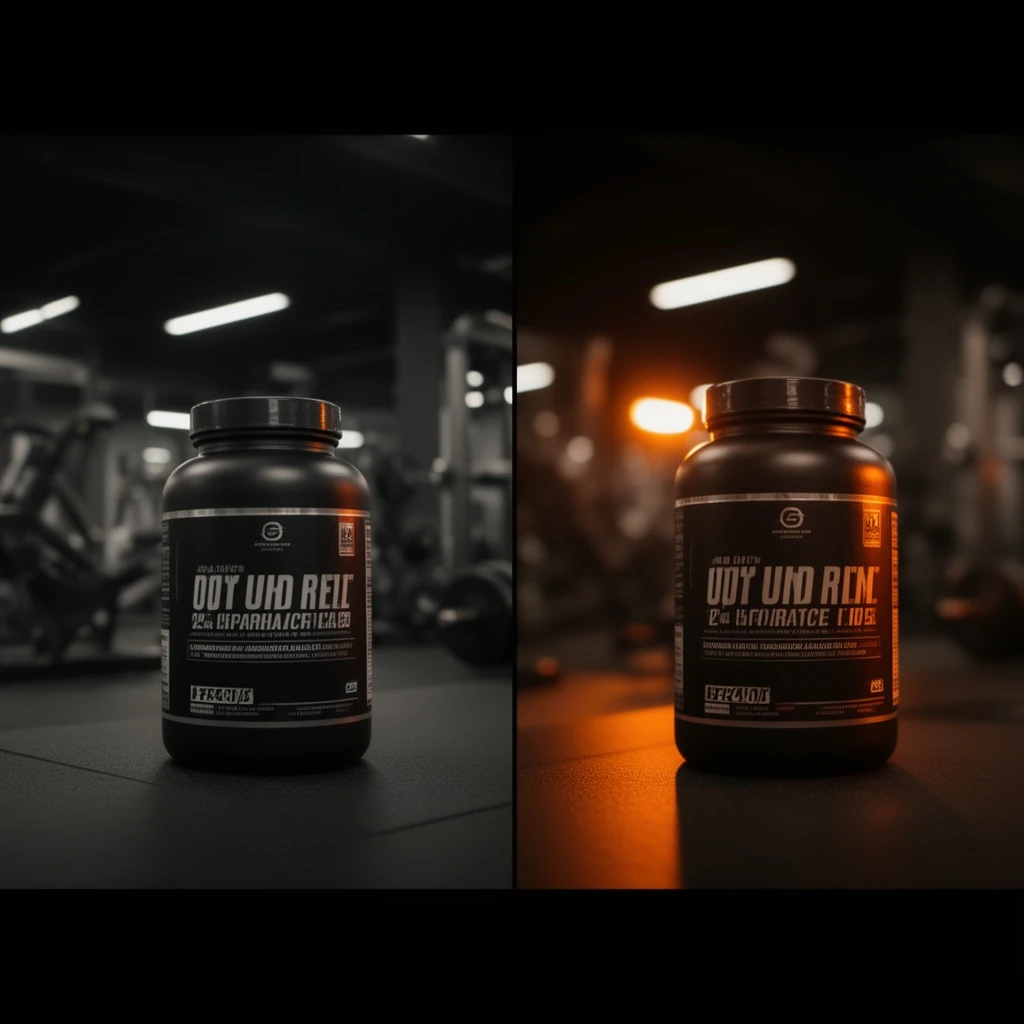
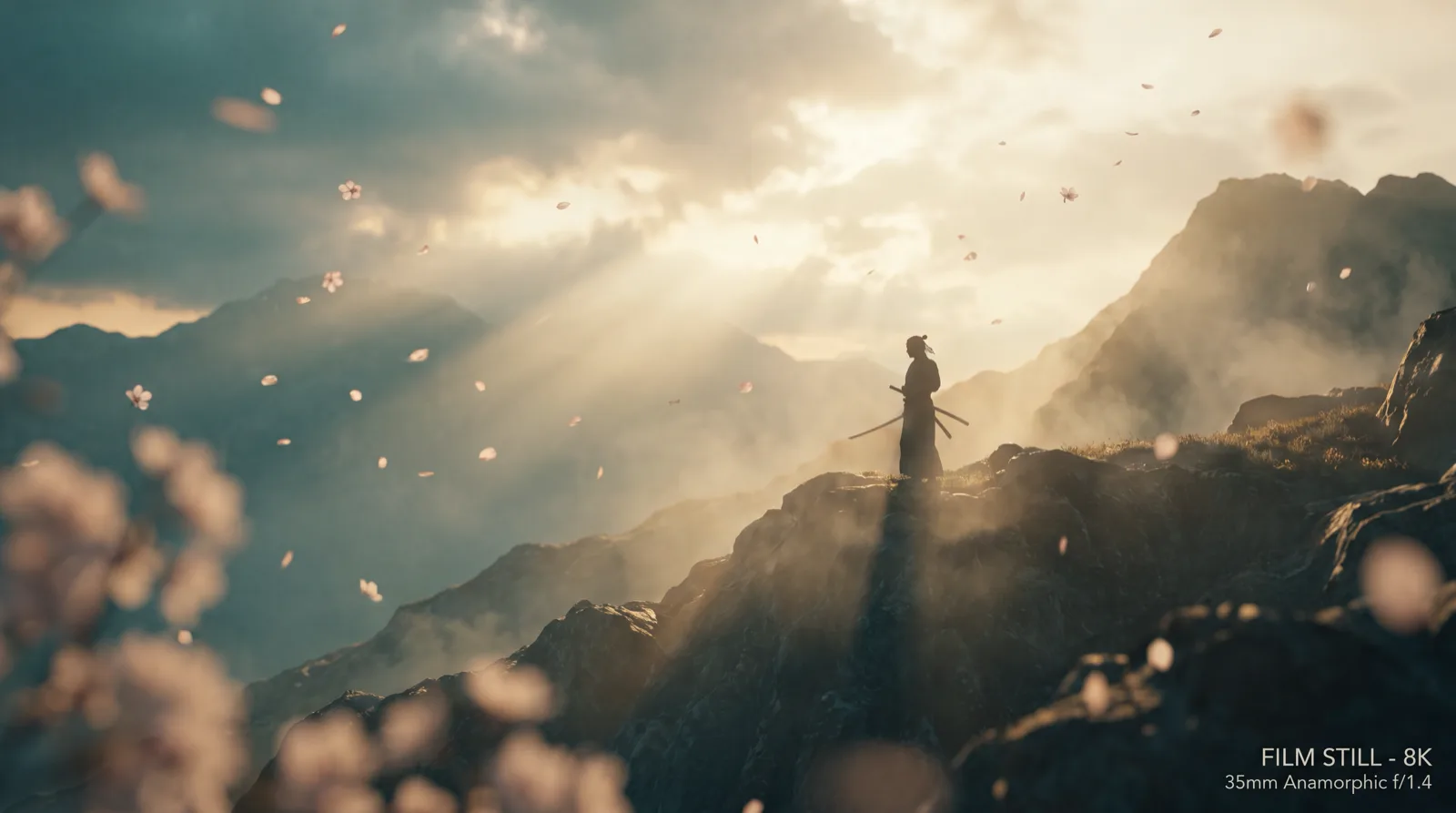
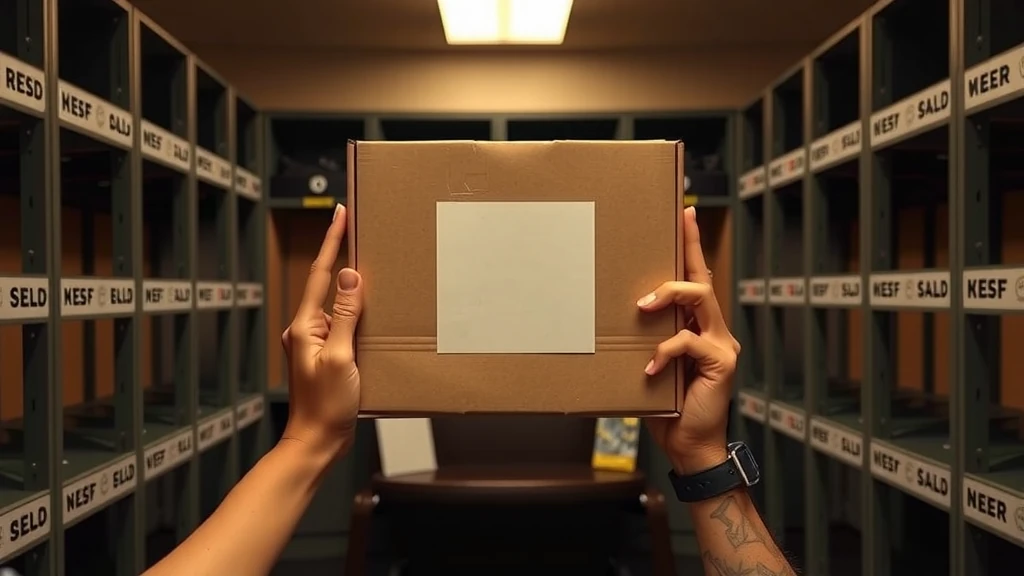
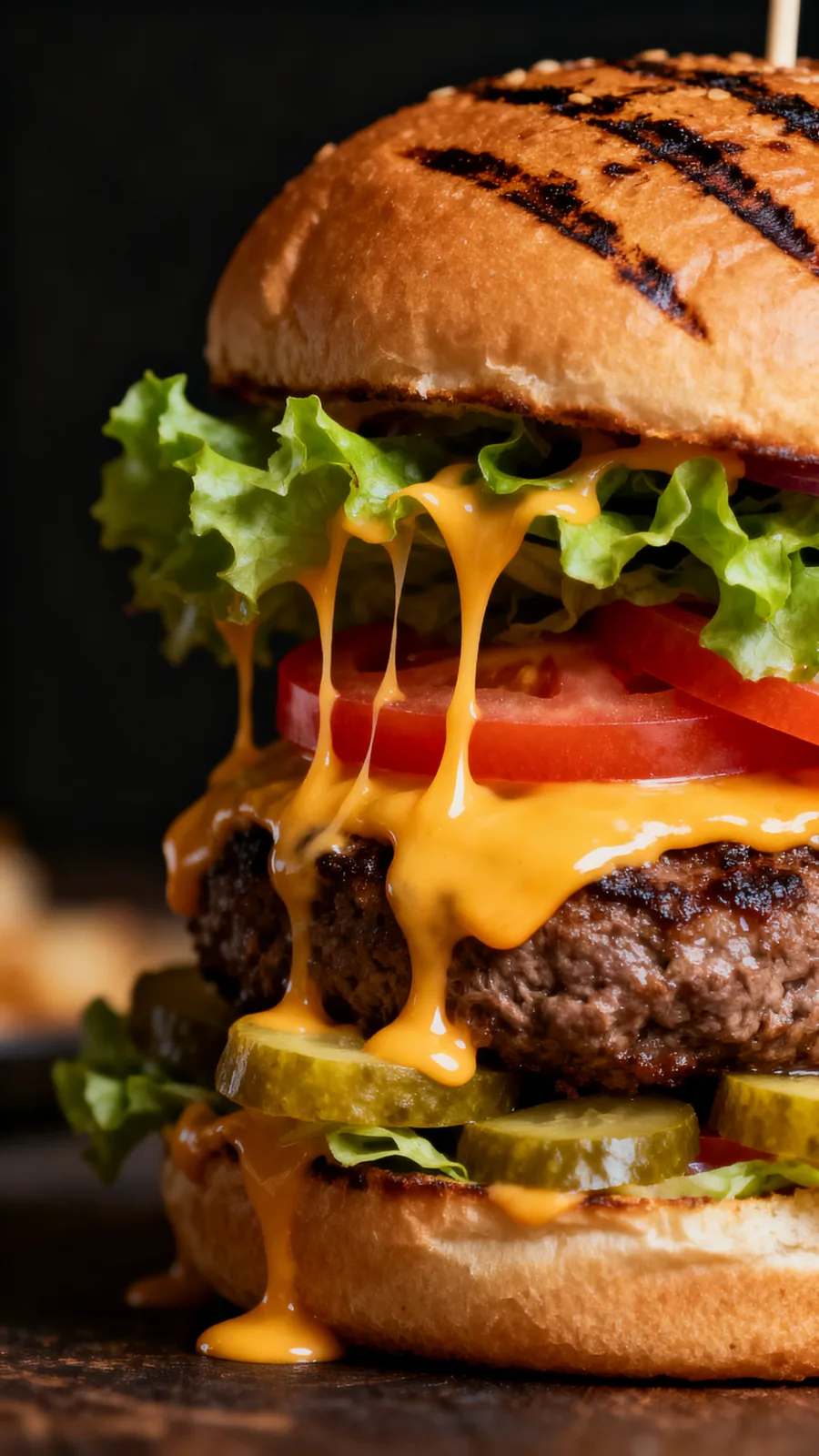
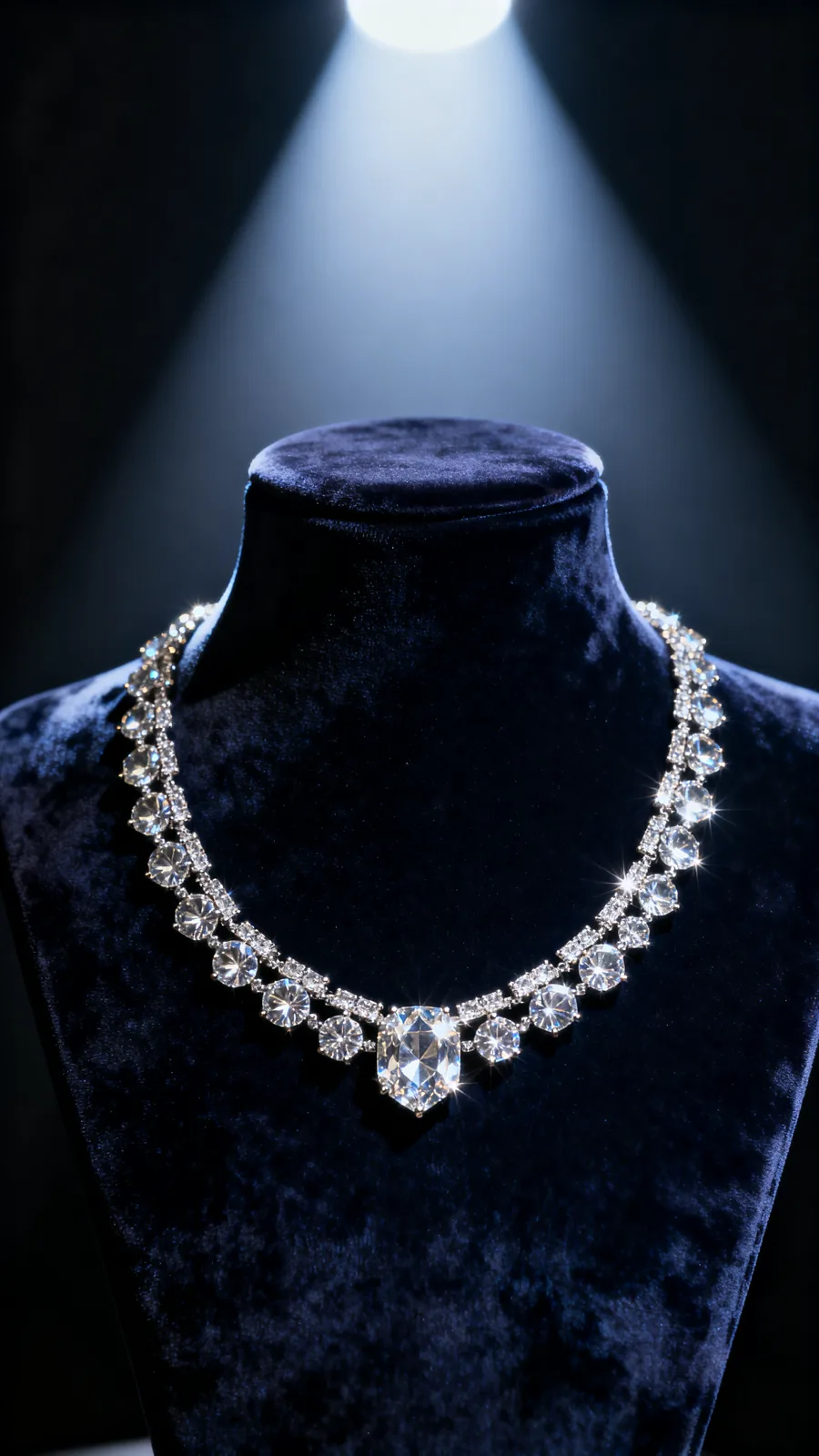
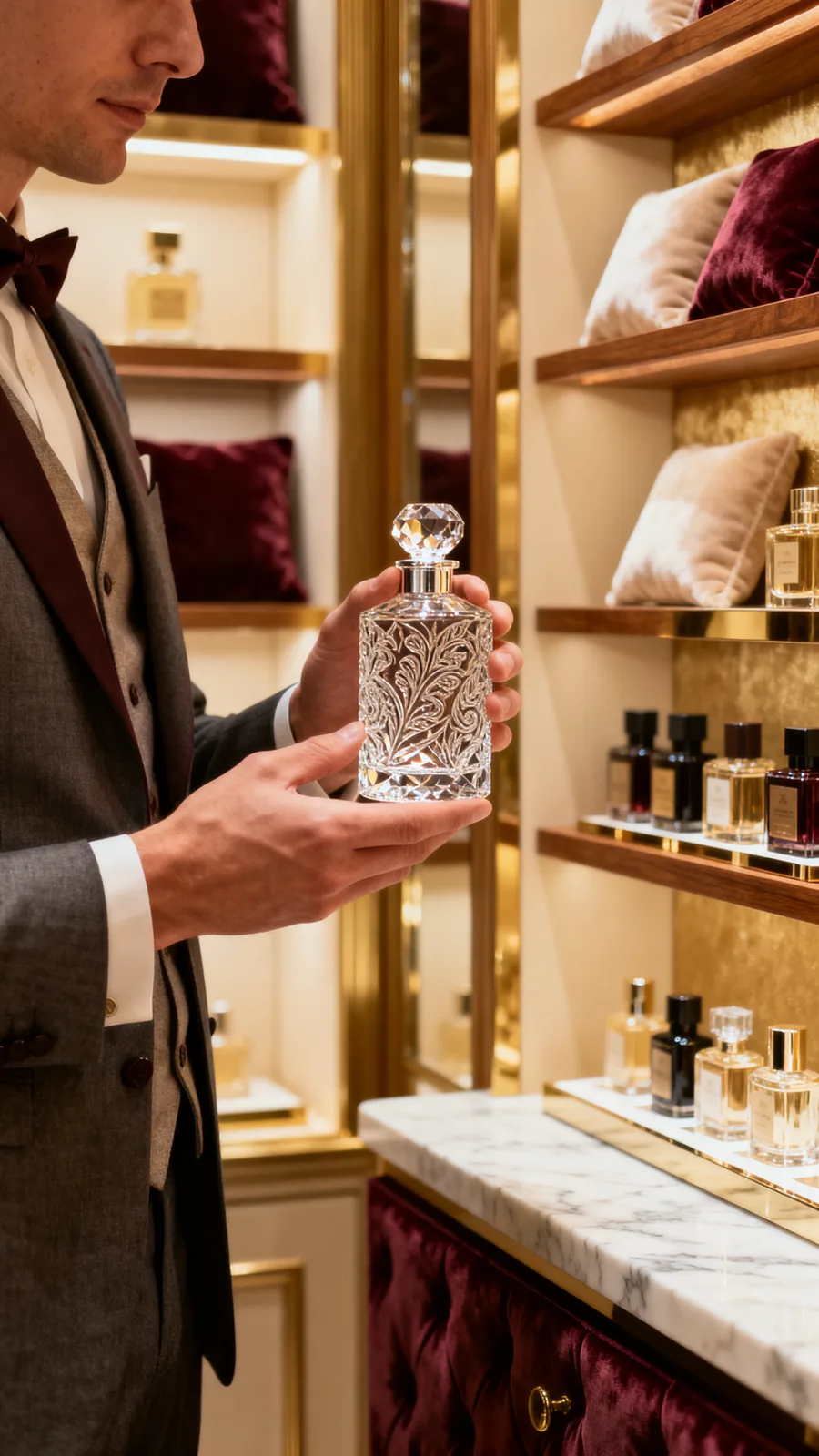
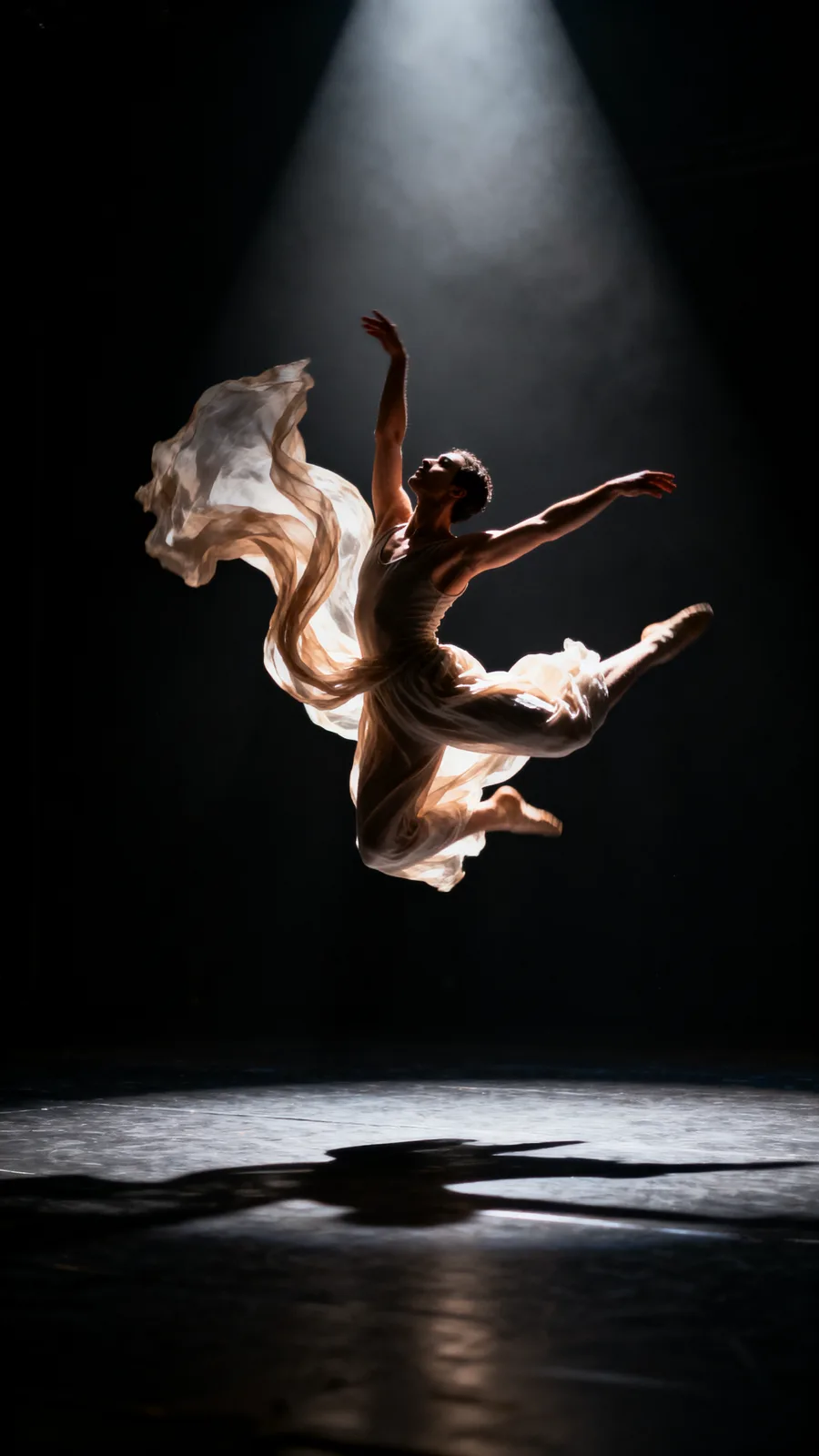
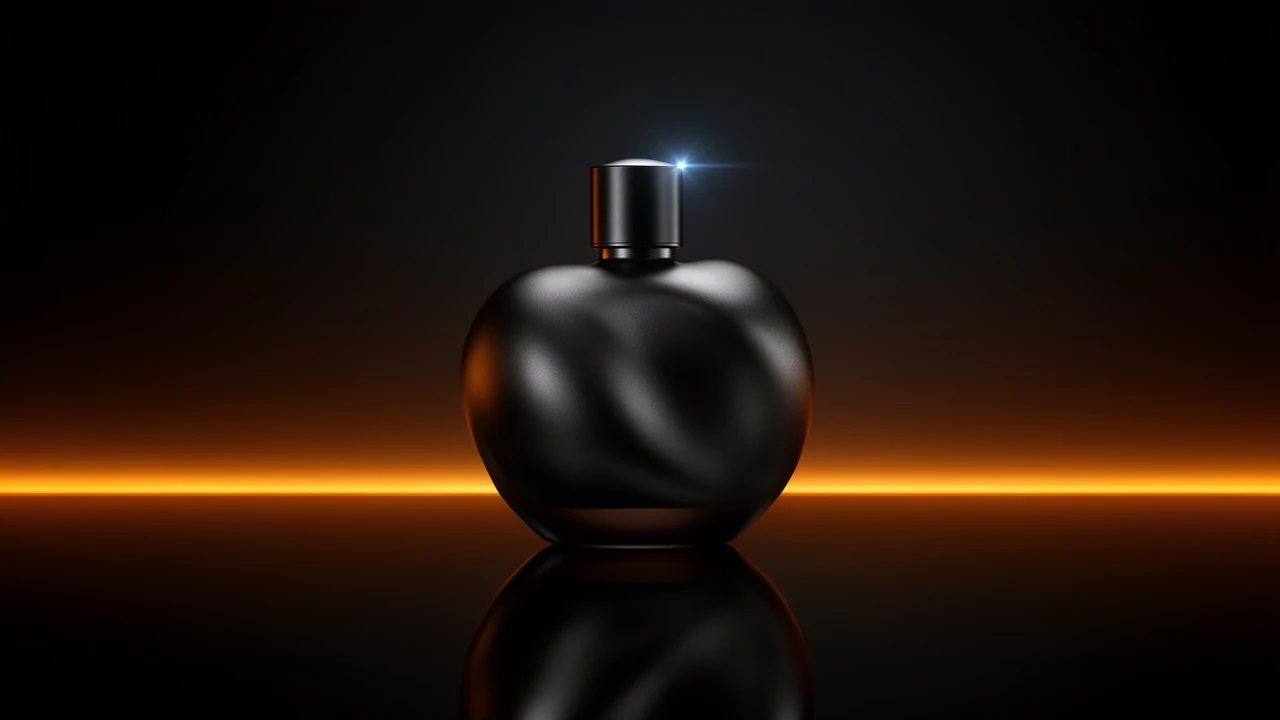
Sample output videos and images — representative of format categories available in Orvik. Hover or scroll to play video tiles.
CALL SHEET — WHAT YOU GET
| No. | Item | Detail |
|---|---|---|
| 01 | Professional camera and lens controls | Set camera type, lens family, focal length (24mm to 200mm), and aperture (f/1.4 to f/16). The controls that define a cinematographer's look — applied to every shot you generate. |
| 02 | Multi-shot storyboard mode | Write one line per shot. The engine queues, renders, and holds your locked look — grade, lens character, and lighting — consistently across the full sequence. No per-shot setup. |
| 03 | Character and product reference lock | Attach reference images once and the Cinema Studio keeps your presenter or product consistent across every shot in the sequence. Same face, same product, every cut. |
| 04 | Seed lock for shot-to-shot consistency | Lock a seed number to hold the visual look across regenerations — useful for matching grades between shots or picking the exact composition you want, then holding it. |
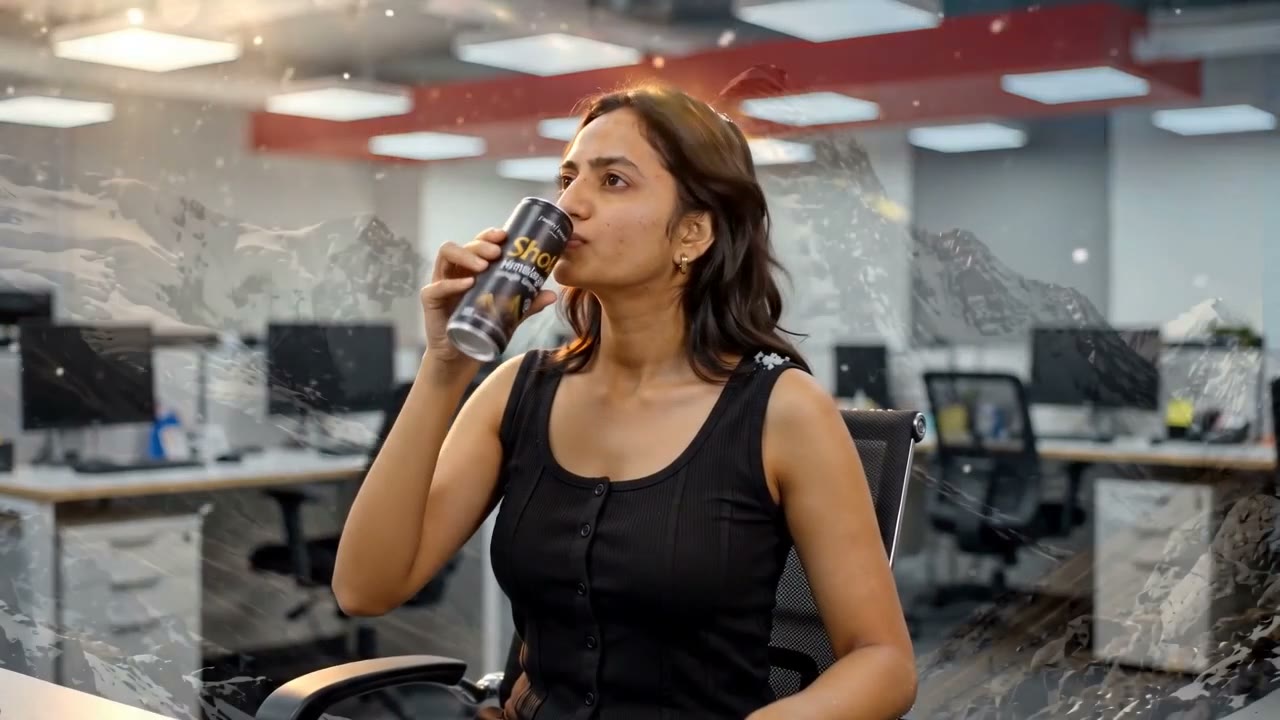
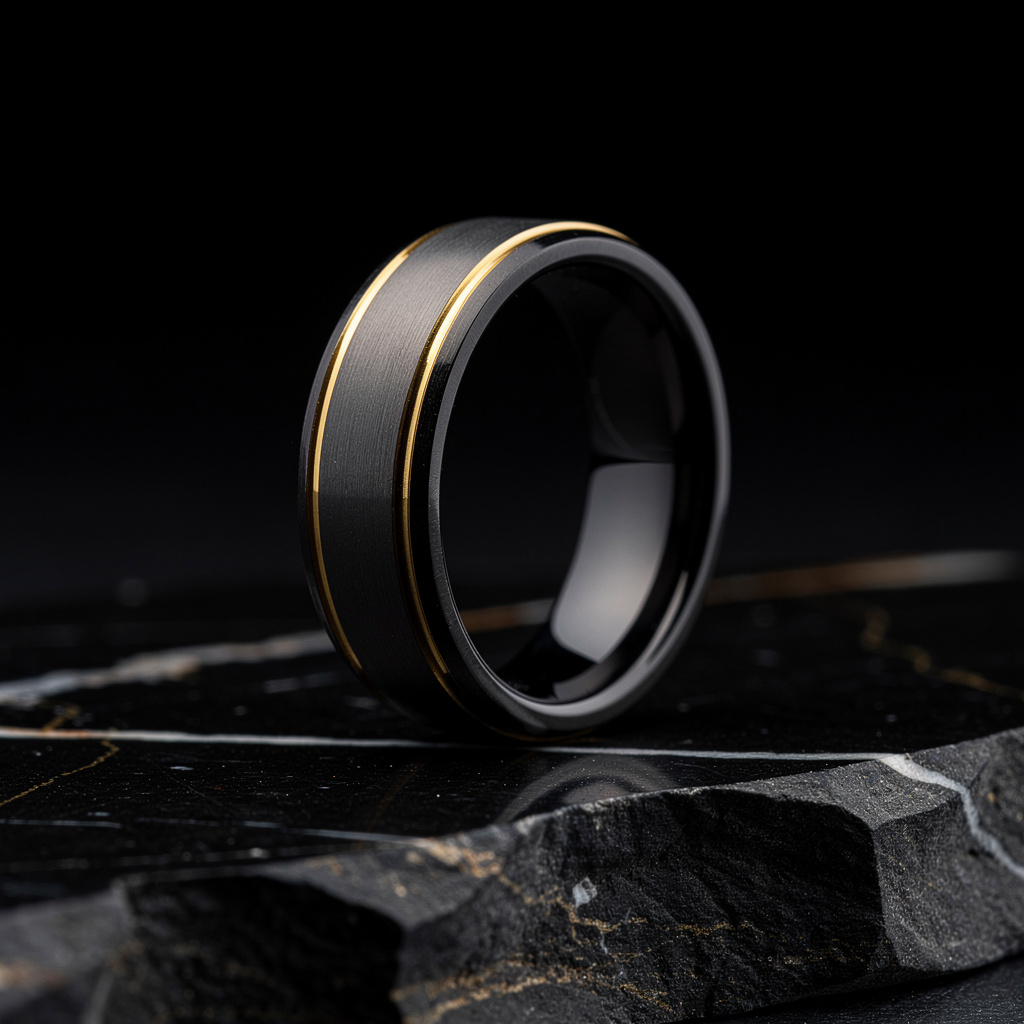
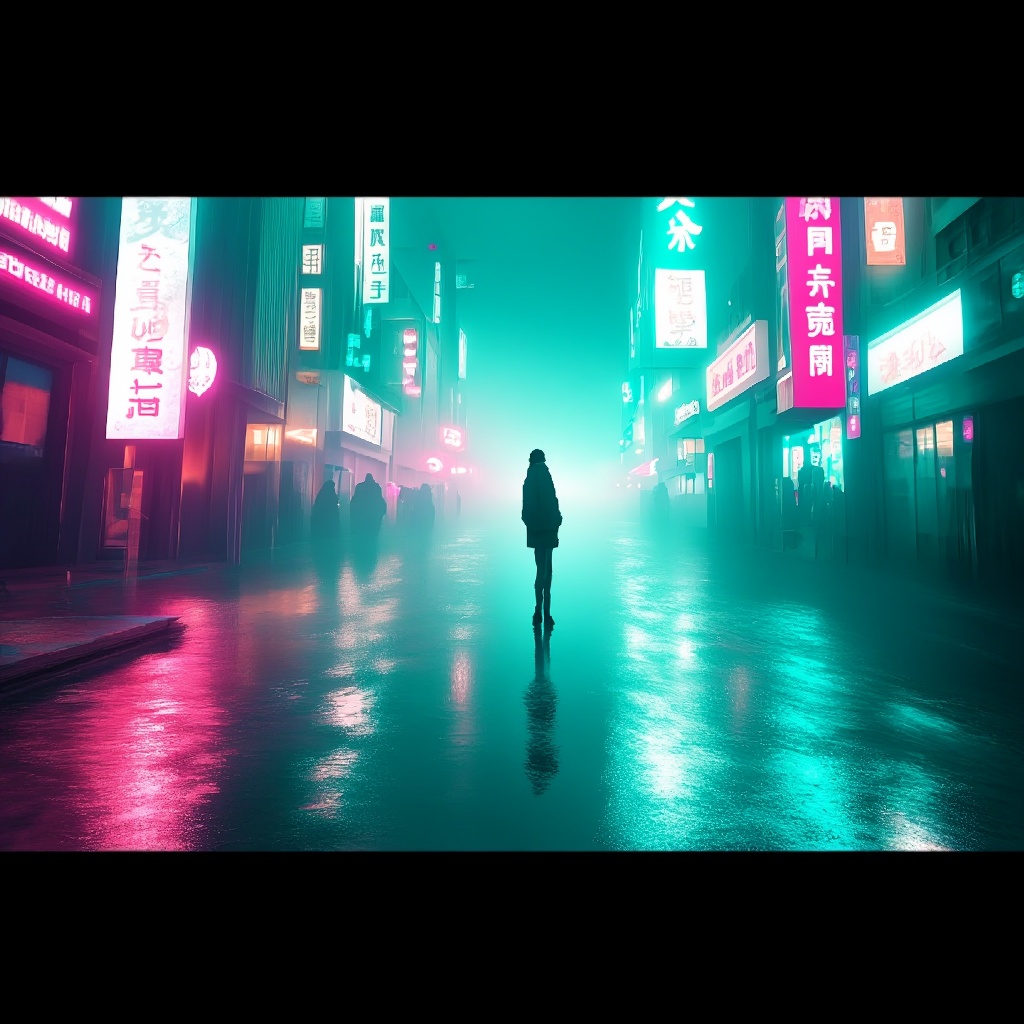
20 real renders. No mockups, no stock — every tile was generated here.






Powered by
The rate card
FAQ
The Cinema Studio is a multi-shot cinematic scene builder. It adds professional camera controls — camera type, lens, focal length, aperture — to AI video generation, and lets you build and render multi-shot sequences with a locked look using Storyboard mode.
Camera type (cinema, DSLR, mirrorless, phone), lens family, focal length (from 14mm ultra-wide to 200mm telephoto), and aperture (f/1.4 to f/16). Each setting shapes the perspective, depth of field, and character of the generated shot.
You write one line per shot in the storyboard composer. The engine interprets each line as a separate shot, queues them with your locked camera settings and look, and renders the sequence. The output is a set of shots with a consistent grade and visual identity.
Attach reference images (a portrait for the character, a product photo for the product) to the Cinema Studio session. The engine uses them as consistent references across every shot in the storyboard — the same face and the same product appear in every frame.
A seed is a number that determines the randomness of a generation. Locking the seed means every regeneration of the same prompt produces the same composition and look — useful for picking exactly the shot you want and regenerating it reliably, or matching grades between shots.
Yes — that is the primary use case. Build a 3–6 shot product origin story, brand film, or launch video in Storyboard mode. Lock the grade, lens, and product reference, and the engine renders a consistent sequence ready to cut together.
Yes — plans start at $9/month for Creator and $29/month for Studio. The free tier (15 generations/day) requires no payment method.
Keep exploring
LAST LOOKS
A closing reel of real engine output — video and image, across formats and use cases. Every tile is a sample render.