01
Write the brief
Describe the output you need in plain words — subject, mood, format, aspect ratio. No prompt engineering, no camera crew.
MODEL FAMILY — TEXT TO VIDEO
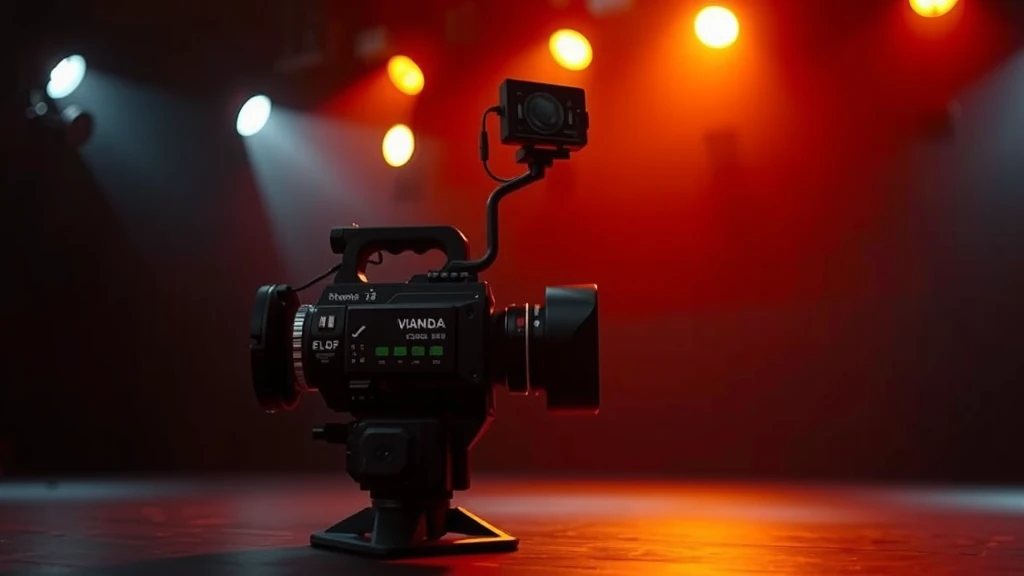
HOW IT WORKS
Describe the output you need in plain words — subject, mood, format, aspect ratio. No prompt engineering, no camera crew.
Open the model picker and choose PixVerse. The studio shows the exact credit cost of the run before you commit.
Generate, review, change one line of the brief, and run it again — iteration costs a sentence, not a reshoot.
WHAT YOU GET
| No. | Capability | Detail |
|---|---|---|
| 01 | Cinematic motion from text | Describe a scene and duration; the model generates a fluid video with coherent motion and lighting. |
| 02 | Up to 15-second clips | Most families support 5–15 second generation windows — long enough for a complete ad hook or product beat. |
| 03 | Vertical, landscape, and square | Native 9:16 generation for Reels and TikTok, 16:9 for YouTube, and 1:1 for feed posts. |
| 04 | Batch generation | Generate multiple variants in parallel via the workflow builder to A/B test hooks and creative directions. |
REAL RENDERS
INCLUDED VARIANTS
| No. | Model | Capability |
|---|---|---|
| 01 | PixVerse V4.5 | Text to Video |
| 02 | PixVerse V5 | Text to Video |
| 03 | PixVerse V5.5 | Text to Video |
| 04 | PixVerse V6 | Text to Video |
The rate card
FAQ
PixVerse's commercial video generation family, spanning V4.5 through V6. On Orvik it sits in the Text to Video lane of the studio, on the same plan as every other frontier family.
Text to Video work, directed from a plain-language brief. The listed variants — PixVerse V4.5, PixVerse V5, PixVerse V5.5, PixVerse V6 — all run from the same brief box in the studio, and every sample on this page is a real engine output.
Rates are per model and the studio shows the exact credit cost before you generate. The plan math — monthly credit allowances and what they convert to — is on /pricing.
Yes — 4 variants listed (PixVerse V4.5, PixVerse V5, PixVerse V5.5, PixVerse V6). The live studio reflects the current catalog, so new variants appear as the catalog updates.
Kling 3.0 and Veo 3.1 consistently produce premium commercial-quality video. Wan 2.7 and LTX 2.3 offer excellent quality at lower cost. All are available on the same plan.
Duration varies by model — from 5 seconds up to 15 seconds per clip on most families. Longer sequences can be assembled in the workflow builder.
Yes. Write a prompt describing your scene, choose a model family, set aspect ratio and duration, and generate. No footage or assets needed.
Keep exploring
LAST LOOKS
A closing reel of real engine output — video and image, across formats and use cases. Every tile is a sample render.