01
Write the brief
Describe the output you need in plain words — subject, mood, format, aspect ratio. No prompt engineering, no camera crew.
MODEL FAMILY — TEXT TO IMAGE
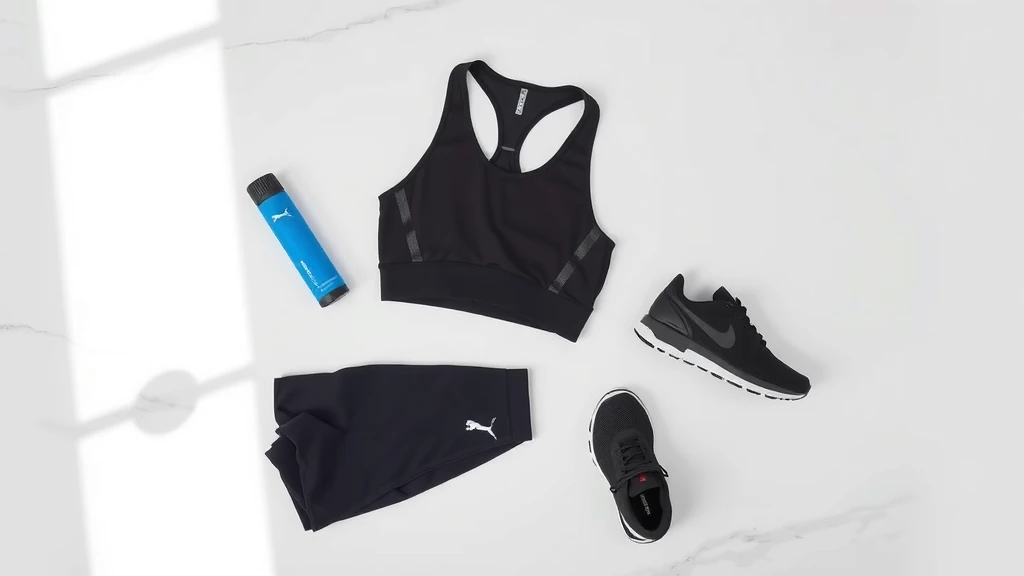
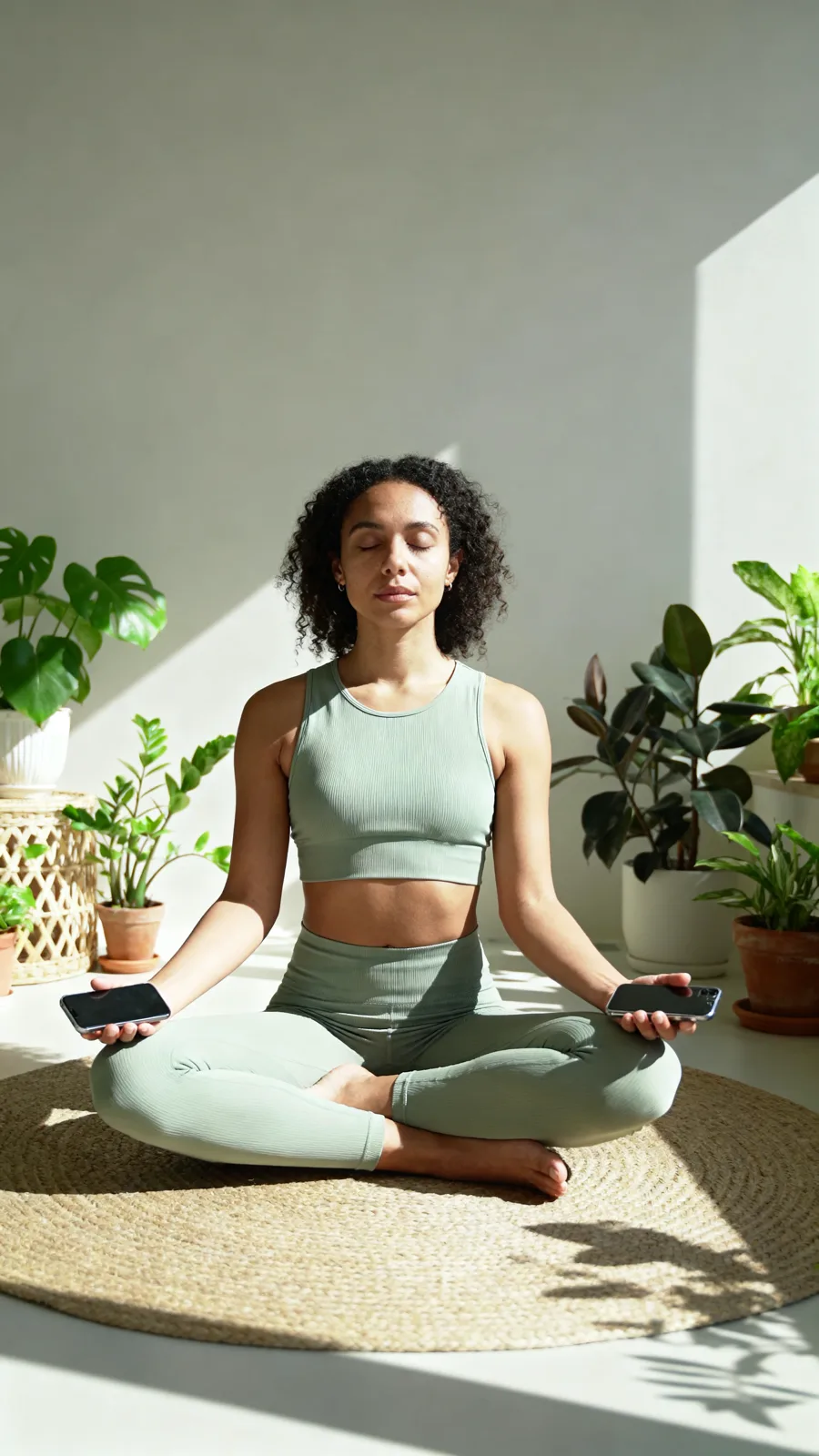
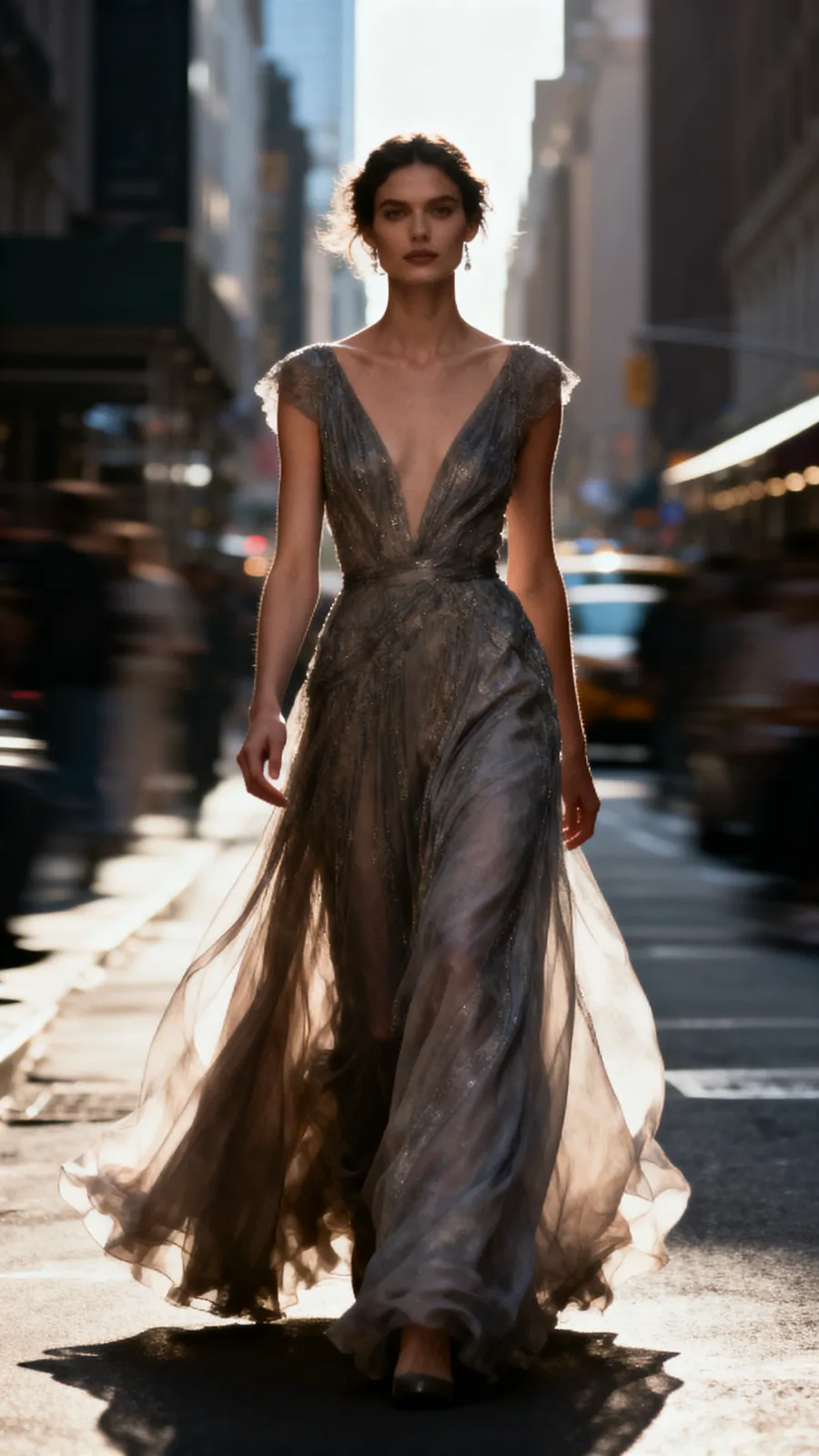
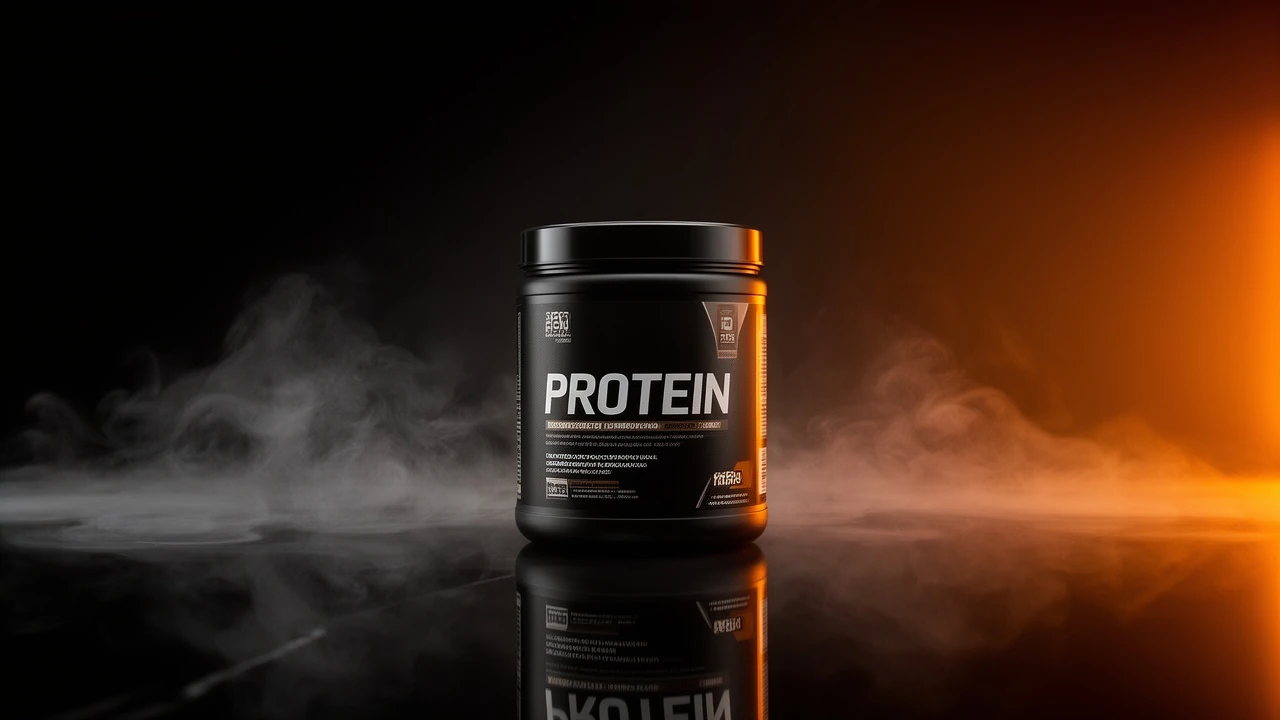
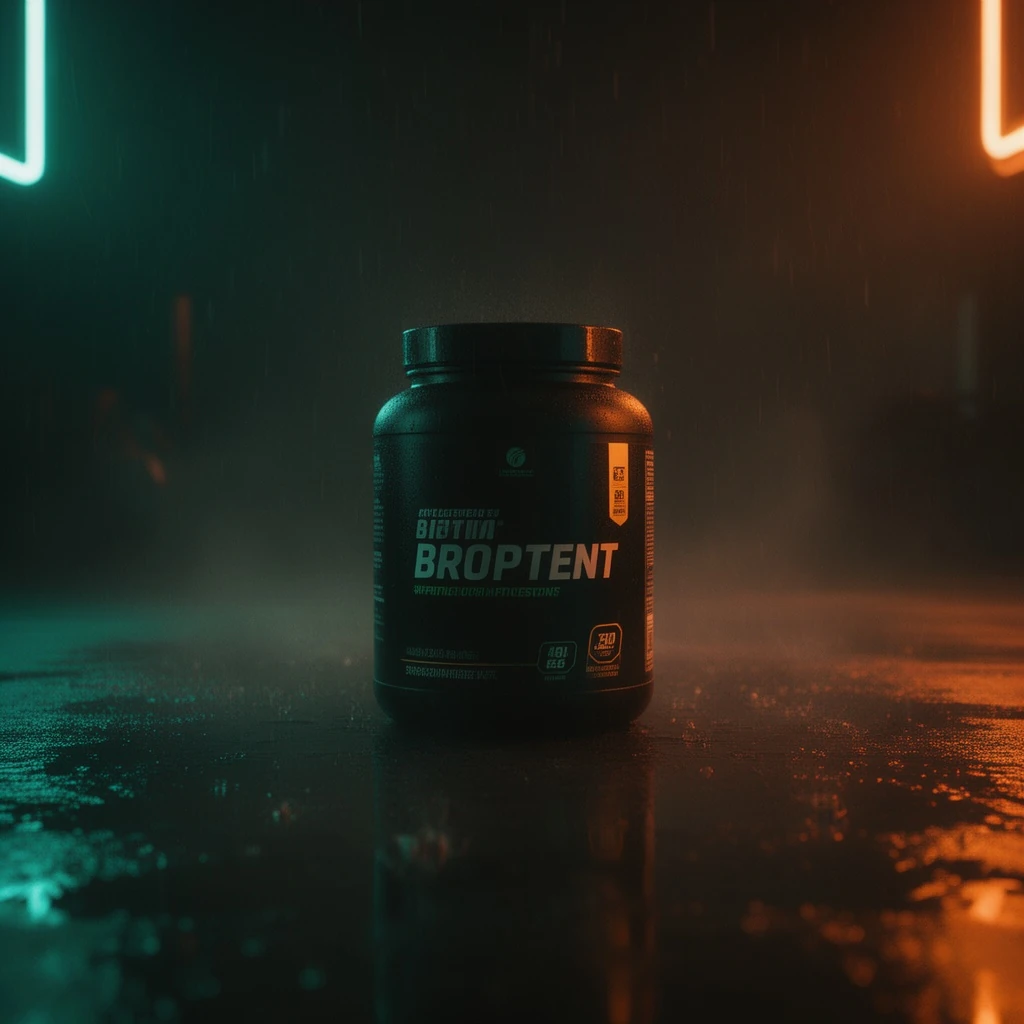
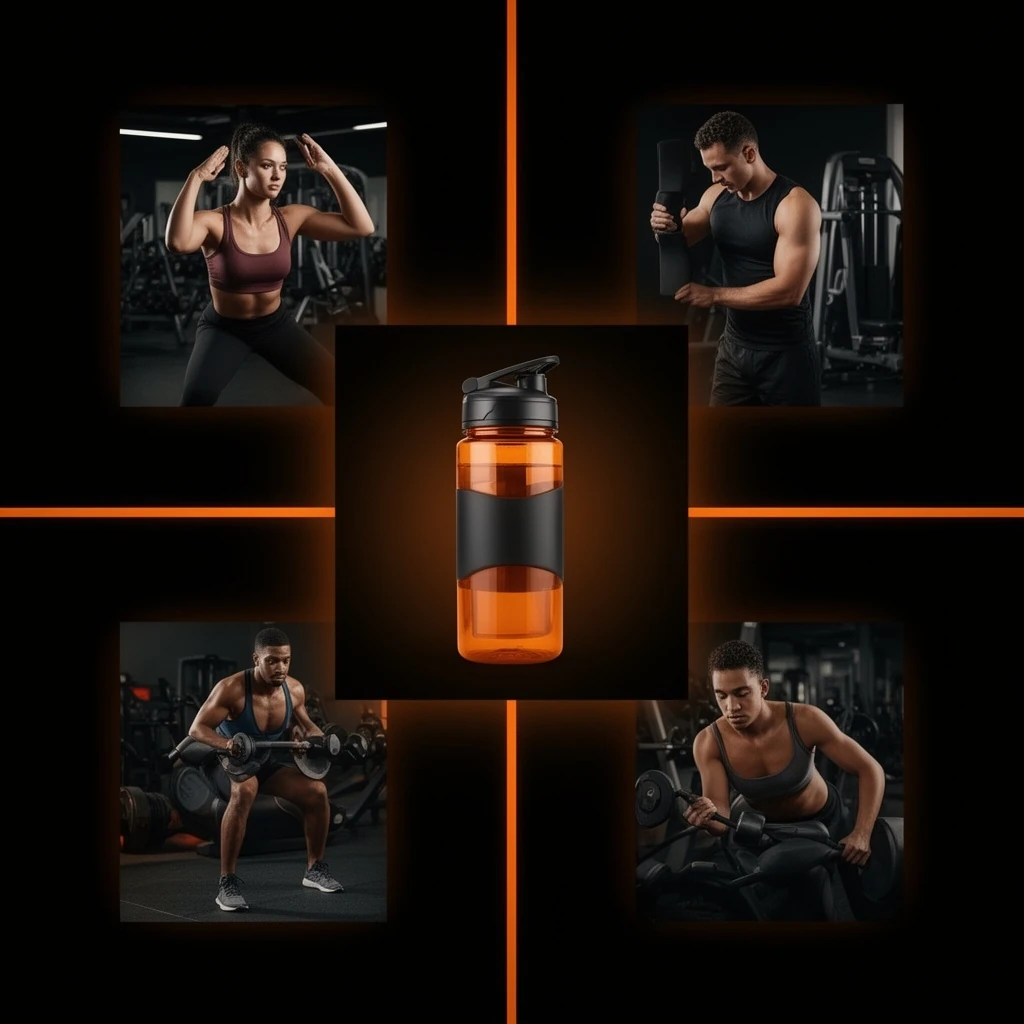
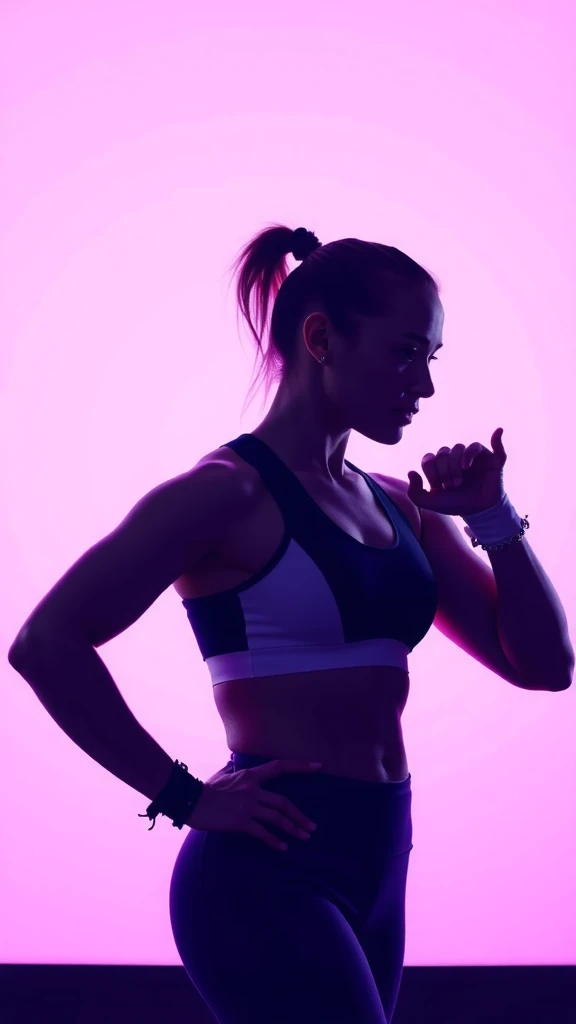
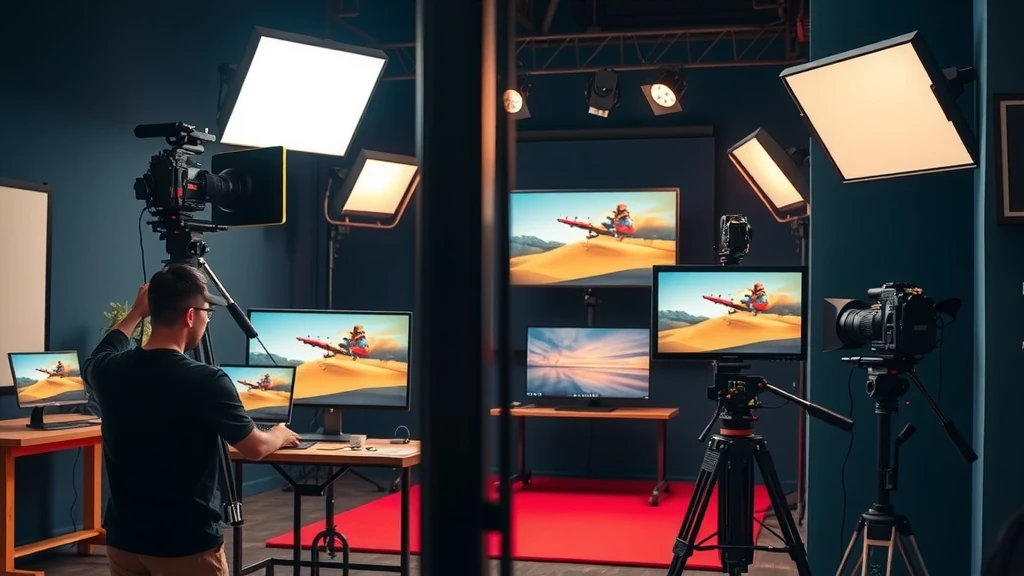
Every tile below was generated with FLUX on this engine. No mockups.

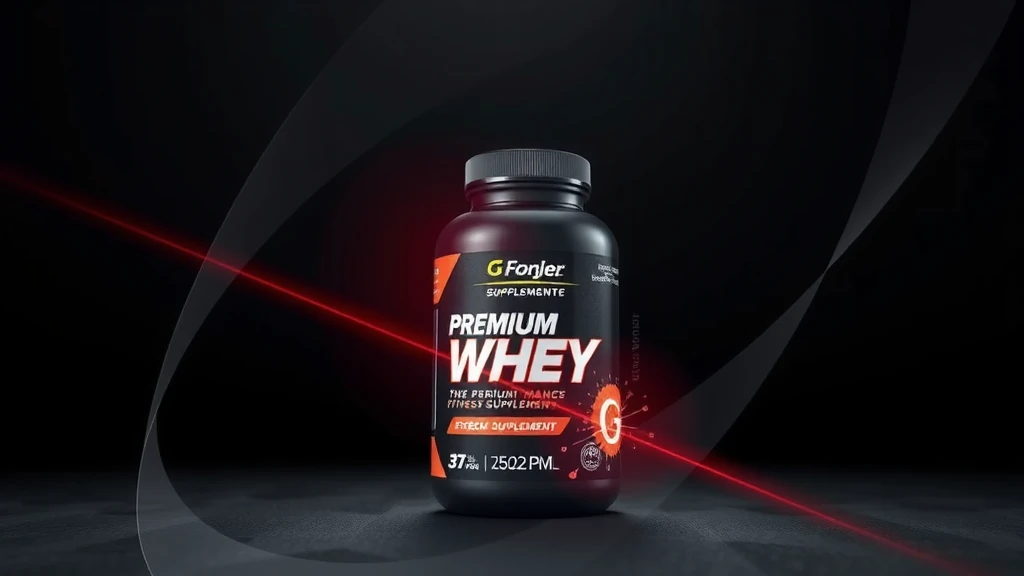
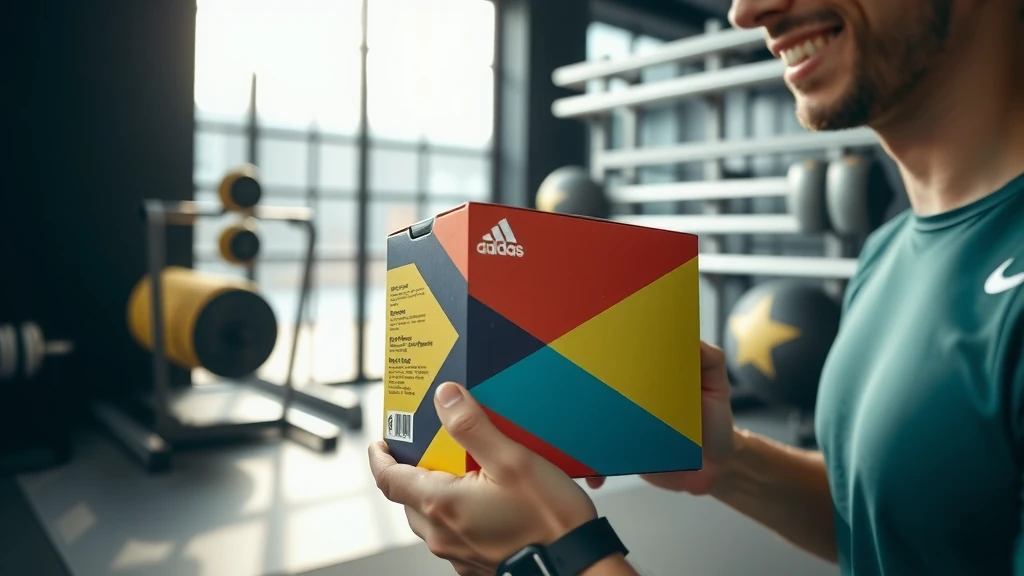
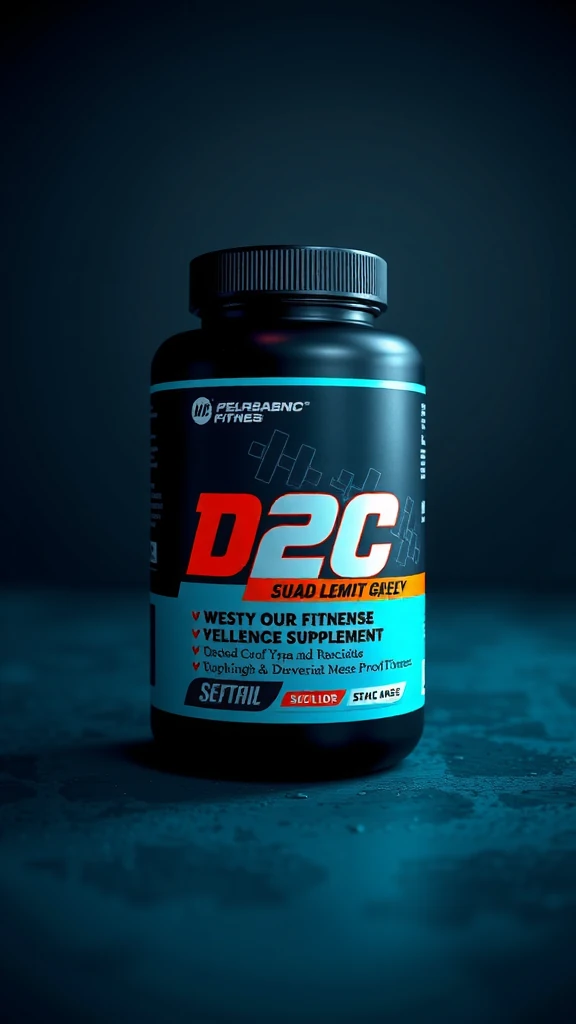
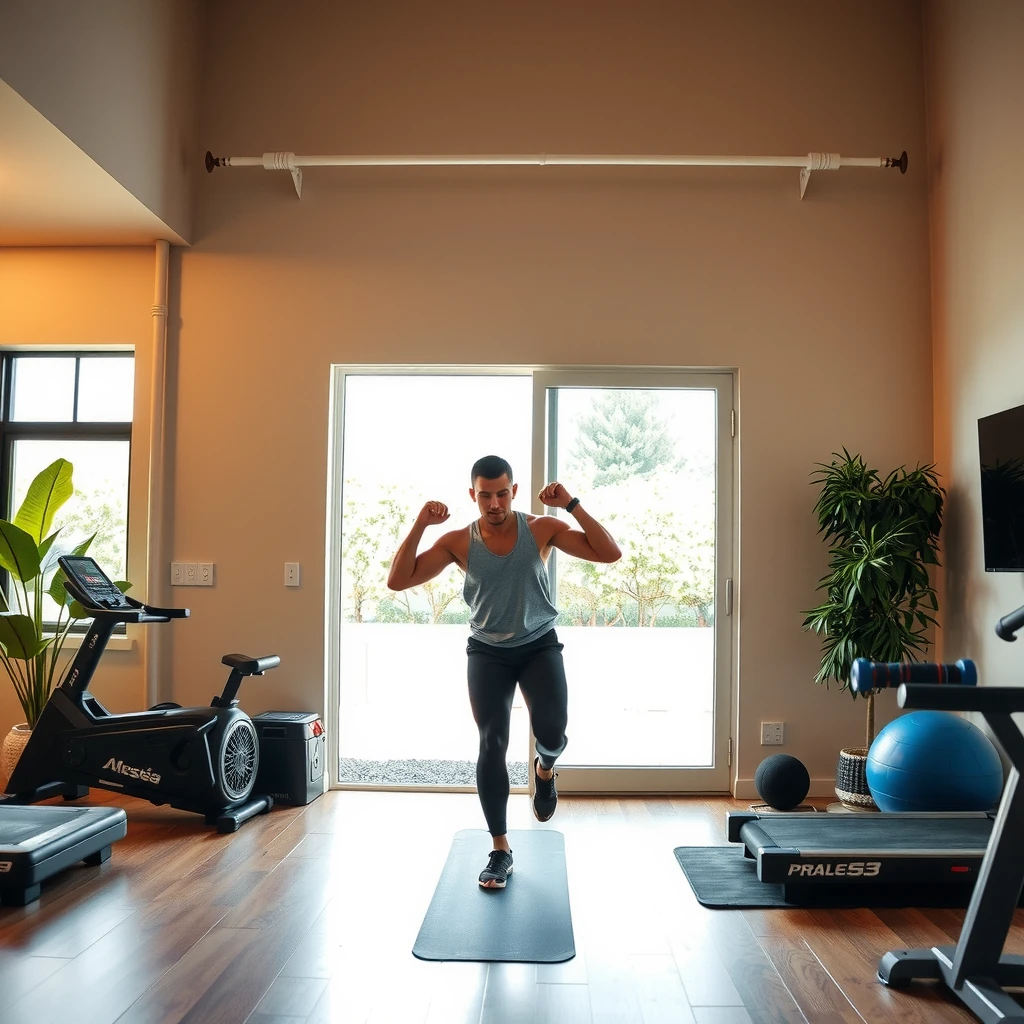
HOW IT WORKS
Describe the output you need in plain words — subject, mood, format, aspect ratio. No prompt engineering, no camera crew.
Open the model picker and choose FLUX. The studio shows the exact credit cost of the run before you commit.
Generate, review, change one line of the brief, and run it again — iteration costs a sentence, not a reshoot.
WHAT YOU GET
| No. | Capability | Detail |
|---|---|---|
| 01 | Photorealistic product shots | Studio-quality stills from a text prompt — no camera or art director required. |
| 02 | Text rendering in image | Models like Ideogram V3 reliably place legible text, numbers, and logos inside generated images. |
| 03 | Style and aesthetic control | Prompt for specific aesthetics: cinematic, editorial, flat-lay, e-commerce white — results in seconds. |
| 04 | Multiple aspect ratios | Generate at 1:1, 16:9, 9:16, 4:5, or custom dimensions in a single workflow run. |
REAL RENDERS
INCLUDED VARIANTS
| No. | Model | Capability |
|---|---|---|
| 01 | FLUX Dev | Text to Image |
| 02 | FLUX Schnell | Text to Image |
| 03 | FLUX Kontext Pro | Text to Image |
| 04 | FLUX Kontext Max | Text to Image |
| 05 | FLUX Kontext Dev | Text to Image |
| 06 | FLUX PuLID | Text to Image |
| 07 | FLUX Dev LoRA | Text to Image |
The rate card
FAQ
State-of-the-art open text-to-image generation with Dev, Schnell, and Kontext variants. On Orvik it sits in the Text to Image lane of the studio, on the same plan as every other frontier family.
Text to Image work, directed from a plain-language brief. The listed variants — FLUX Dev, FLUX Schnell, FLUX Kontext Pro, FLUX Kontext Max, FLUX Kontext Dev, FLUX PuLID, FLUX Dev LoRA — all run from the same brief box in the studio, and every sample on this page is a real engine output.
Rates are per model and the studio shows the exact credit cost before you generate. The plan math — monthly credit allowances and what they convert to — is on /pricing.
Yes — 7 variants listed (FLUX Dev, FLUX Schnell, FLUX Kontext Pro, FLUX Kontext Max, FLUX Kontext Dev, FLUX PuLID, FLUX Dev LoRA). The live studio reflects the current catalog, so new variants appear as the catalog updates.
For photorealistic product shots choose FLUX Dev or Seedream. For distinctive aesthetics try Midjourney V7. For text-in-image use Ideogram V3. Run a few generations on the free tier to find the best fit for your brand.
Yes — the Image to Image bucket covers style transfer, inpainting, and multi-reference compositing. Many families have -edit siblings accessible in the same studio.
Image generation costs from a fraction of a cent per output. Exact per-model rates are shown in the studio at generation time, and all plans include a generous monthly credit allowance.
Keep exploring
LAST LOOKS
A closing reel of real engine output — video and image, across formats and use cases. Every tile is a sample render.