01
Write the brief
Describe the output you need in plain words — subject, mood, format, aspect ratio. No prompt engineering, no camera crew.
MODEL FAMILY — IMAGE TO IMAGE

HOW IT WORKS
Describe the output you need in plain words — subject, mood, format, aspect ratio. No prompt engineering, no camera crew.
Open the model picker and choose Flux Kontext. The studio shows the exact credit cost of the run before you commit.
Generate, review, change one line of the brief, and run it again — iteration costs a sentence, not a reshoot.
WHAT YOU GET
| No. | Capability | Detail |
|---|---|---|
| 01 | Style transfer from reference | Upload a reference image; the model reshapes your source to match its aesthetic, lighting, or composition. |
| 02 | Inpainting and object replacement | Mask a region and describe what to place there — remove objects, swap products, or clean up backgrounds. |
| 03 | Background swap | Isolate your product or subject and drop it into any scene: studio, lifestyle, outdoor, seasonal. |
| 04 | Multi-reference compositing | Feed up to 10 reference images into edit-capable models to guide style, colour, and composition simultaneously. |
REAL RENDERS
INCLUDED VARIANTS
| No. | Model | Capability |
|---|---|---|
| 01 | Flux Kontext Pro | Image to Image |
| 02 | Flux Kontext Max | Image to Image |
| 03 | Flux Kontext Dev | Image to Image |
The rate card
FAQ
FLUX's in-context editing family — restyle, inpaint, and transfer from reference images. On Orvik it sits in the Image to Image lane of the studio, on the same plan as every other frontier family.
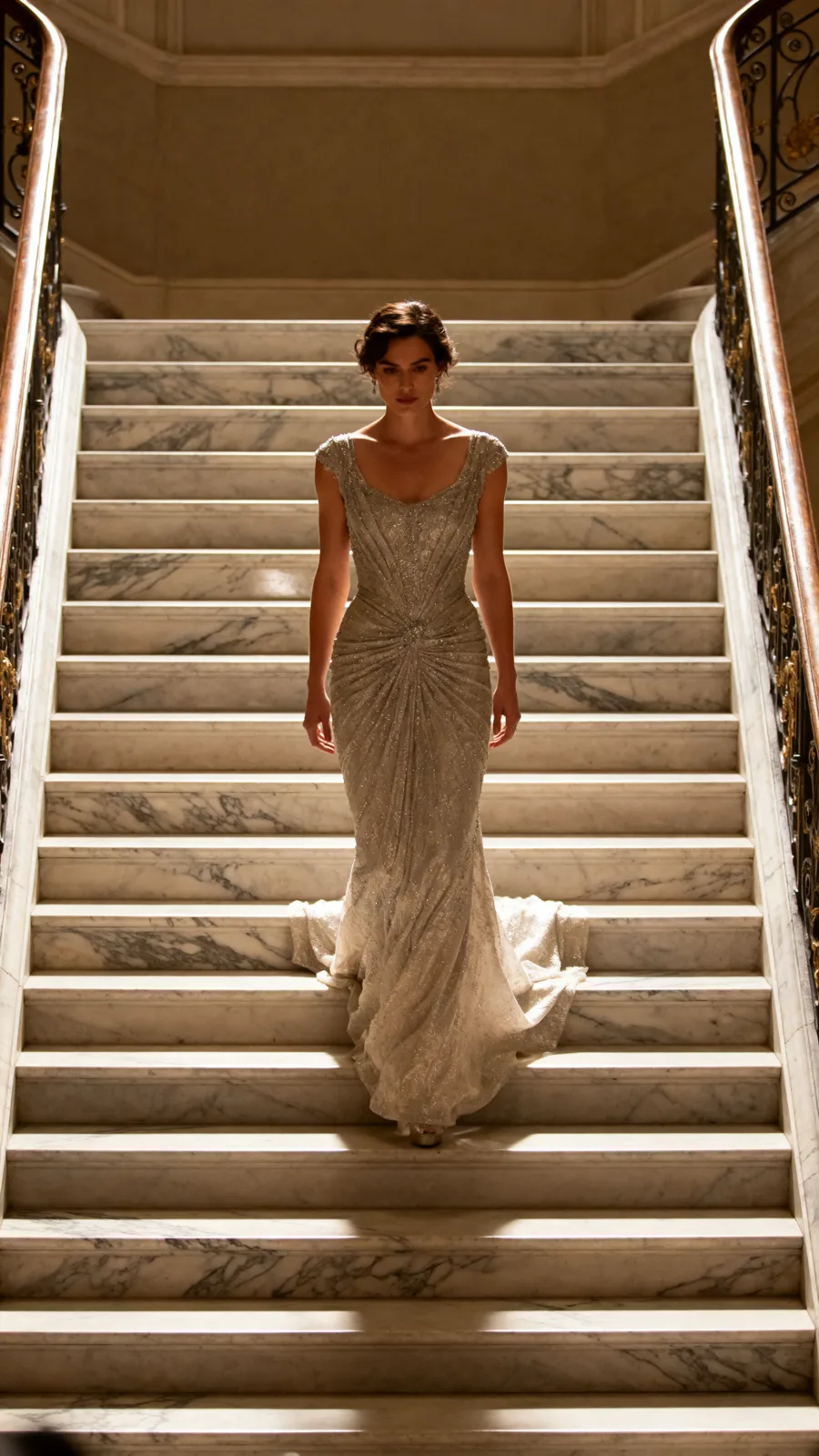
Image to Image work, directed from a plain-language brief. The listed variants — Flux Kontext Pro, Flux Kontext Max, Flux Kontext Dev — all run from the same brief box in the studio, and every sample on this page is a real engine output.
Rates are per model and the studio shows the exact credit cost before you generate. The plan math — monthly credit allowances and what they convert to — is on /pricing.
Yes — 3 variants listed (Flux Kontext Pro, Flux Kontext Max, Flux Kontext Dev). The live studio reflects the current catalog, so new variants appear as the catalog updates.
You provide a starting image; the model transforms it according to your text prompt — restyling, inpainting a region, removing a background, or compositing multiple references.
Models like FLUX Kontext and Seedream edit siblings accept multiple reference images. The exact cap is shown per-model in the studio.
Yes — changing backgrounds, adjusting lighting, and adding shadow/reflection are common use cases all supported within the image-to-image bucket.
Keep exploring
LAST LOOKS
A closing reel of real engine output — video and image, across formats and use cases. Every tile is a sample render.