01
Upload your image
Drop in any product shot — even a 480p phone snap or a compressed JPEG with visible artifacts. The engine accepts any resolution as input.
Production — AI UPSCALE
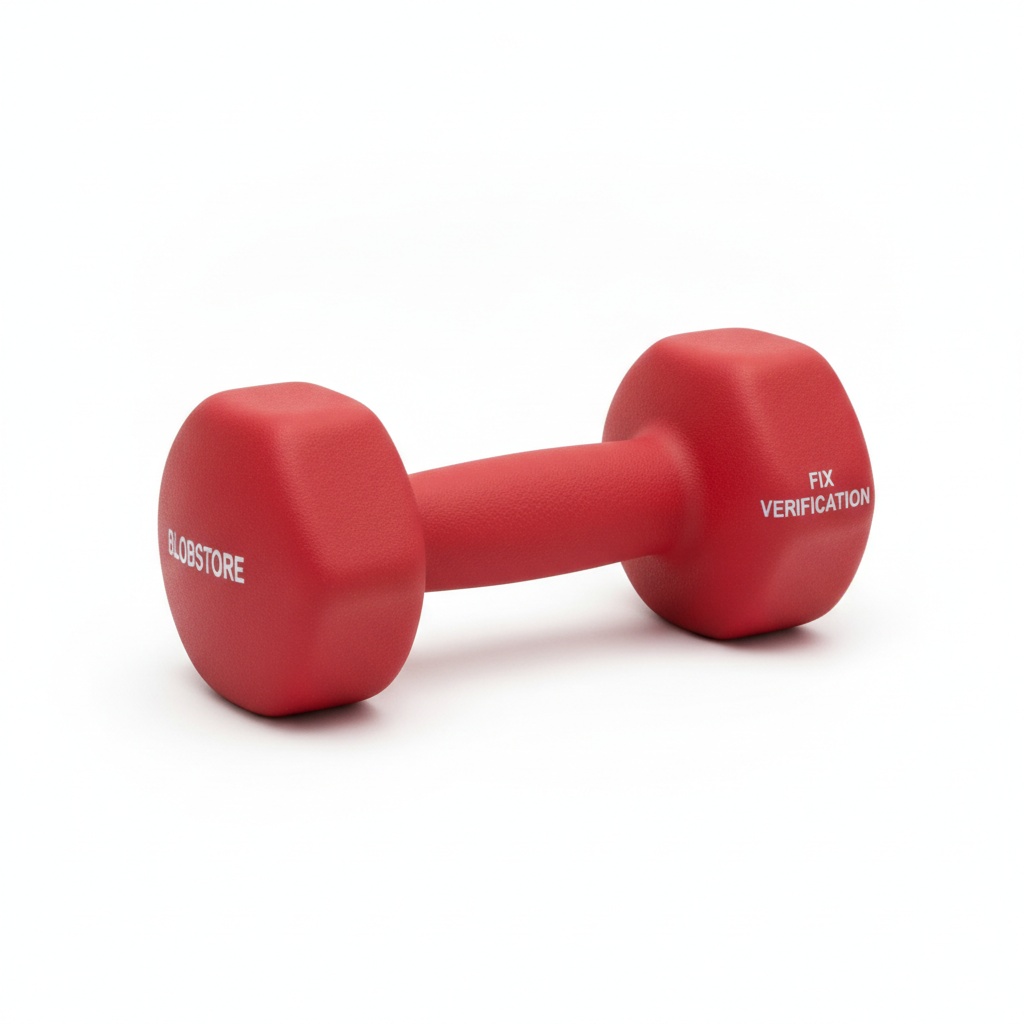
Feed a blurry, compressed, or low-resolution product image into the upscaler and get a razor-sharp, print-ready result back — label text legible, textures crisp, detail restored.
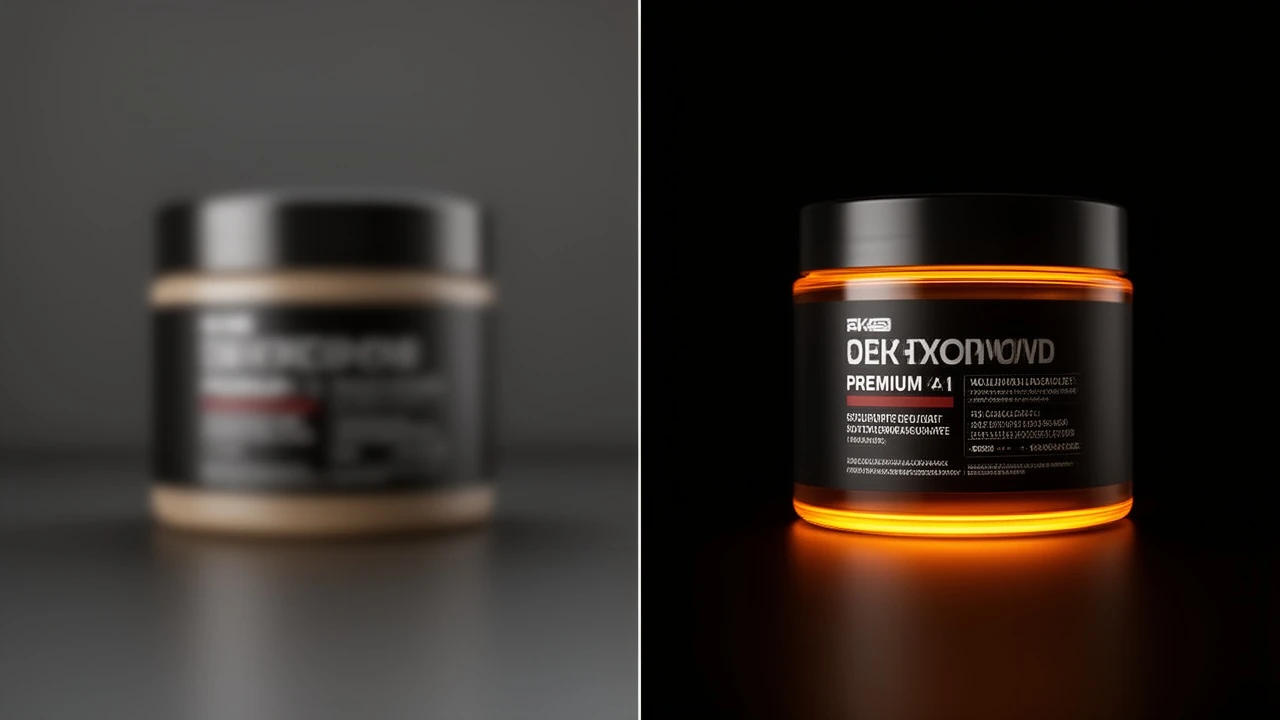
STORYBOARD — HOW IT WORKS
Drop in any product shot — even a 480p phone snap or a compressed JPEG with visible artifacts. The engine accepts any resolution as input.
AI upscaling restores fine detail, sharpens label text, and removes compression noise — scaling the image up to 4× without the blur of traditional bicubic methods.
Get a high-resolution file ready for e-commerce PDPs, print campaigns, or paid ads — without a retouching queue or a photography reshoot.
SCREENING ROOM — SAMPLE OUTPUT
Sample output videos and images — representative of format categories available in Orvik. Hover or scroll to play video tiles.
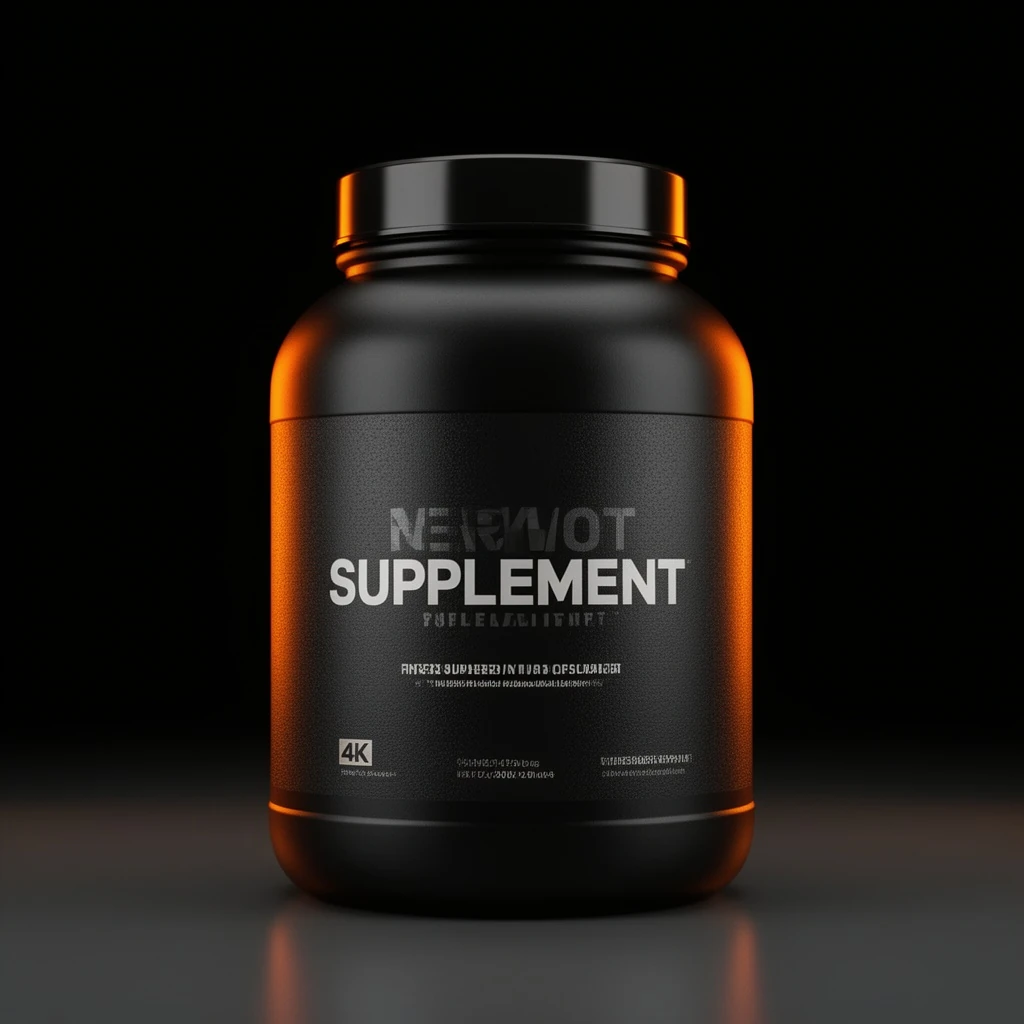 Before: BEFORE: a soft, low-resolution product snapshot of a matte-black supplement tub with mushy label text and visible compression artifacts — sample output


CALL SHEET — WHAT YOU GET
| No. | Item | Detail |
|---|---|---|
| 01 | Up to 4× resolution enhancement | Upscale a 512×512 product image to 2048×2048 — or a 1080p frame to 4K — without the blur of standard interpolation. Fine detail and texture are recovered, not invented. |
| 02 | Label text and logo sharpening | Compression artifacts, mushy fonts, and unreadable label copy are cleaned up. The result is legible, on-brand text ready for close-up e-commerce display. |
| 03 | Noise and artifact removal | JPEG compression rings, banding, and grain are suppressed as part of the upscale pass — one step produces a cleaner, sharper image, not a blurrier one. |
| 04 | Any input format, any source | Feed in a phone snap, a compressed ad creative, or a legacy catalog asset. The upscaler handles low-quality inputs that would break traditional resizing tools. |
21 real renders. No mockups, no stock — every tile was generated here.







Powered by
The rate card
FAQ
Up to 4× linear scale in a single pass — so a 512×512 image becomes 2048×2048. Multiple passes can push further, though the quality return diminishes beyond 4×. The optimal scale factor depends on the input quality and the target use.
Yes — label text is one of the primary use cases. The model recovers legibility on blurry or pixelated product labels, making previously unusable assets suitable for e-commerce and print.
JPEG and PNG are the primary input formats. The engine handles compressed JPEGs, screenshots, and low-resolution phone snaps. Higher-quality inputs produce better outputs, but the tool is specifically designed to improve poor-quality source images.
The output is a high-resolution file — suitable for web, paid ads, and e-commerce display at standard DPI. For physical print at very large sizes, the input source quality sets the ceiling; upscaling cannot recover detail that was never present.
Yes. Compression rings, banding, and mosaic artifacts are reduced as part of the upscale pass. The result is a cleaner image at higher resolution.
You retain the rights the underlying model licenses allow — most models permit full commercial use; check the model page for exceptions.
Yes — plans start at $9/month for Creator and $29/month for Studio. The free tier (15 generations/day) requires no payment method.
Keep exploring
LAST LOOKS
A closing reel of real engine output — video and image, across formats and use cases. Every tile is a sample render.