01
Write a prompt
Type a scene or drop in a product image. Choose your output format — 9:16, 1:1, or 16:9 — and pick a duration from 3 to 15 seconds.
Production — AI VIDEO
Text-to-video, image-to-video, video-to-video — all in one studio. 40+ text models, 60+ image-to-video models. From a product demo to a brand film in minutes.
STORYBOARD — HOW IT WORKS
Type a scene or drop in a product image. Choose your output format — 9:16, 1:1, or 16:9 — and pick a duration from 3 to 15 seconds.
The engine recommends the best model for your intent. Or choose yourself from Kling, Veo, Wan, Sora, and 40+ more — all live, all in one place.
Export the clip, or feed it back in as a reference to extend, restyle, or build into a multi-shot sequence. Every run is a creative starting point.
SCREENING ROOM — SAMPLE OUTPUT
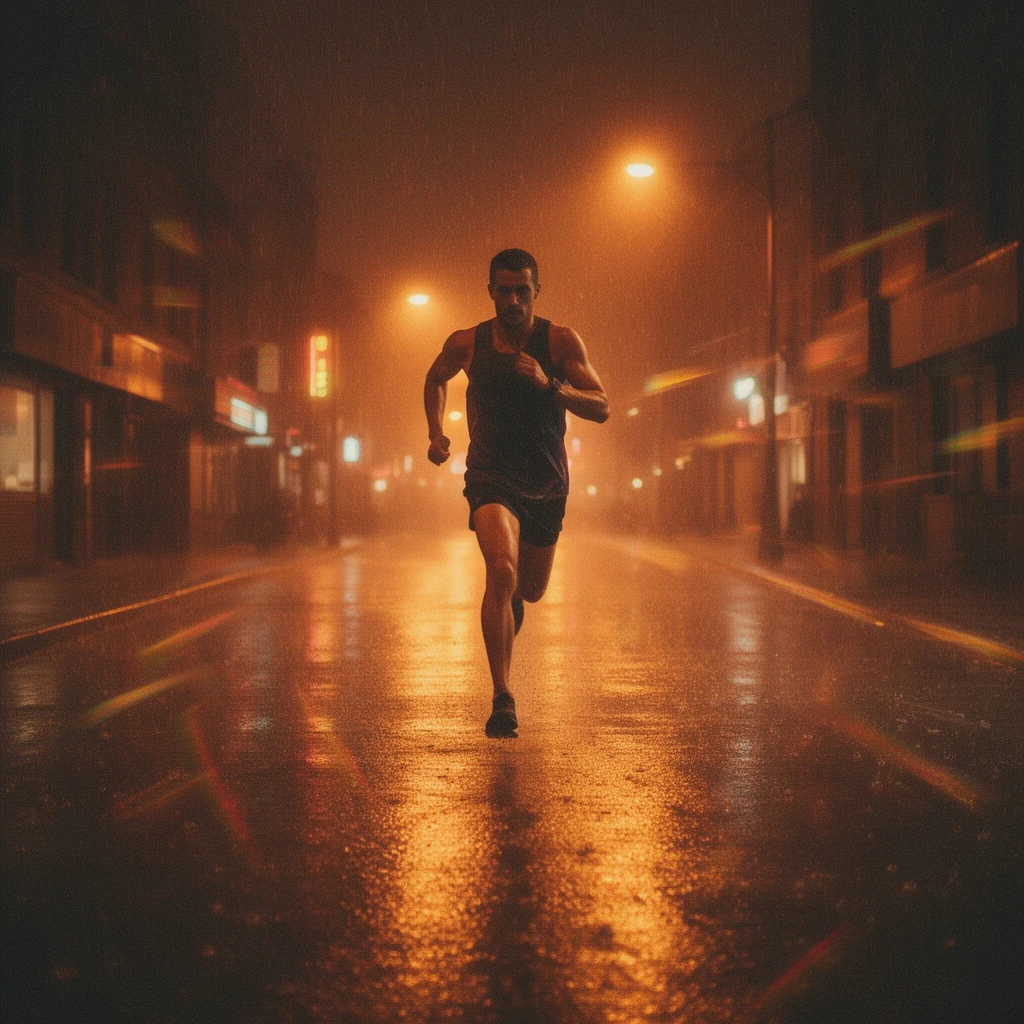
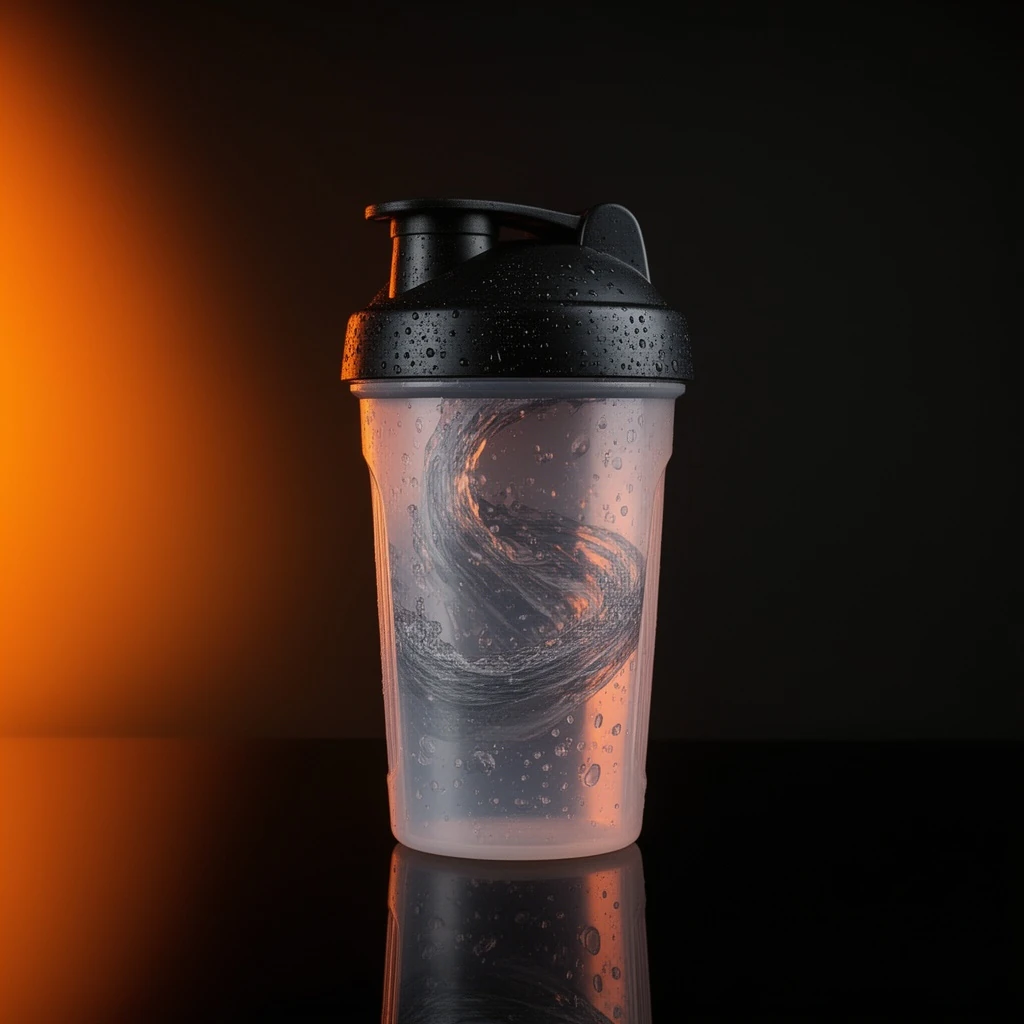
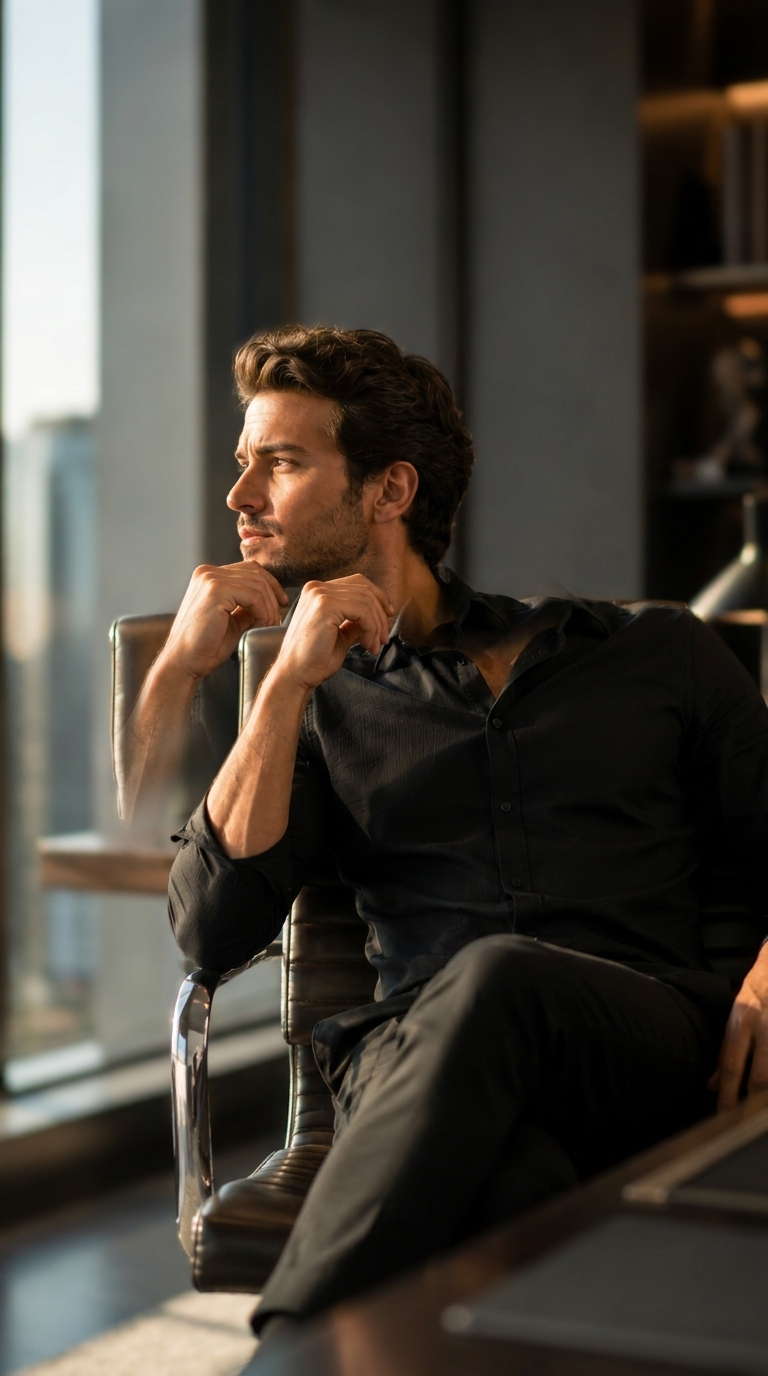
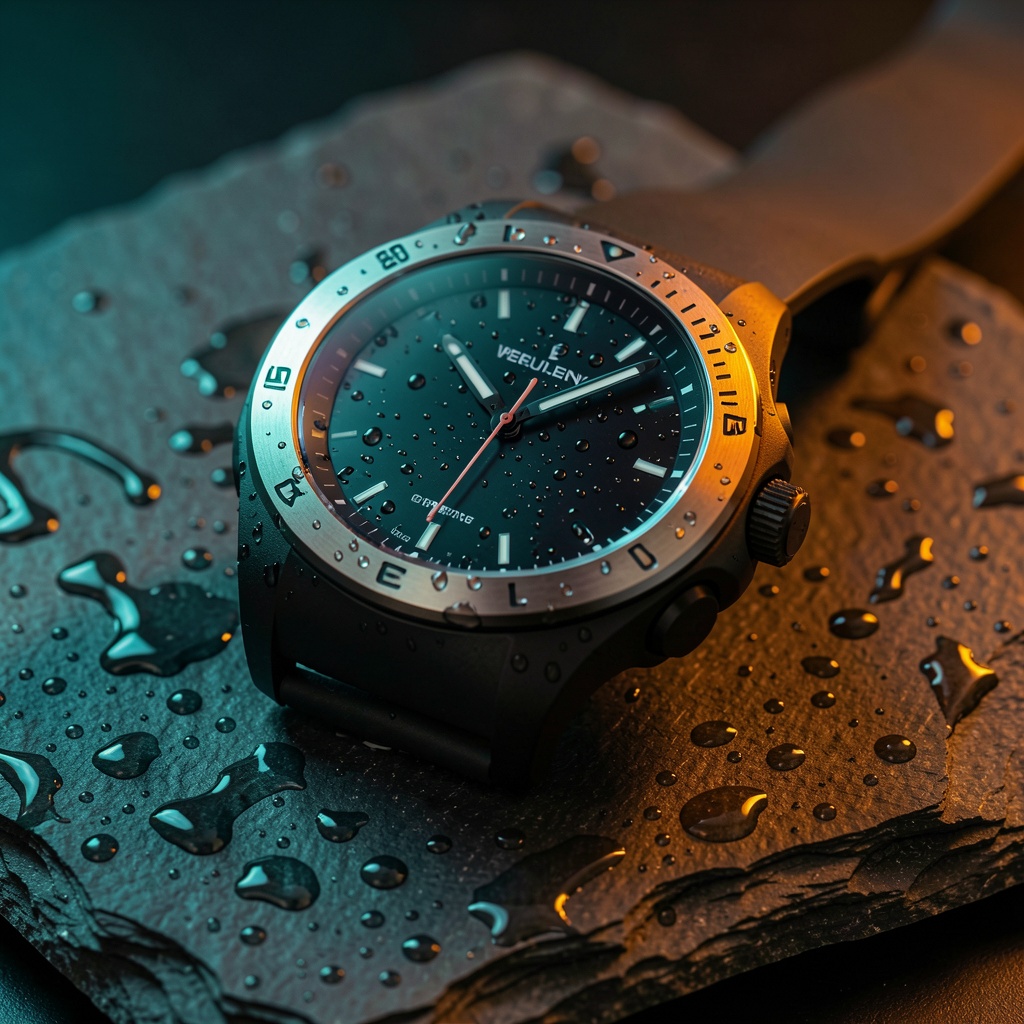
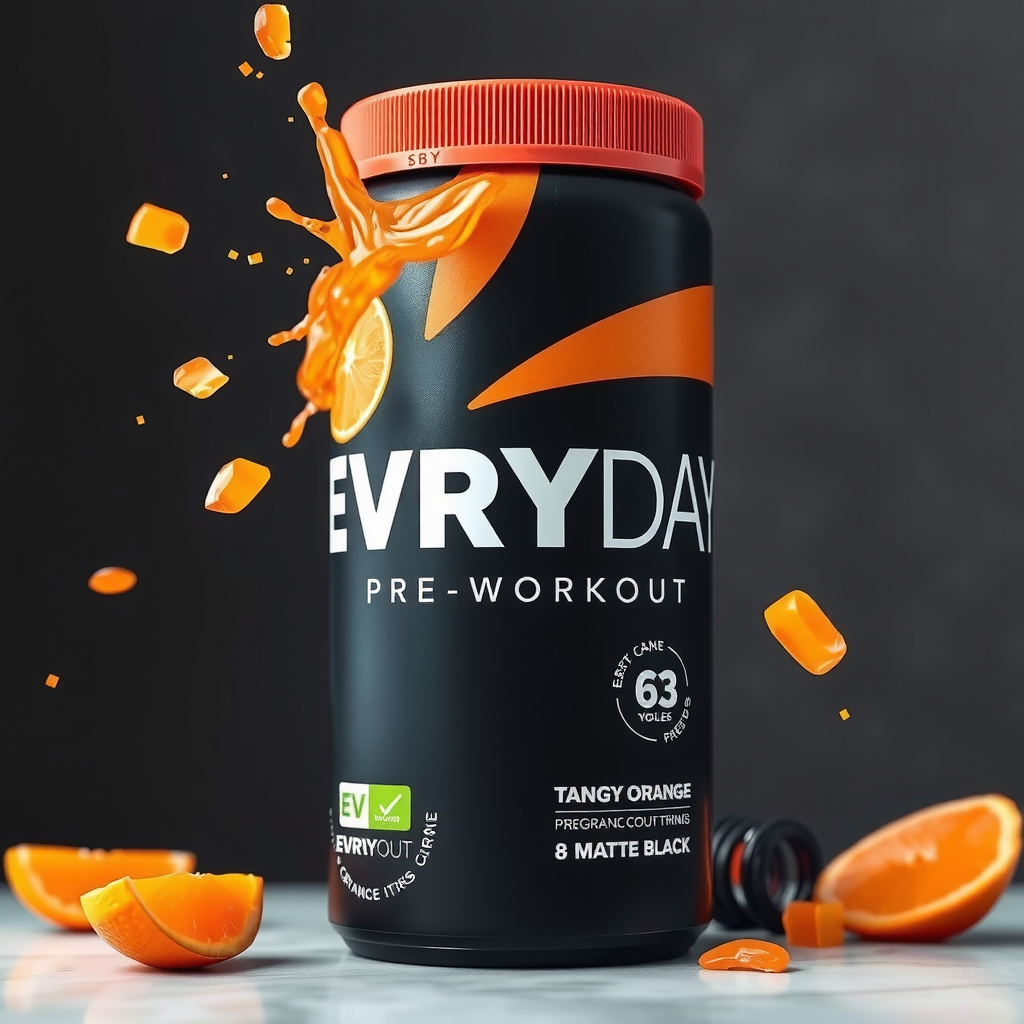
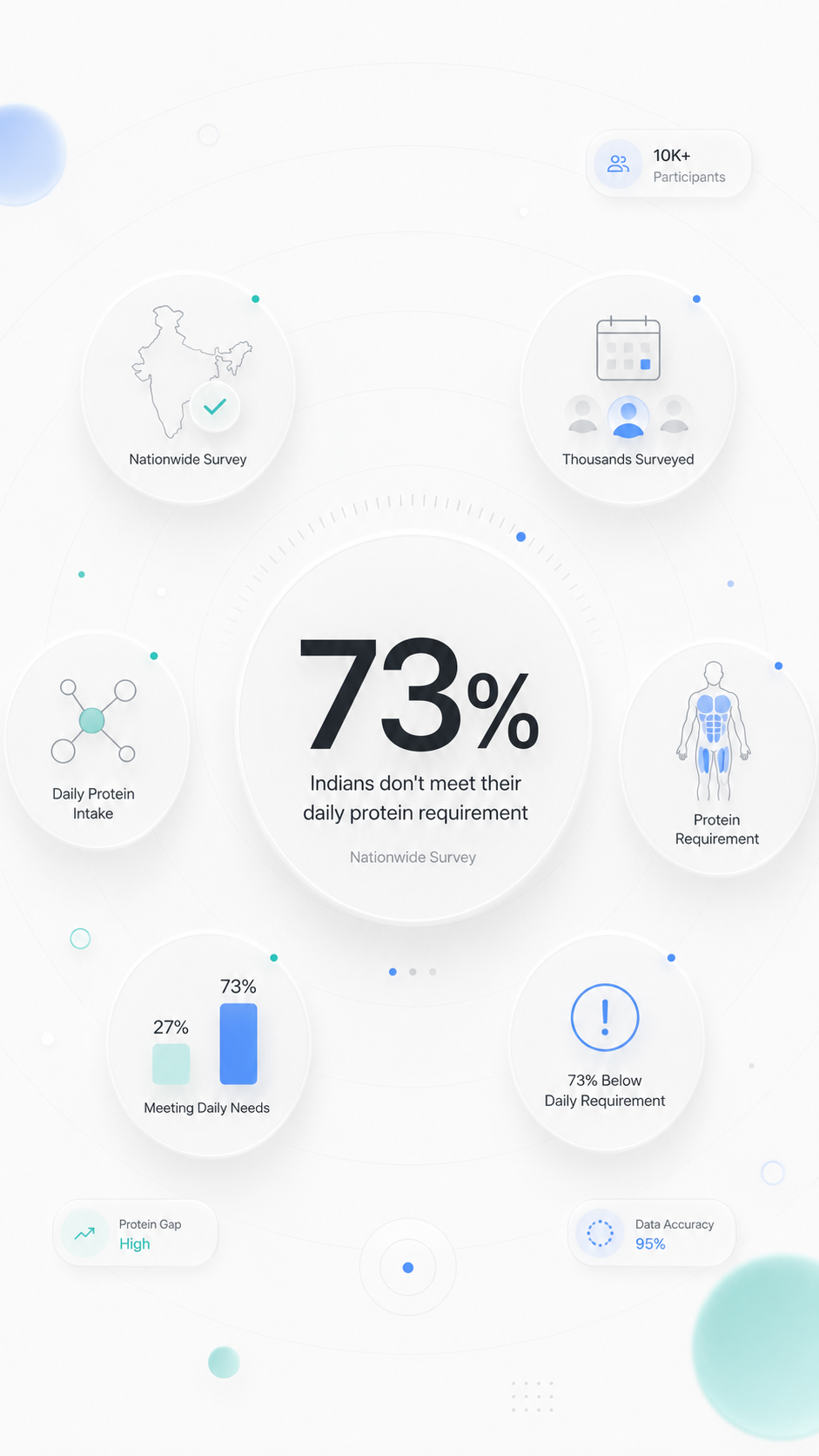
Sample output videos and images — representative of format categories available in Orvik. Hover or scroll to play video tiles.


CALL SHEET — WHAT YOU GET
| No. | Item | Detail |
|---|---|---|
| 01 | Text-to-video, image-to-video, video-to-video | One studio handles every video generation mode. The engine auto-routes to the right model family based on what you drop in. |
| 02 | 61 models, one interface | Text-to-video and image-to-video models — Kling, Veo, Wan, Sora, MiniMax, and more — updated as the leaderboard shifts. You never need to switch tools. |
| 03 | Effects presets and camera control | Apply orbit, dolly, zoom, neon glitch, and anime-stylize presets in one click. Motion-control video-to-video for restyling existing footage. |
| 04 | Multi-reference for consistent characters | Drop up to multiple reference images and the engine keeps your product or character consistent across every frame of the clip. |
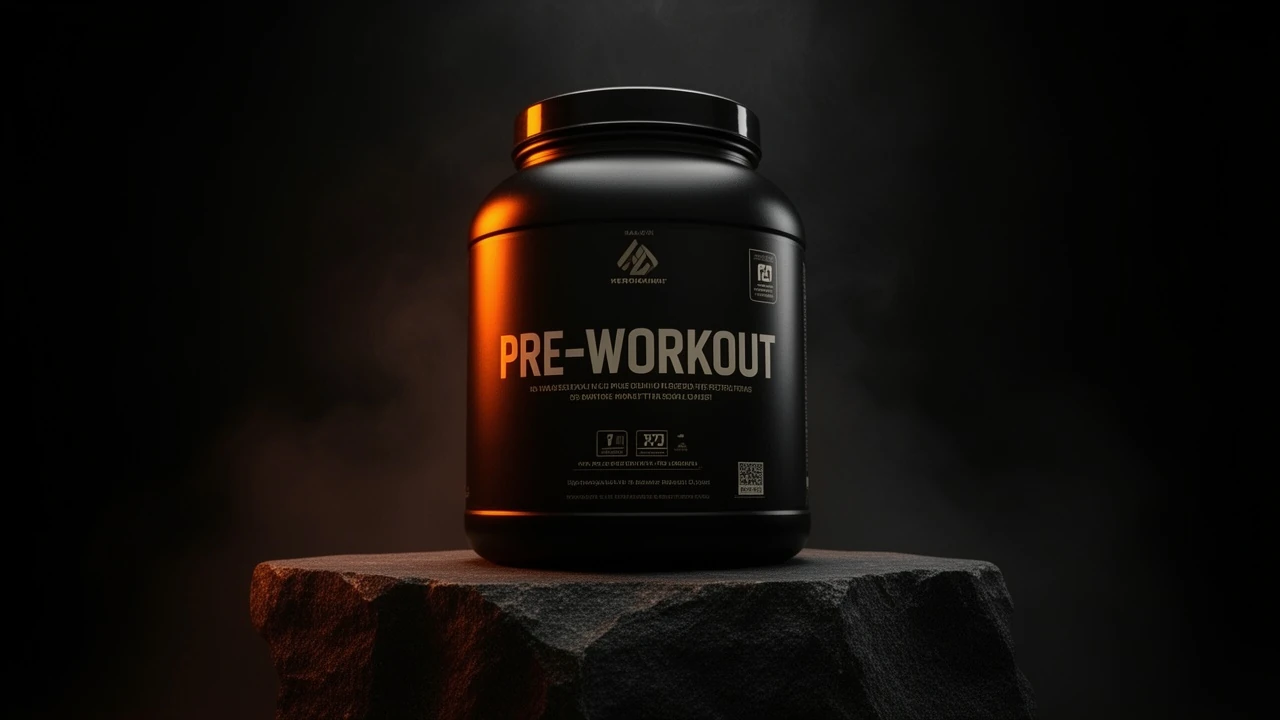
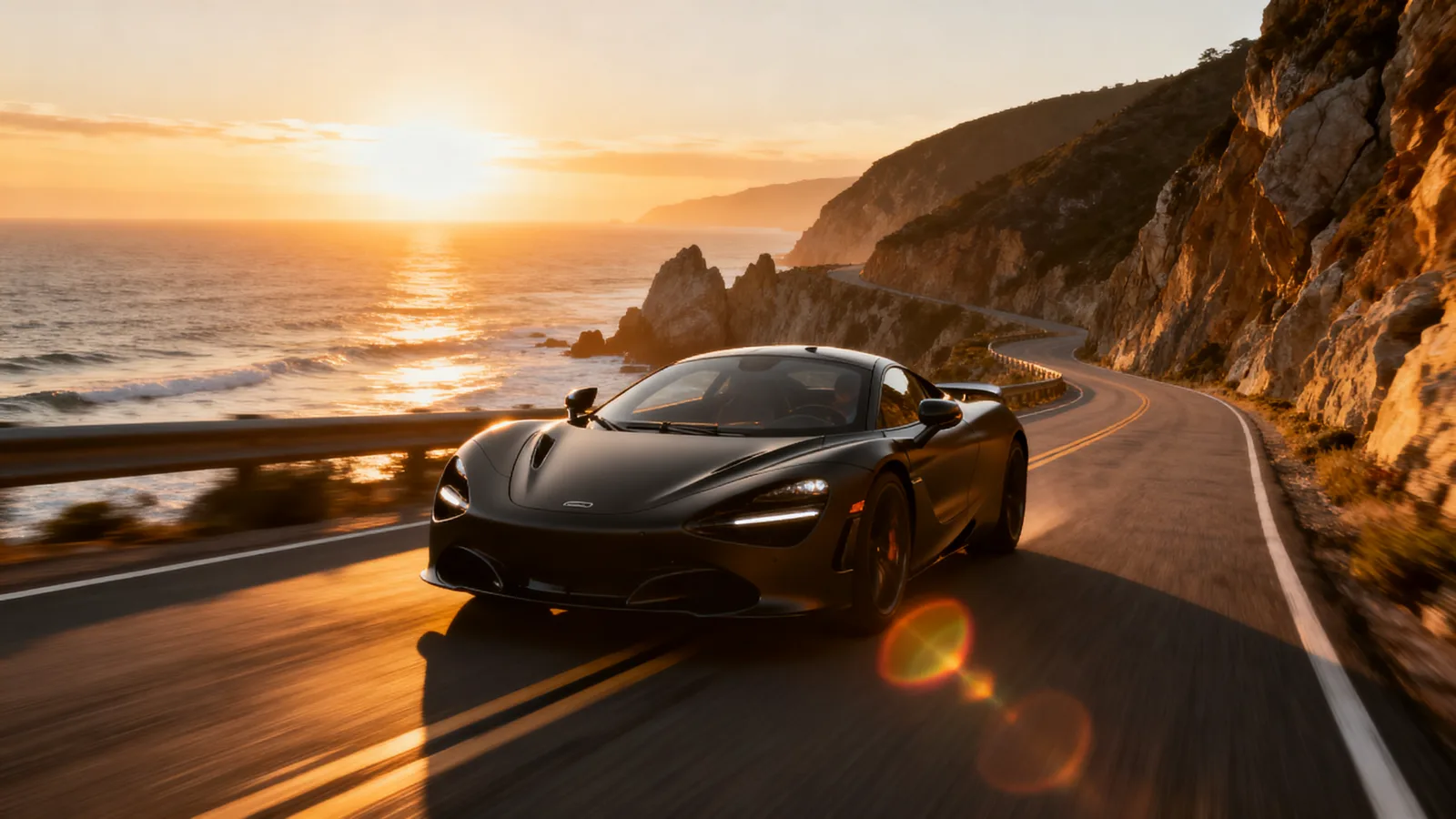
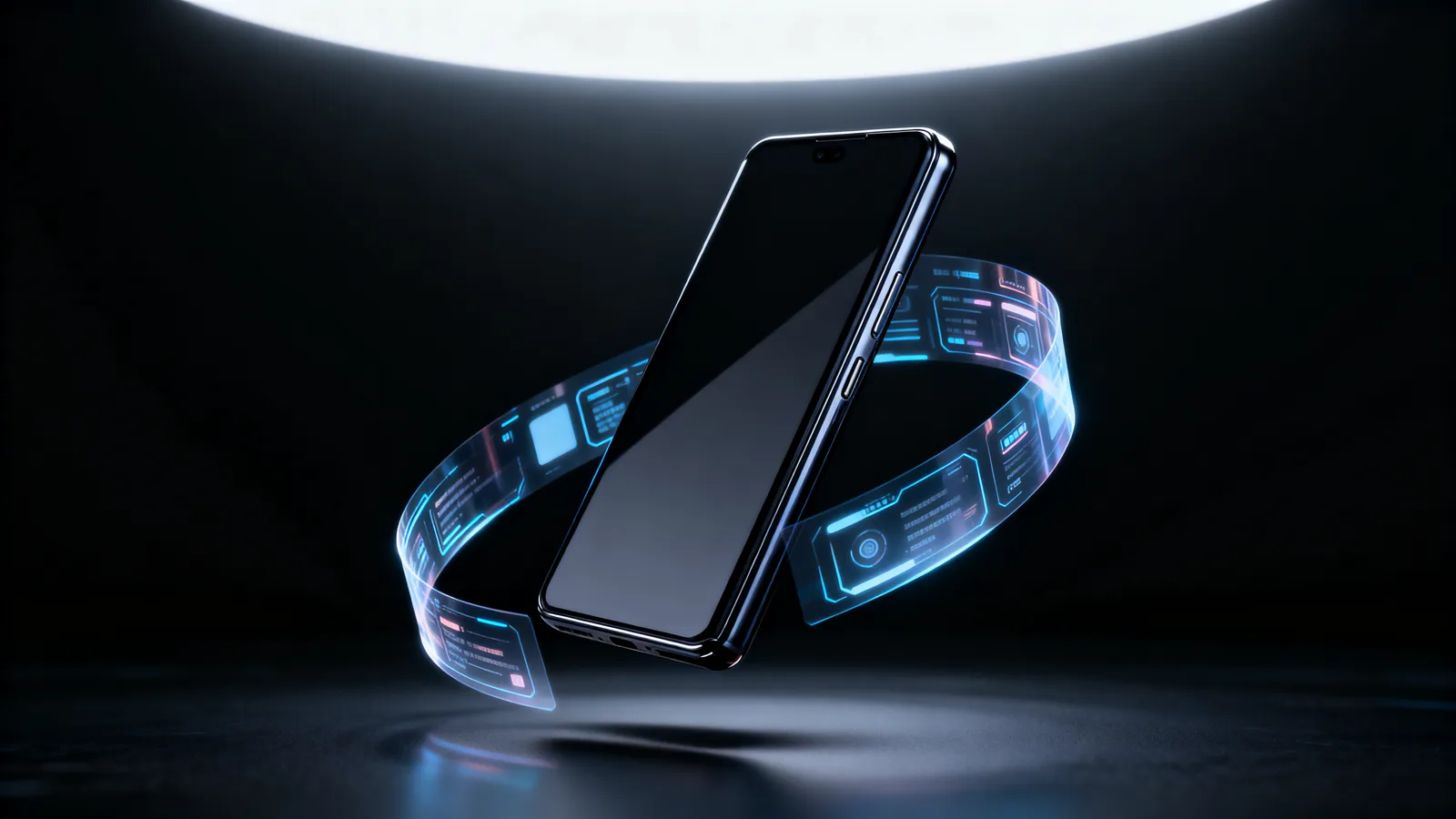
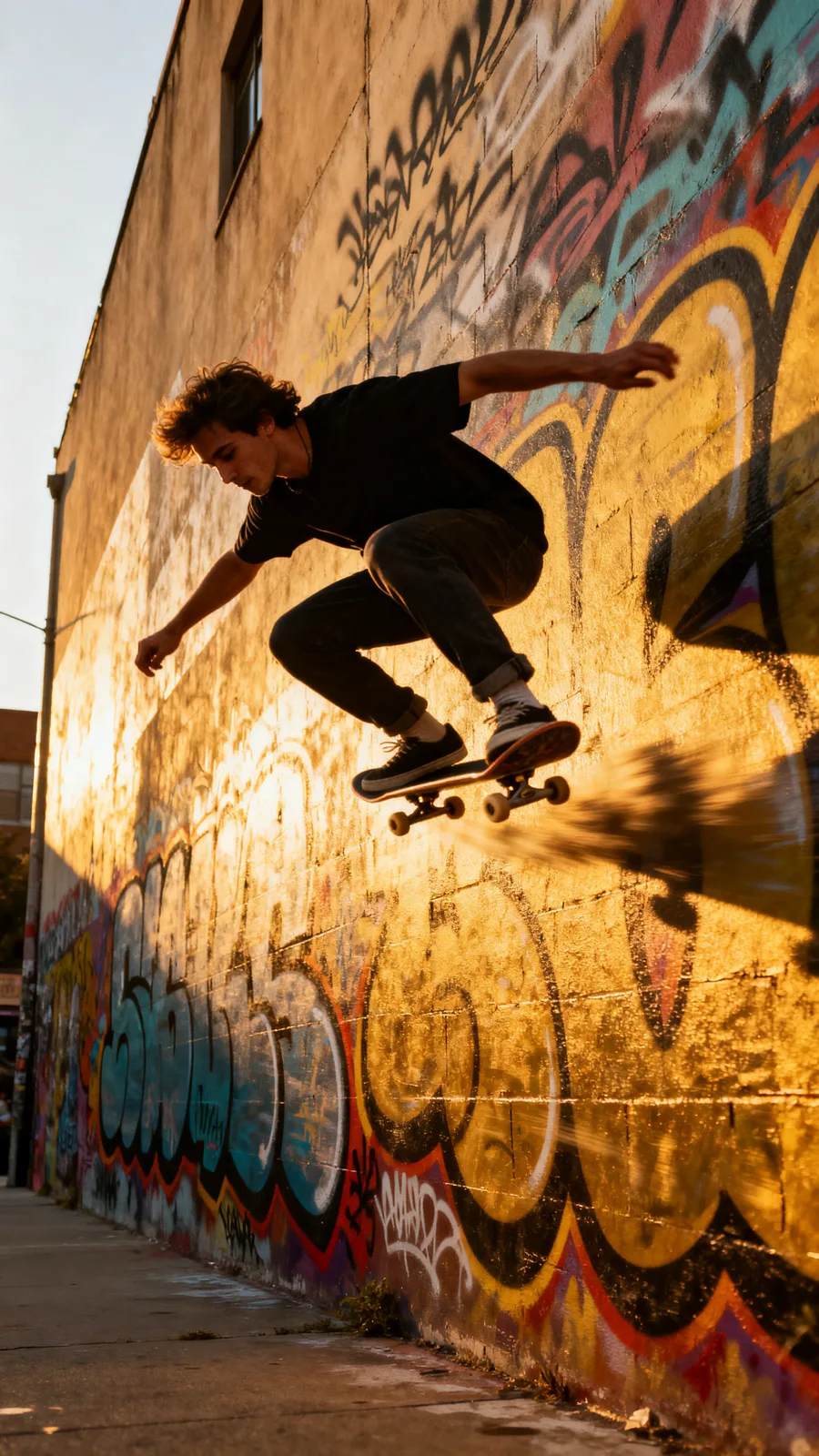
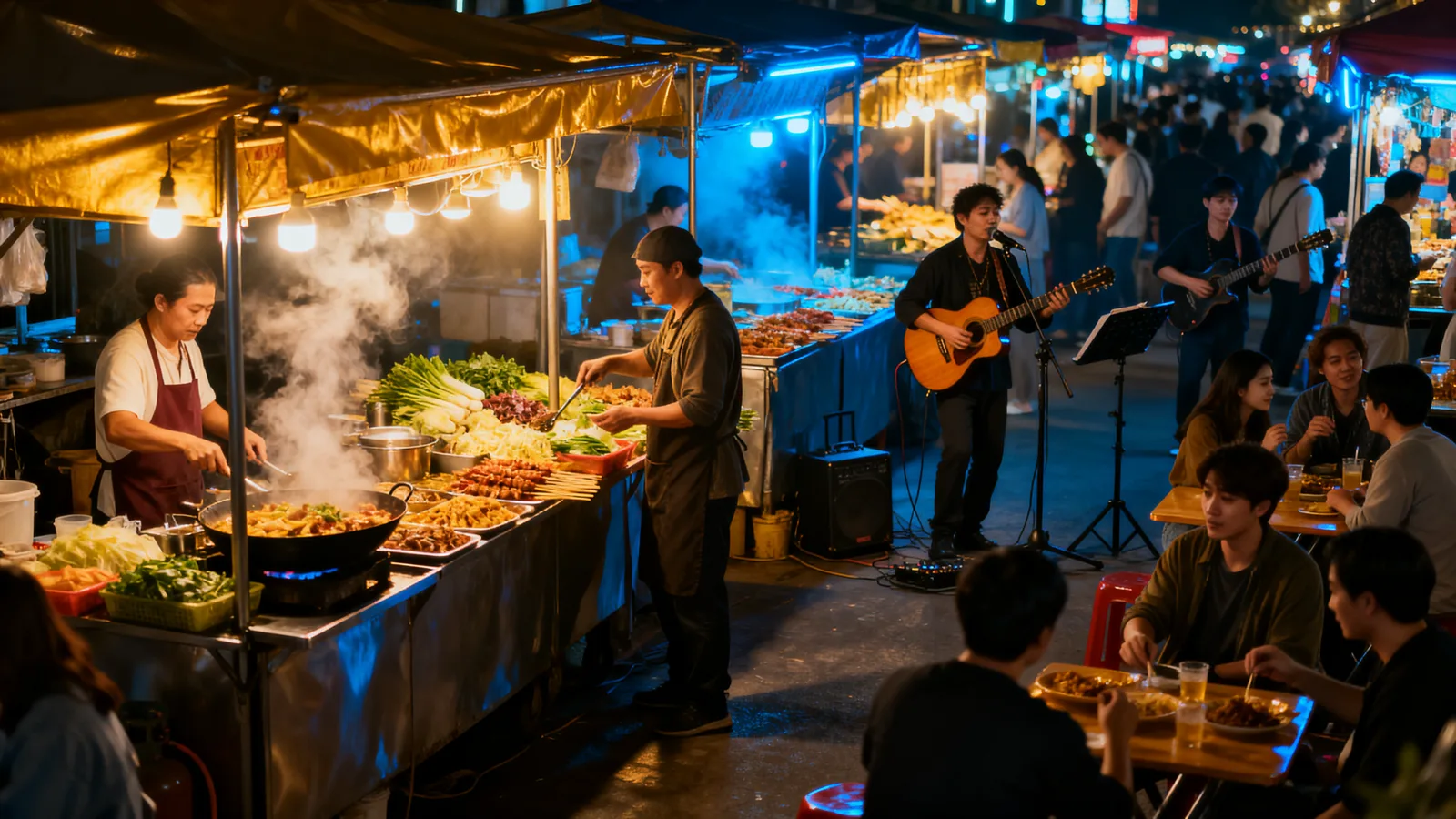
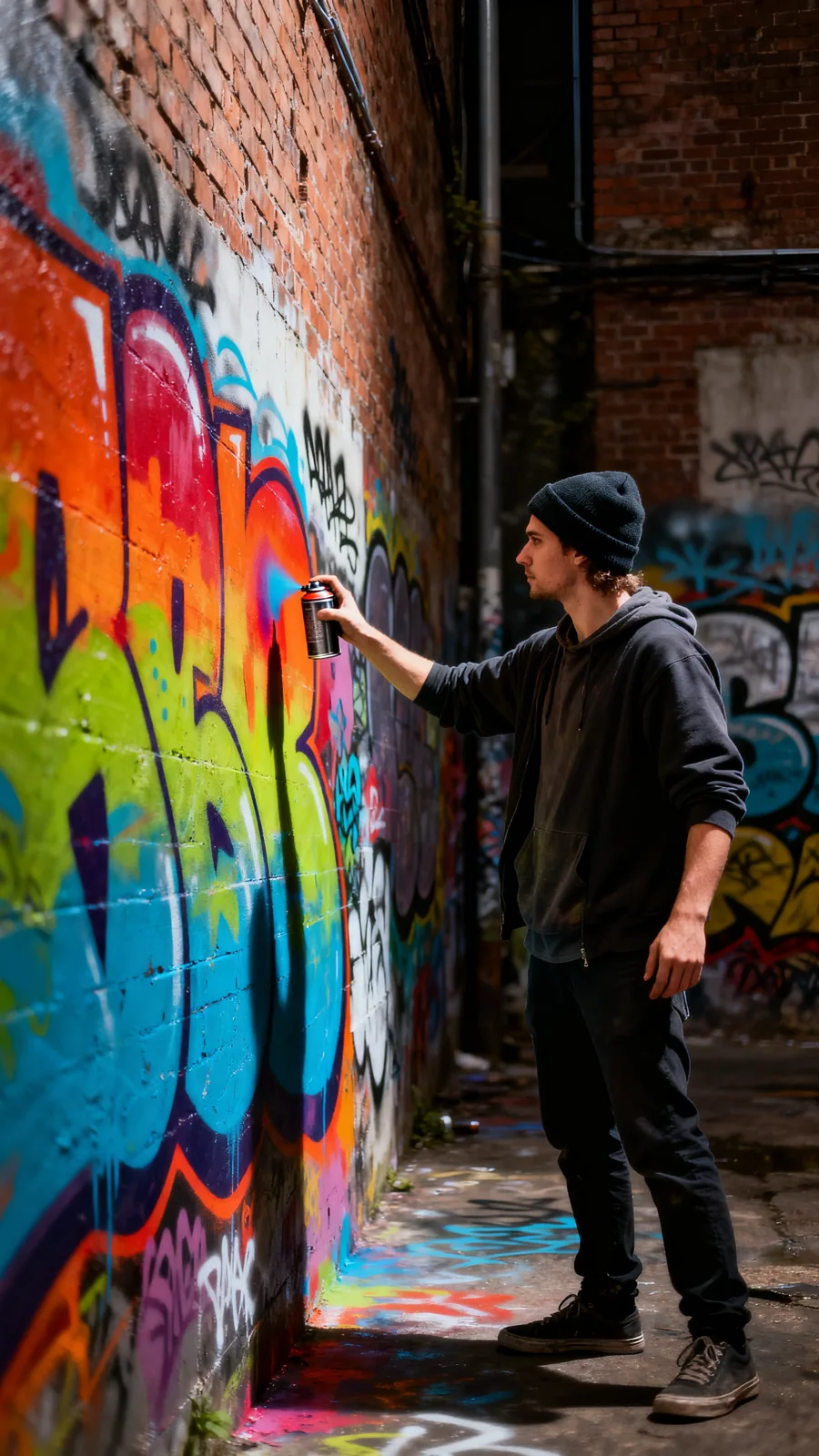
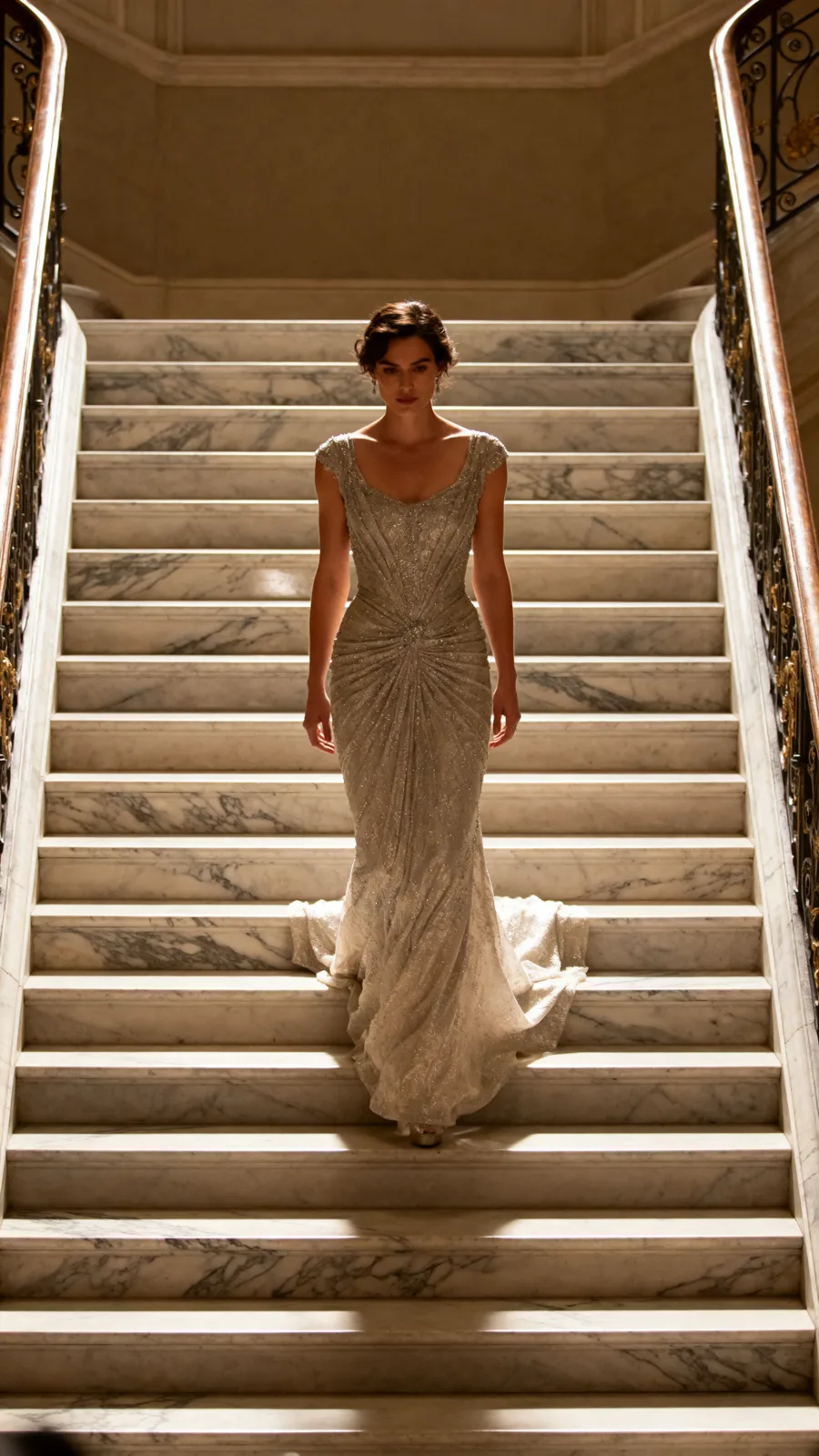
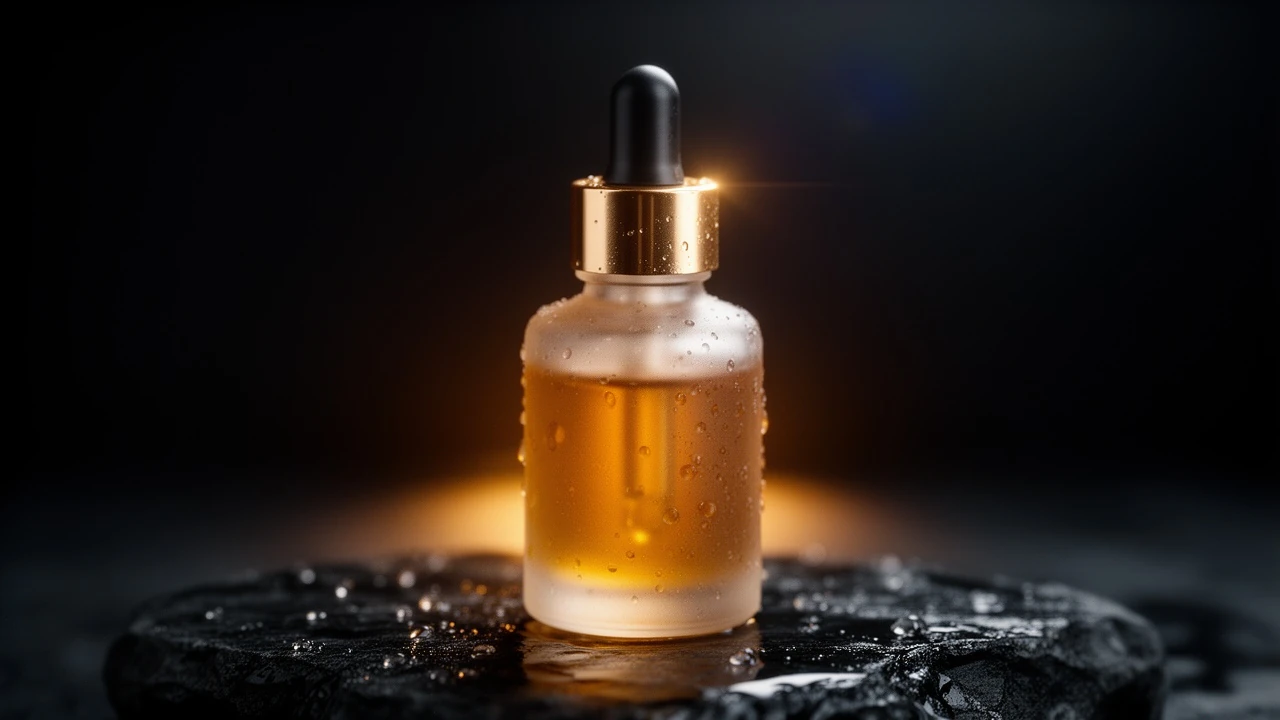
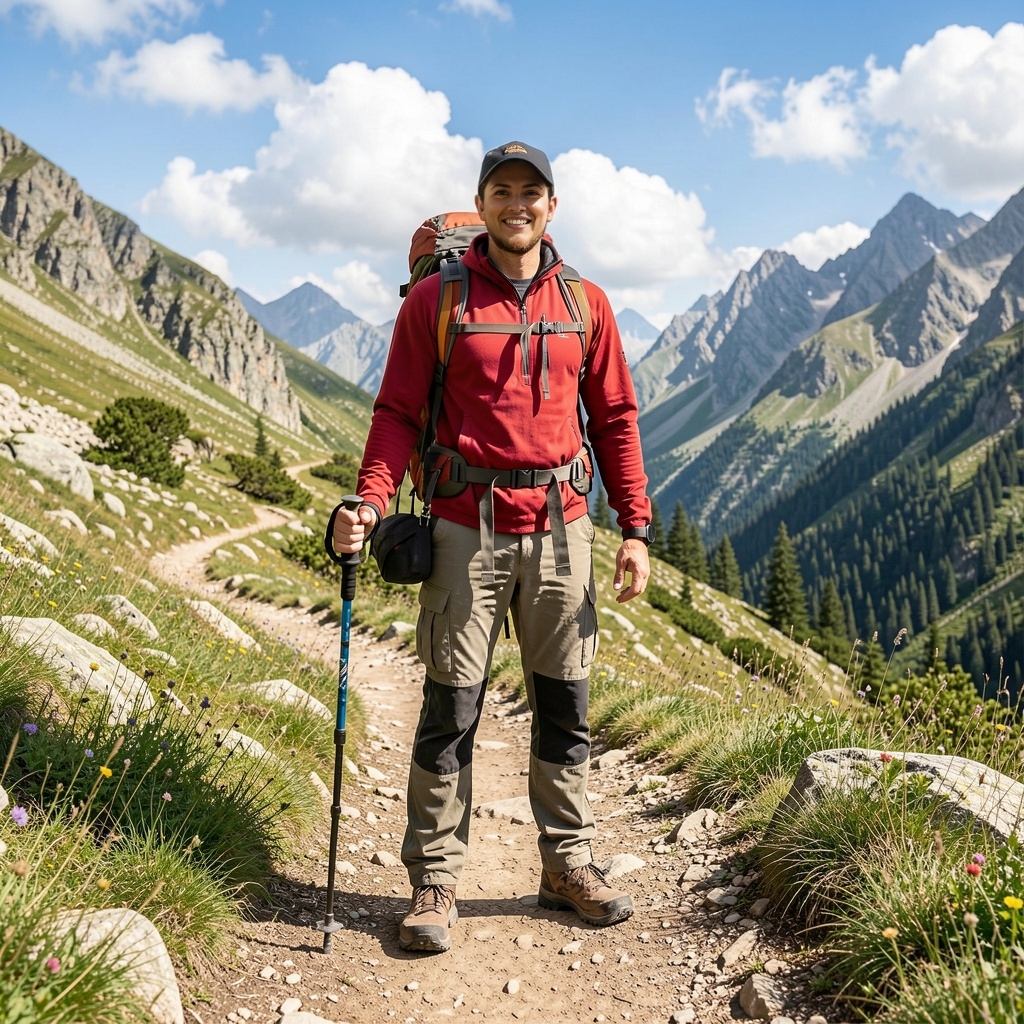
21 real renders. No mockups, no stock — every tile was generated here.

Powered by
The rate card
FAQ
Text-to-video generates a video clip from a written prompt alone. Image-to-video takes a still image (a product photo, a reference frame, or a character) and animates it — adding motion, lighting, and camera movement while preserving the visual identity.
Orvik routes across 100+ video models including Kling v3, Veo 3.1, Sora 2, Wan, MiniMax, Pixverse, LTX, and more. The catalog updates automatically as new models ship — you always get the latest without a software update.
All major ratios: 9:16 (vertical/Reels/TikTok), 1:1 (square/feed), and 16:9 (landscape/YouTube/display). Resolution options vary by model — most flagship models output up to 1080p or higher.
Yes — duration options range from 3 to 15 seconds depending on the model you choose. Clips can be chained or extended in the Cinema Studio for longer multi-shot sequences.
Video-to-video takes an existing video clip and transforms it — removing watermarks, restyling the grade (e.g. teal-and-orange cinematic), or applying motion-control effects. The source clip is your creative starting point.
You retain the rights the underlying model licenses allow — most models permit full commercial use; check the model page for exceptions.
Yes — the free tier gives you 15 generations per day with no credit card required. Paid plans start at $9/month (Creator) and $29/month (Studio) for higher volume and access to the latest models.
Keep exploring
LAST LOOKS
A closing reel of real engine output — video and image, across formats and use cases. Every tile is a sample render.