01
Write the brief
Describe the output you need in plain words — subject, mood, format, aspect ratio. No prompt engineering, no camera crew.
MODEL FAMILY — VIDEO TO VIDEO
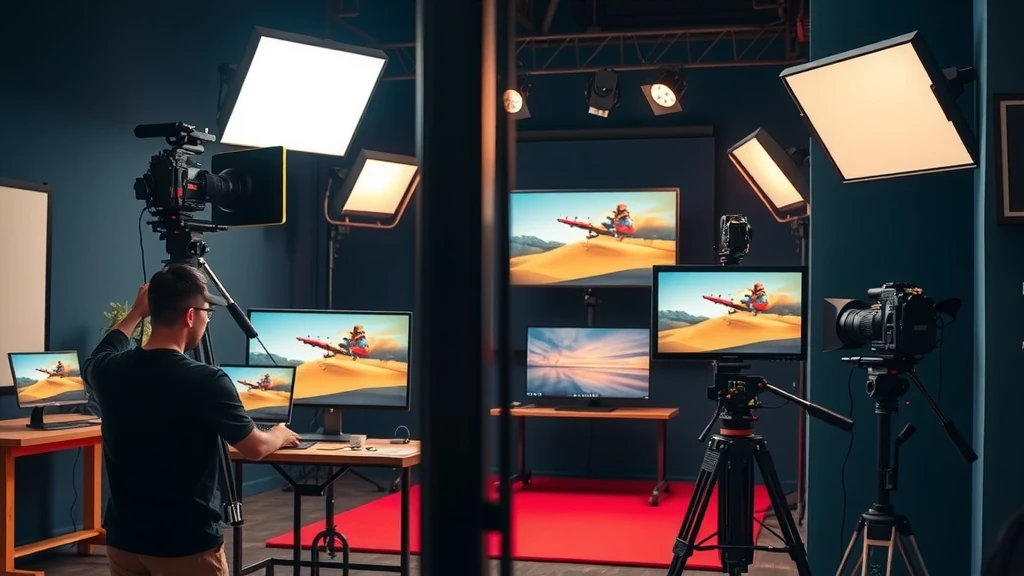
HOW IT WORKS
Describe the output you need in plain words — subject, mood, format, aspect ratio. No prompt engineering, no camera crew.
Open the model picker and choose Ovi. The studio shows the exact credit cost of the run before you commit.
Generate, review, change one line of the brief, and run it again — iteration costs a sentence, not a reshoot.
WHAT YOU GET
| No. | Capability | Detail |
|---|---|---|
| 01 | Style transfer on footage | Apply cinematic grades, artistic styles, or brand palettes to existing video clips. |
| 02 | Temporal effects | Add motion blur, speed ramps, and atmospheric overlays to footage in a single generation pass. |
REAL RENDERS
INCLUDED VARIANTS
| No. | Model | Capability |
|---|---|---|
| 01 | Ovi | Video to Video |
The rate card
FAQ
Video-to-video style transfer and effects applied to existing footage. On Orvik it sits in the Video to Video lane of the studio, on the same plan as every other frontier family.
Video to Video work, directed from a plain-language brief. The listed variants — Ovi — all run from the same brief box in the studio, and every sample on this page is a real engine output.
Rates are per model and the studio shows the exact credit cost before you generate. The plan math — monthly credit allowances and what they convert to — is on /pricing.
Yes — 1 variant listed (Ovi). The live studio reflects the current catalog, so new variants appear as the catalog updates.
You supply existing footage; the model retimes, retyles, or applies effects to produce a transformed output clip — useful for brand consistency or creative stylisation.
Yes. Upload your existing video and describe the style transfer or effect you want. The model preserves your scene while applying the transformation.
Keep exploring
LAST LOOKS
A closing reel of real engine output — video and image, across formats and use cases. Every tile is a sample render.