01
Upload the base image
Drop in the scene you want to keep — the product shot, studio portrait, or lifestyle image. This becomes the canvas; only the face will change.
Production — FACE SWAP
Swap one face for another in any image — keep the lighting, pose, and composition exactly as-is. Useful for localising brand presenters, testing model diversity, or reusing a premium shoot across campaigns.
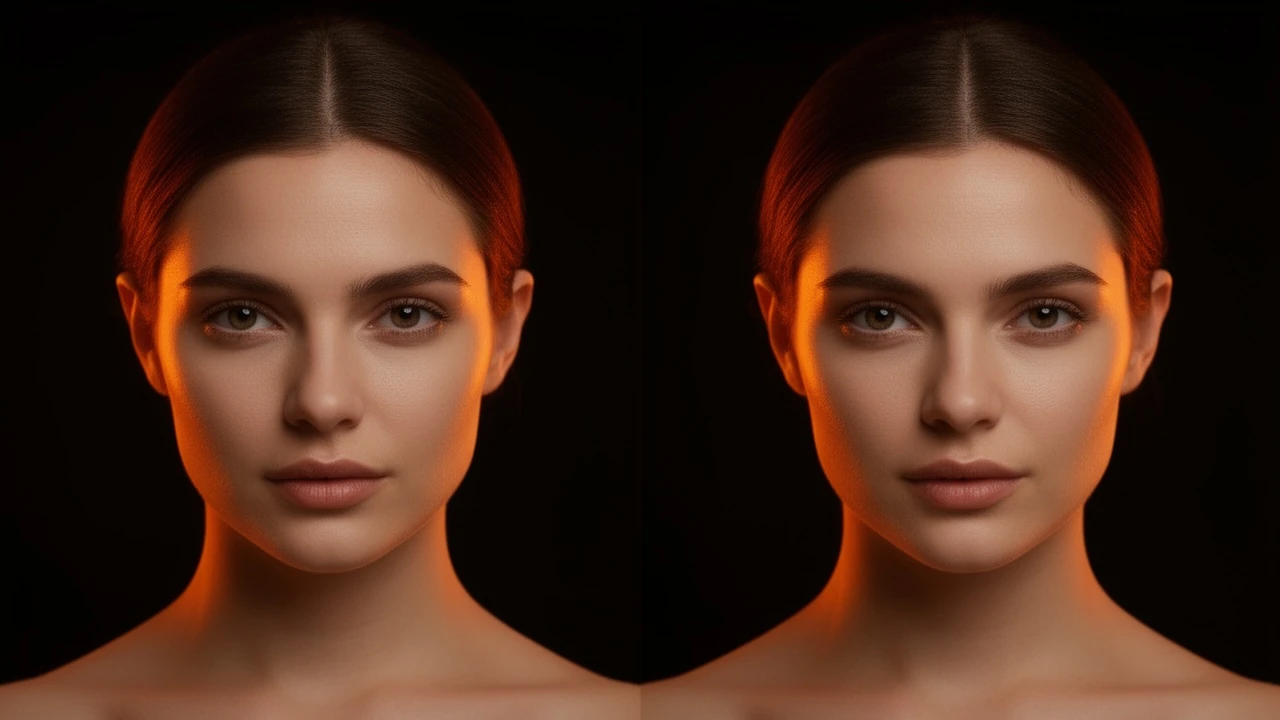
STORYBOARD — HOW IT WORKS
Drop in the scene you want to keep — the product shot, studio portrait, or lifestyle image. This becomes the canvas; only the face will change.
Upload a reference headshot of the face to insert. A clear, front-facing portrait works best — the engine matches skin tone, lighting, and expression automatically.
The engine composites the new face into the scene with matched lighting and a natural blend. Download the result ready for ads, creative testing, or campaign localisation.
SCREENING ROOM — SAMPLE OUTPUT
Sample output videos and images — representative of format categories available in Orvik. Hover or scroll to play video tiles.
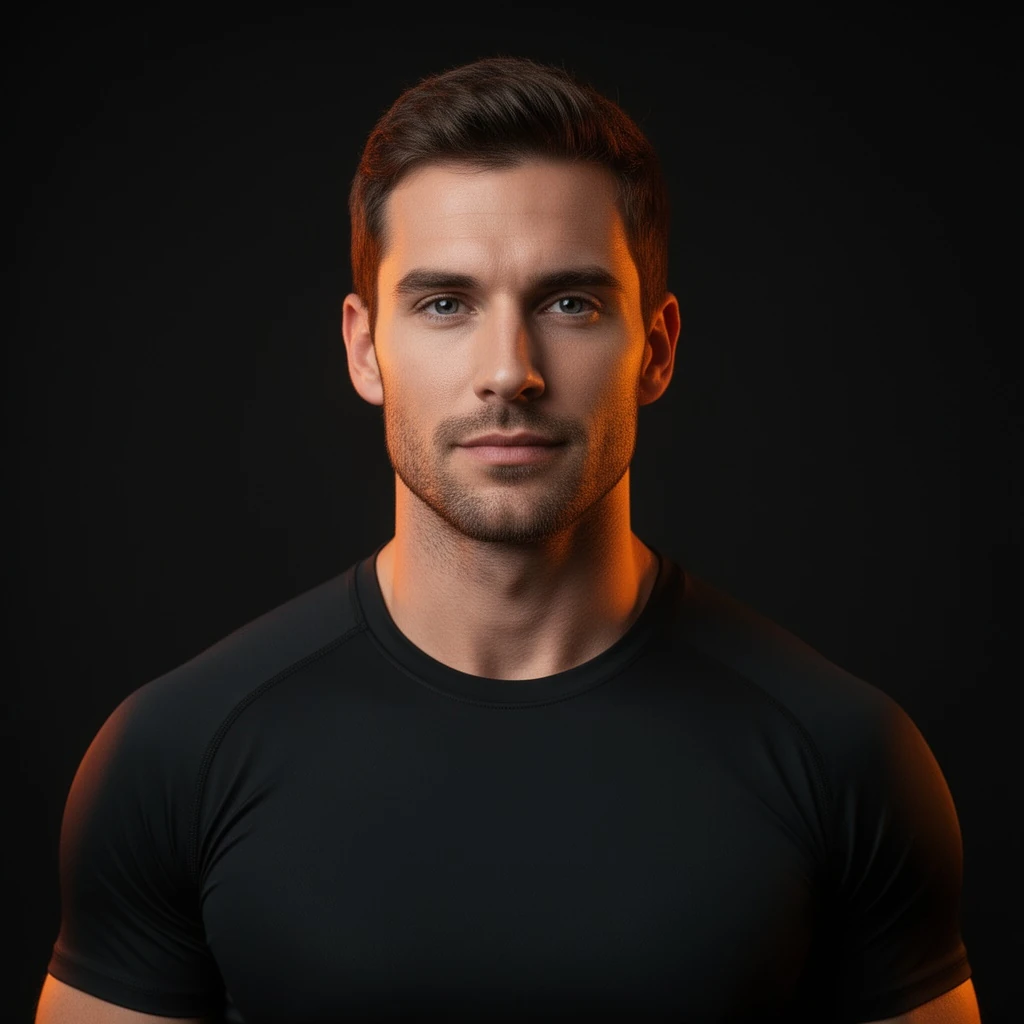
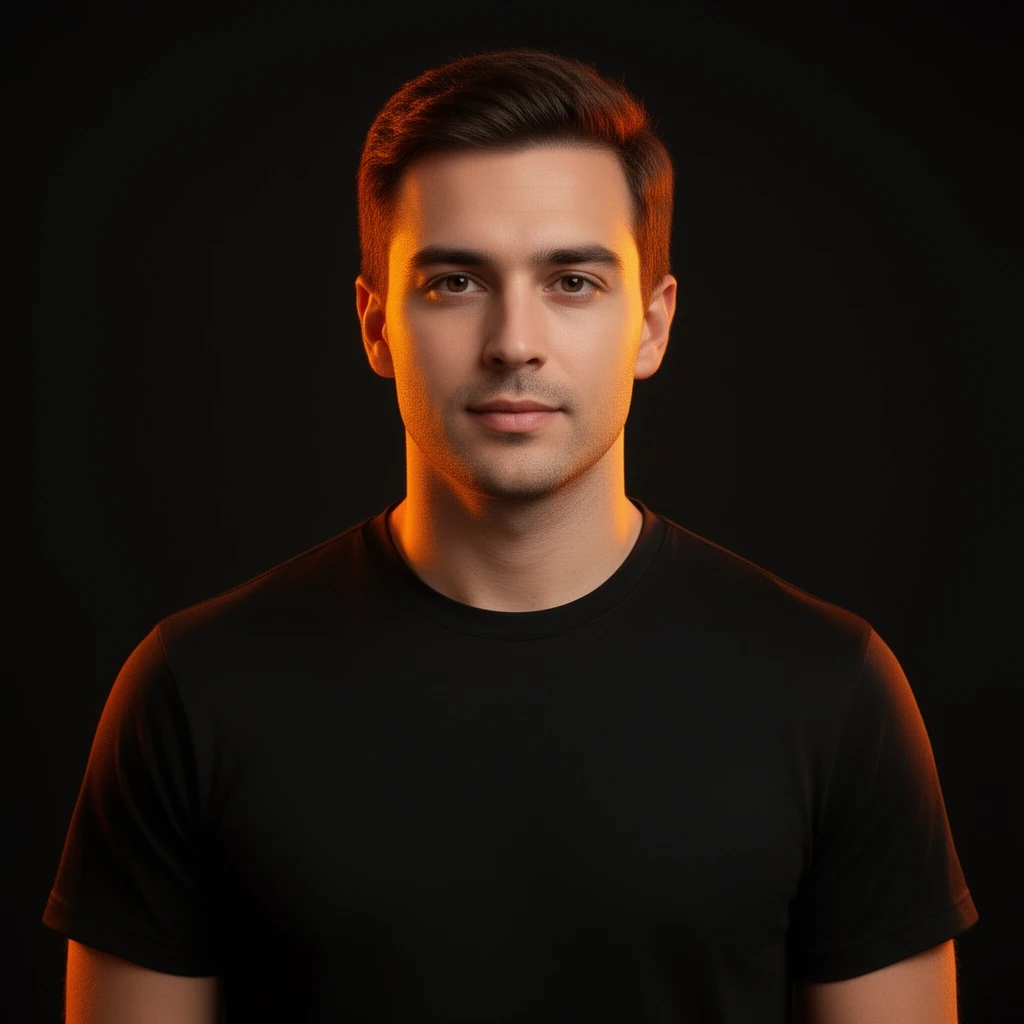 Before: A photoreal studio portrait of a fit model in a black tee on a near-black backdrop with a soft key light and faint orange edge — sample output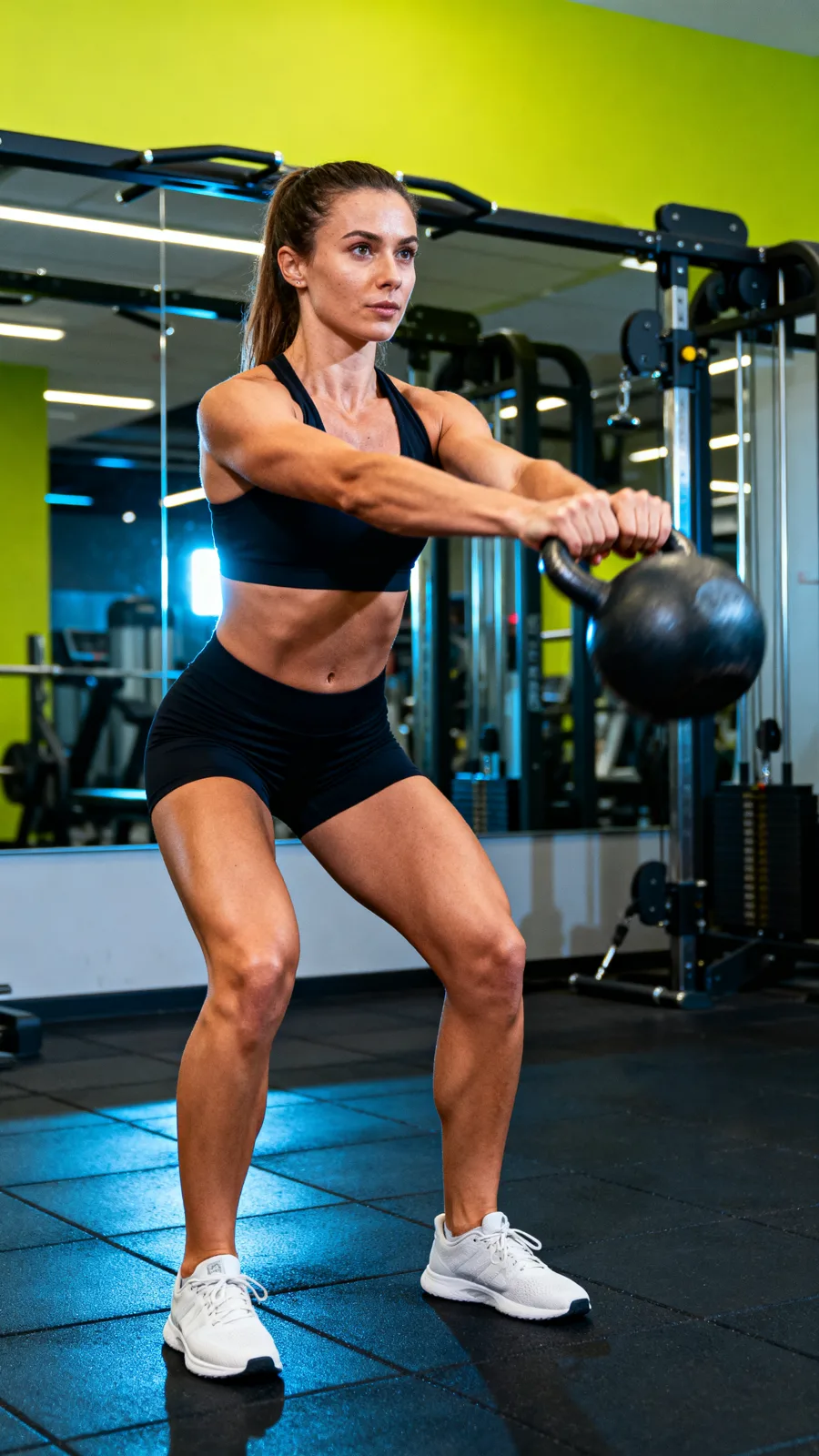


CALL SHEET — WHAT YOU GET
| No. | Item | Detail |
|---|---|---|
| 01 | Lighting and skin-tone matched swap | The engine matches the new face to the existing scene lighting, skin tone, and shadow direction — producing a composited result that reads as a single photograph. |
| 02 | Brand presenter localisation | Keep an expensive studio shoot and swap the presenter face for localisation — different markets, different model diversity — without rebooking talent or re-lighting a stage. |
| 03 | Seconds per swap | Each face swap completes in seconds. Test multiple presenter options, run diversity variants for a campaign, or rapidly iterate on a creative concept without a reshooting cost. |
| 04 | Responsible use — source images required | Both base and face-source images must be uploaded by you. The engine does not retrieve faces from external sources. Use only images you have rights to. |
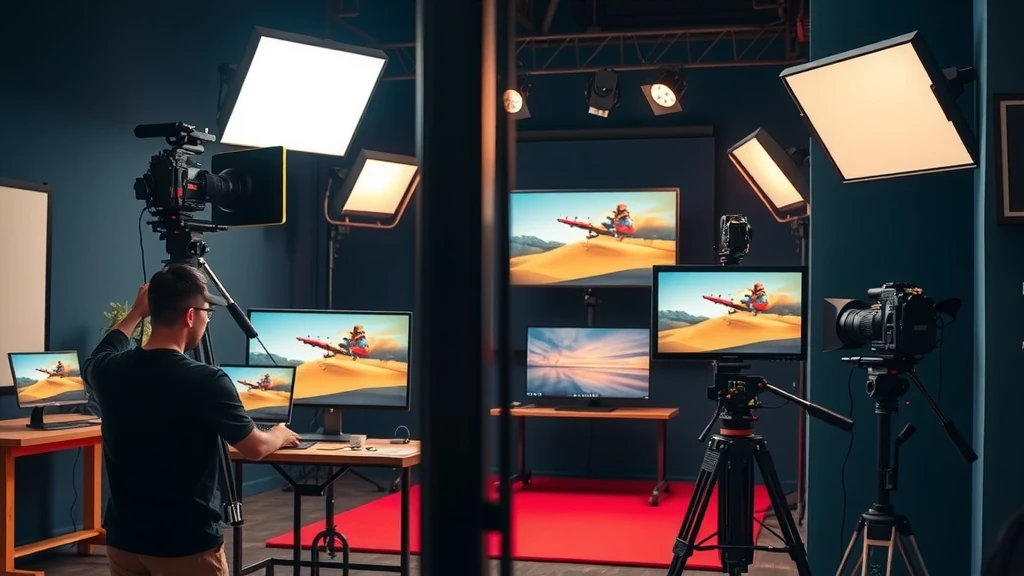
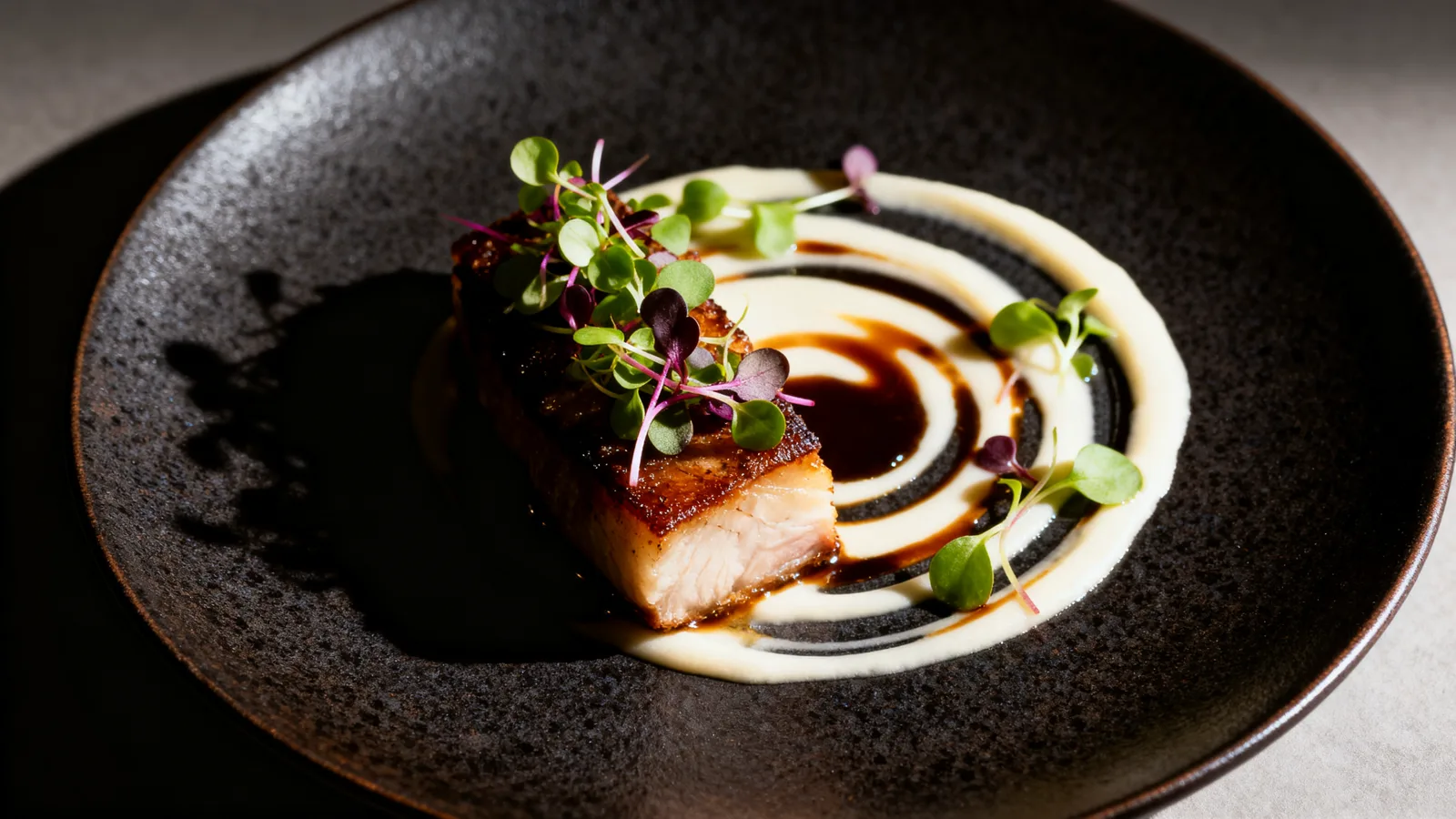
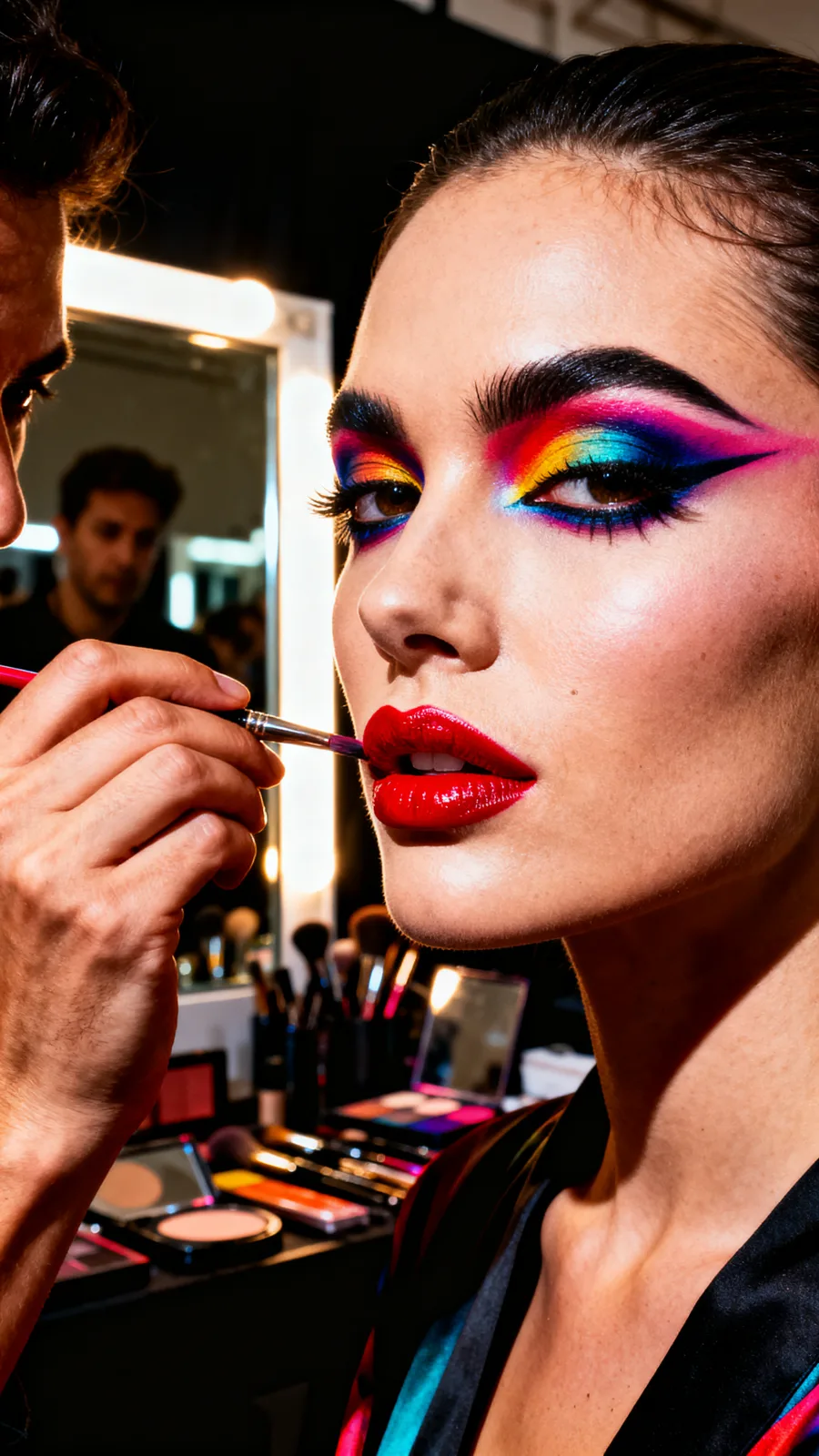
23 real renders. No mockups, no stock — every tile was generated here.


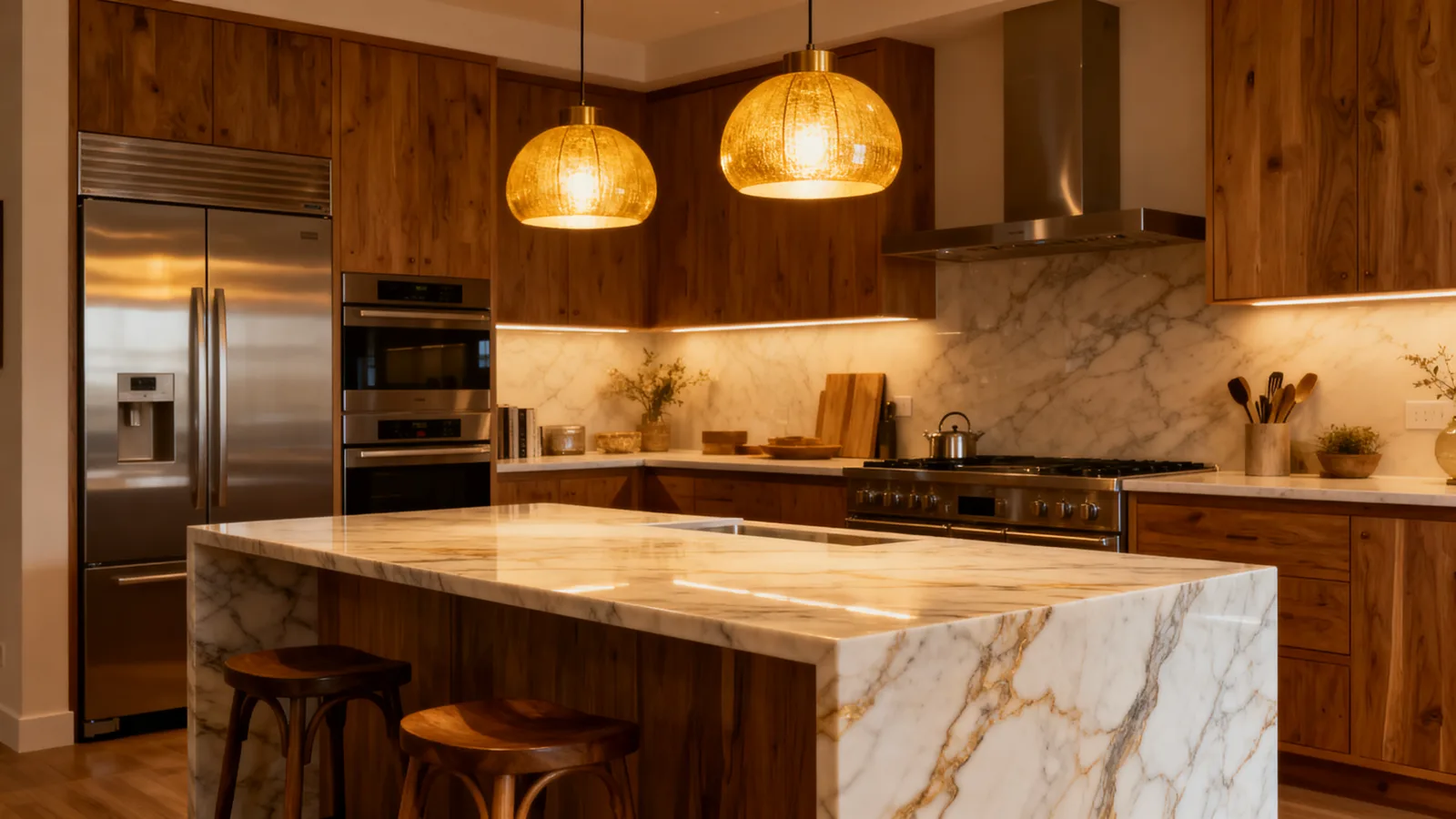

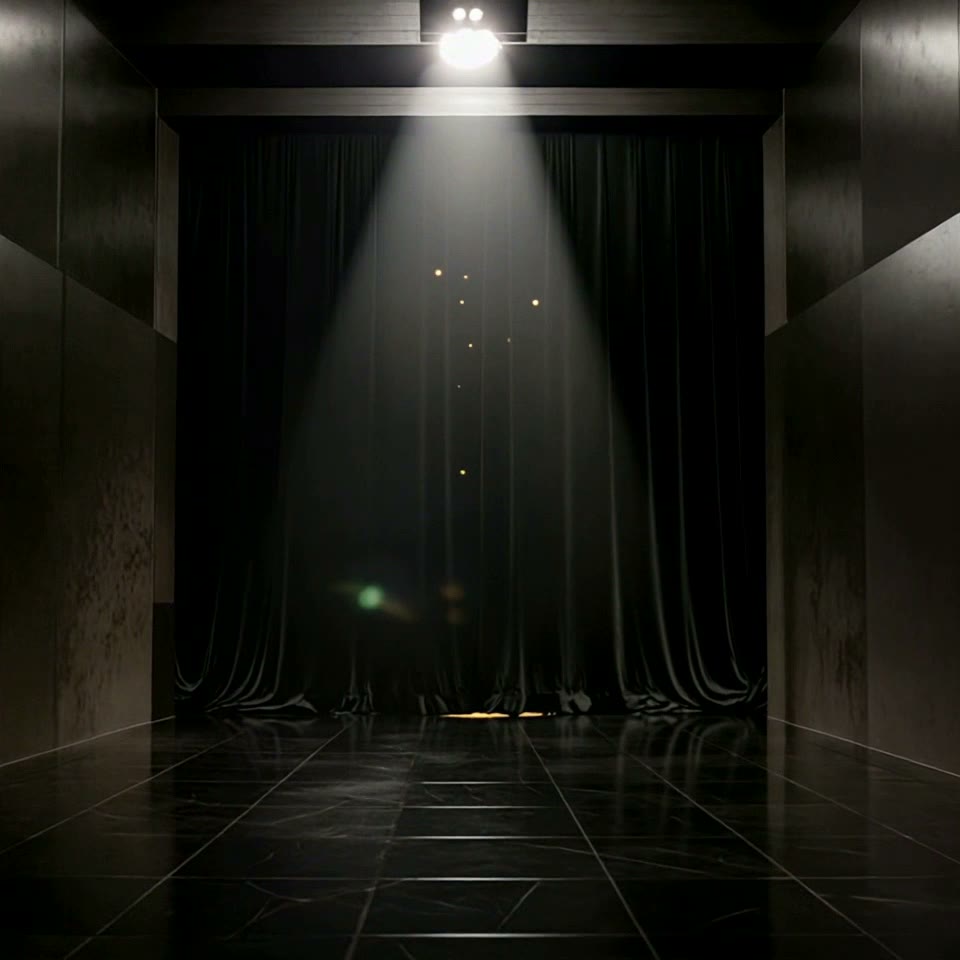
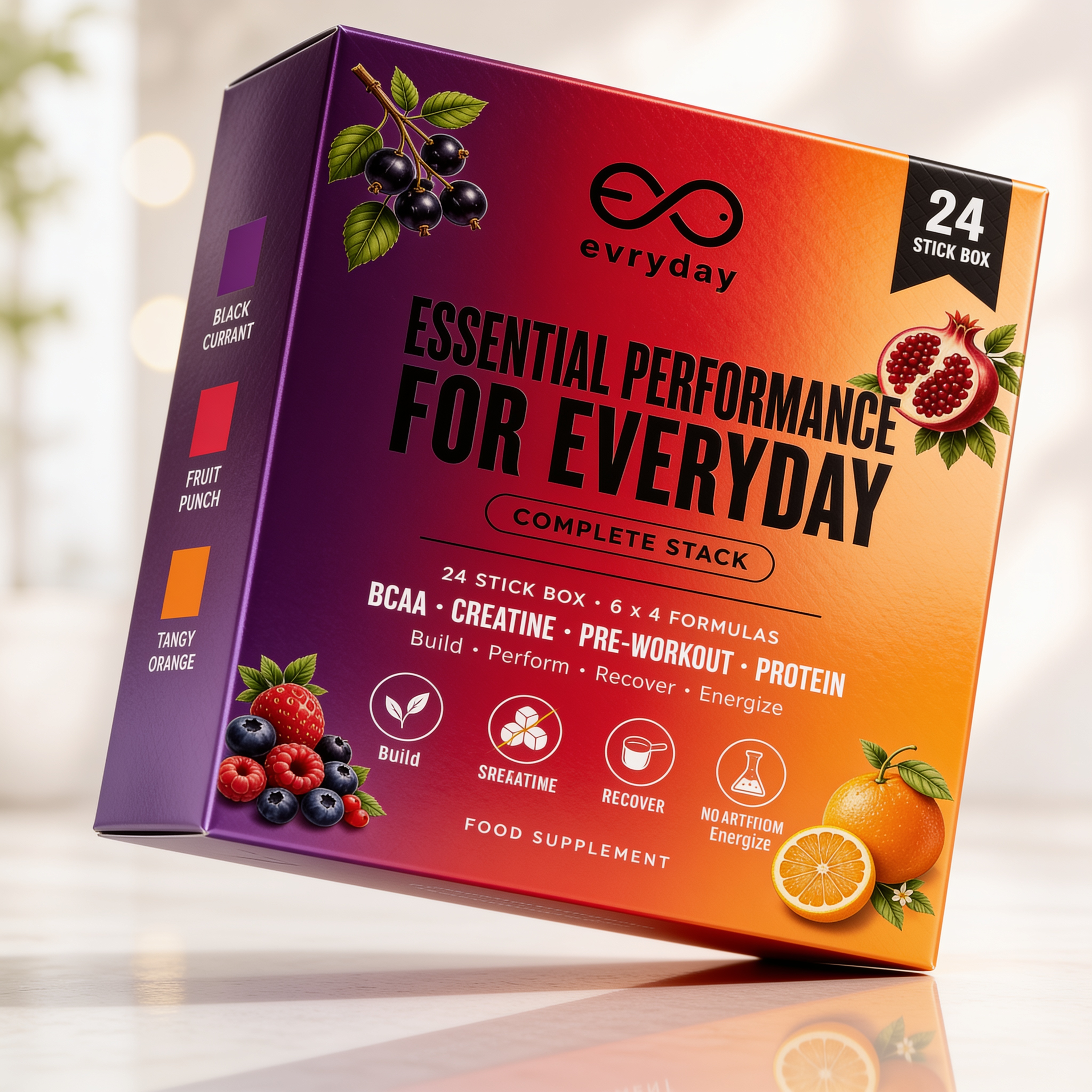


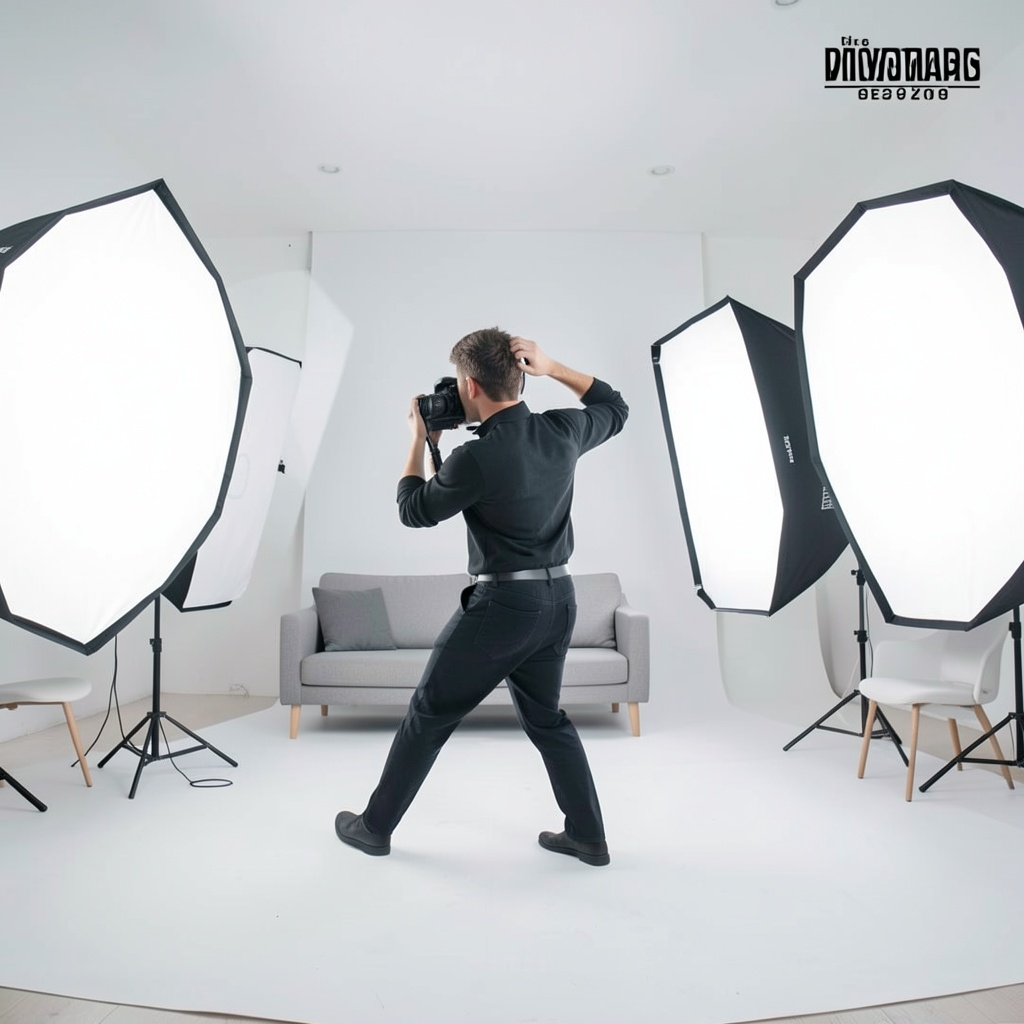

Powered by
The rate card
FAQ
Face swap replaces one face in an image with another. You provide a base image (the scene to keep) and a face-source image (the headshot to insert). The engine composites the new face into the scene with matched lighting and skin tone.
A clear, front-facing headshot works best. The face should be well-lit and unobstructed. Profile shots and angled faces reduce compositing accuracy.
Yes — that is a primary use case. Reuse a premium campaign shoot across markets or demographics by swapping the presenter face while keeping the product, background, and lighting unchanged.
You must upload both images yourself — the engine does not source faces from external databases. Use only images for which you hold the appropriate rights. Output images depicting real people must be handled in accordance with applicable laws and platform policies.
The current face swap tool operates on still images. For video, see the Lip Sync feature which handles portrait animation and re-dubbing of talking-head clips.
You retain the rights the underlying model licenses allow — most models permit full commercial use; check the model page for exceptions.
Yes — plans start at $9/month for Creator and $29/month for Studio. The free tier (15 generations/day) requires no payment method.
Keep exploring
LAST LOOKS
A closing reel of real engine output — video and image, across formats and use cases. Every tile is a sample render.