01
Prompt or upload
Type a prompt to generate from scratch, or upload an image to edit, restyle, or use as a reference. You can drop up to 14 references at once to blend styles and hold brand consistency.
Production — AI IMAGE
Generate, edit, and restyle with 50+ text-to-image and 55+ image-to-image models. Drop up to 14 reference images for precise style and brand control. The engine picks the right model automatically.
STORYBOARD — HOW IT WORKS
Type a prompt to generate from scratch, or upload an image to edit, restyle, or use as a reference. You can drop up to 14 references at once to blend styles and hold brand consistency.
The studio reads your inputs and automatically routes to the best model — FLUX, Imagen, Ideogram, Stable Diffusion, and 100+ more. Or choose yourself from the full catalog.
Download the image, or use it as a reference for the next generation — iterating on style, lighting, or composition until it is exactly right.
SCREENING ROOM — SAMPLE OUTPUT
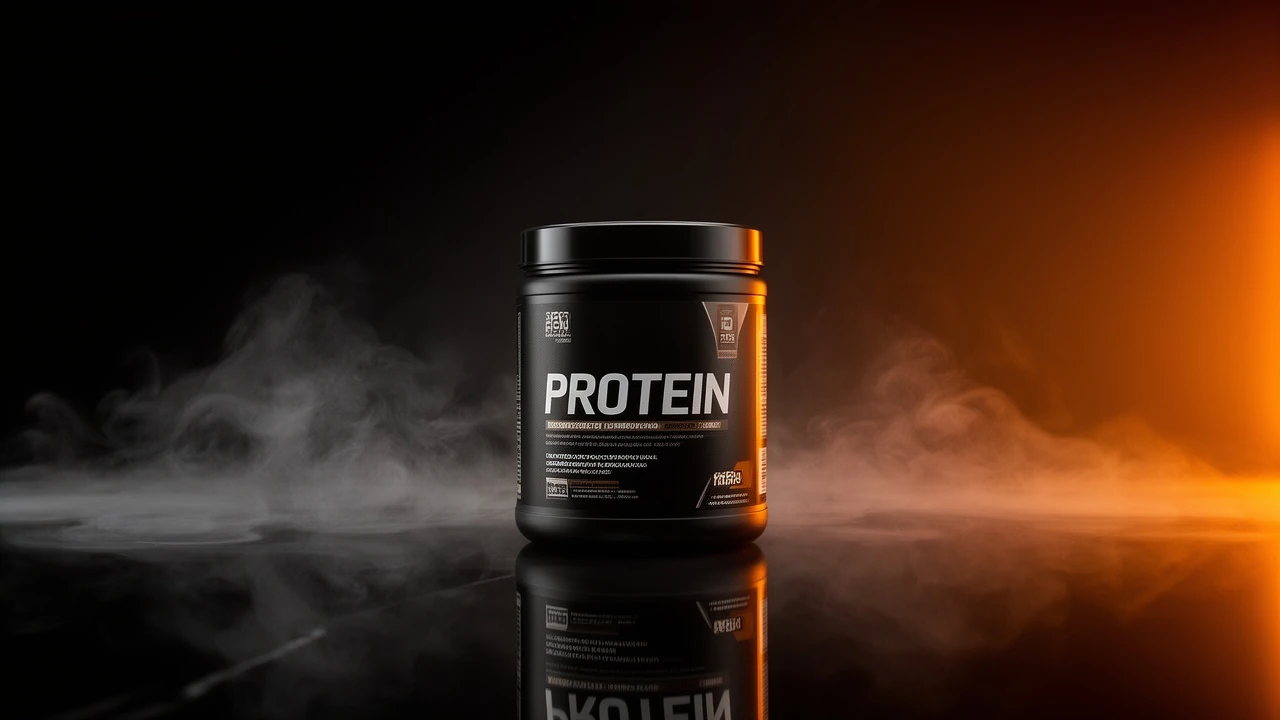
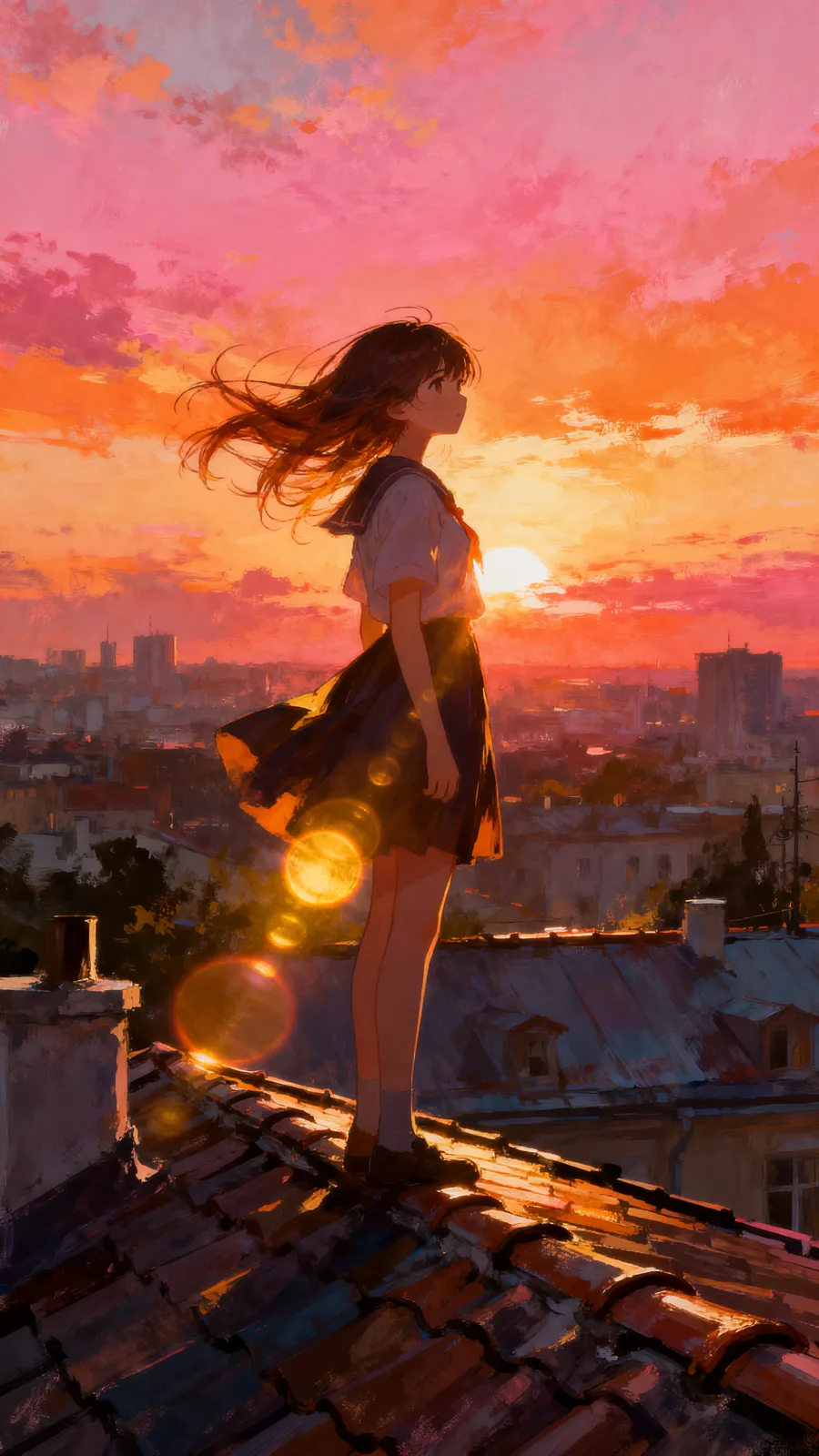
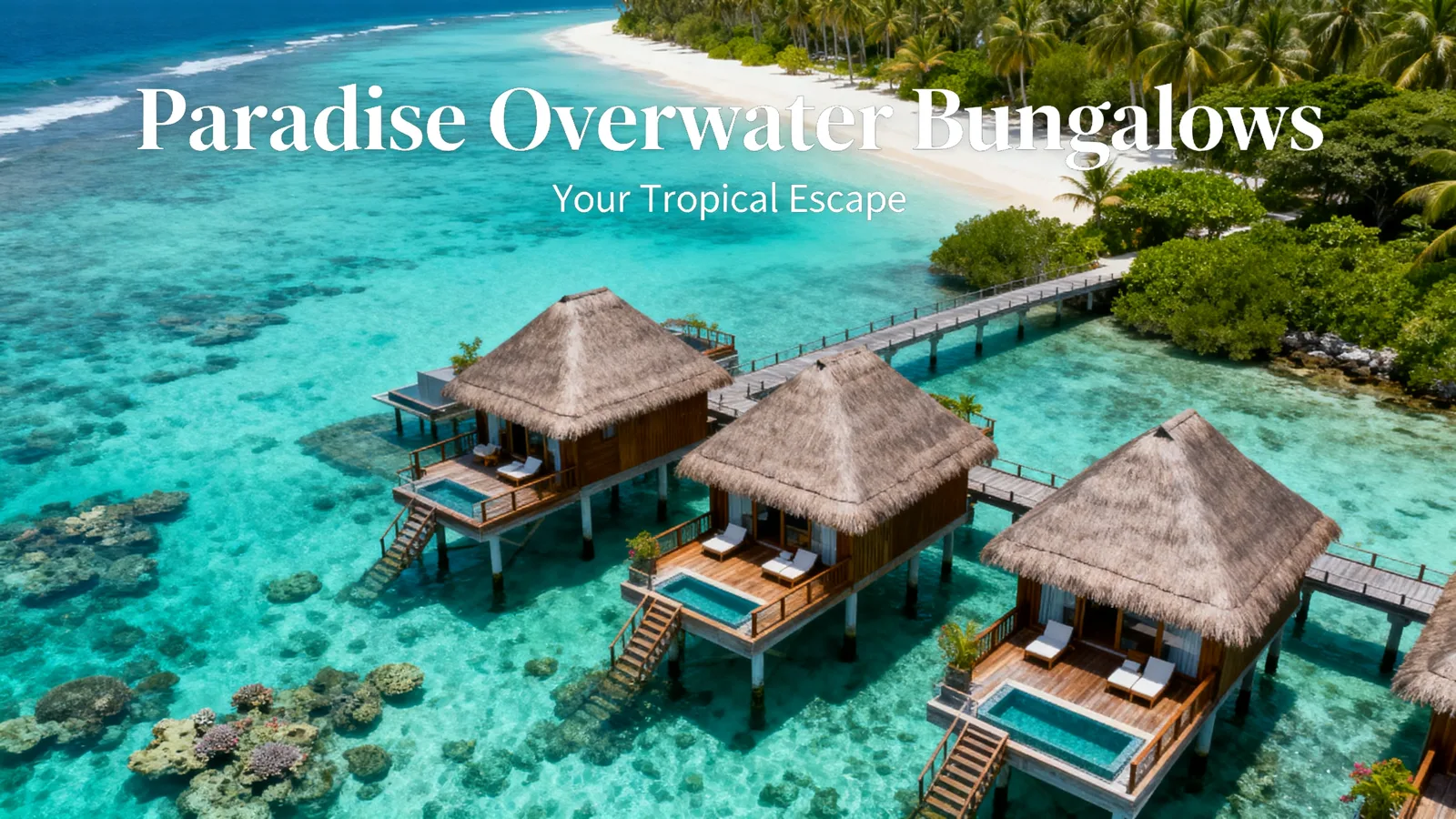
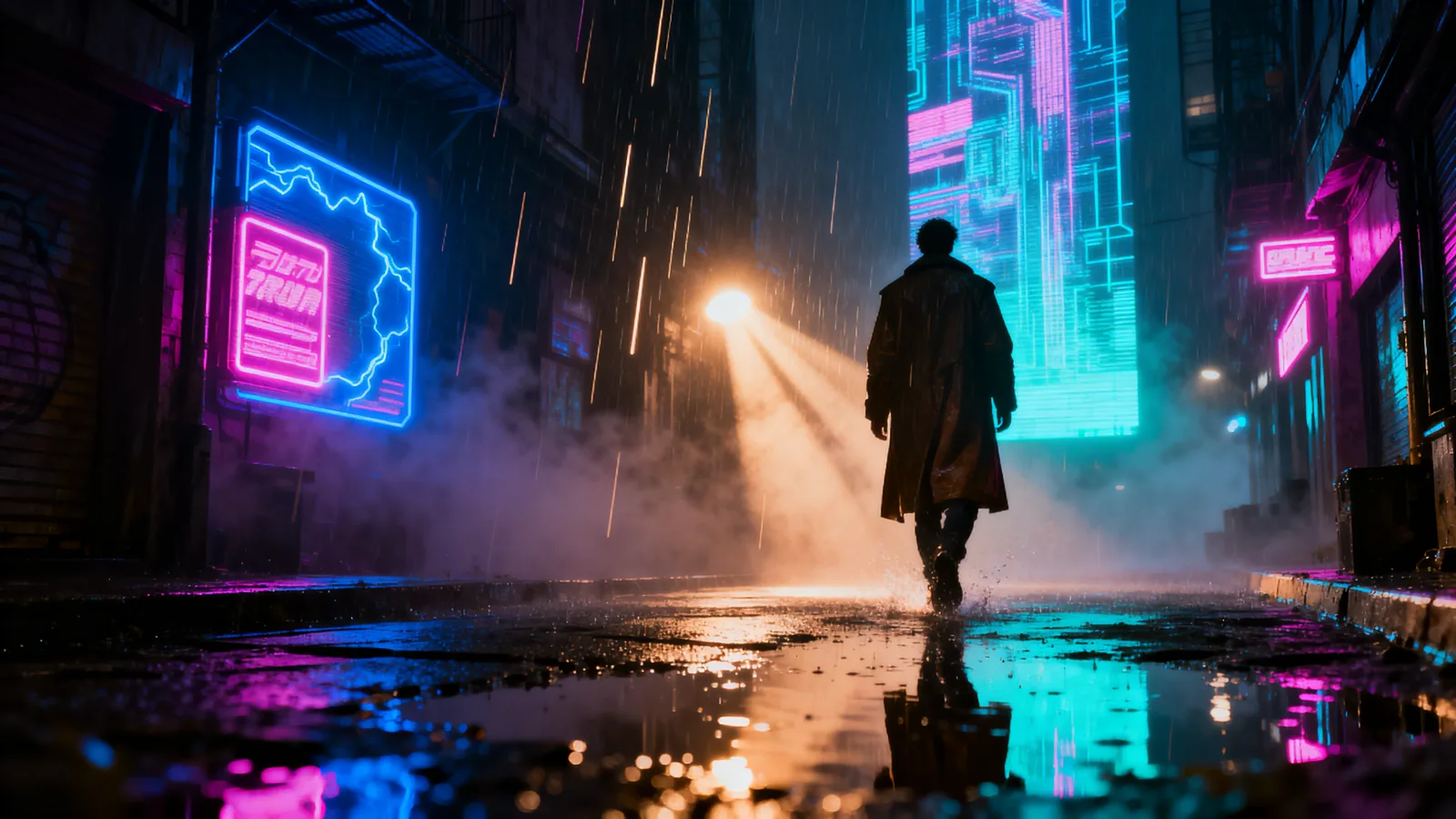
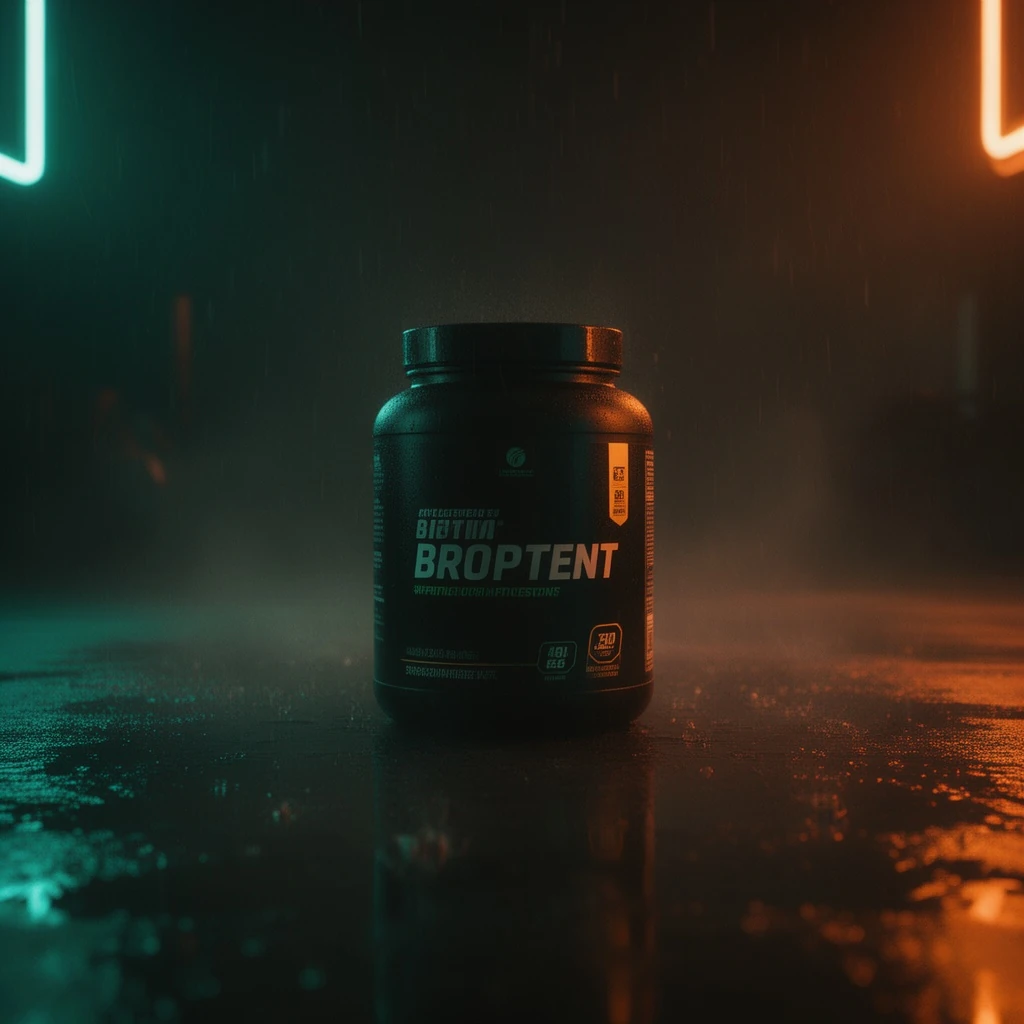
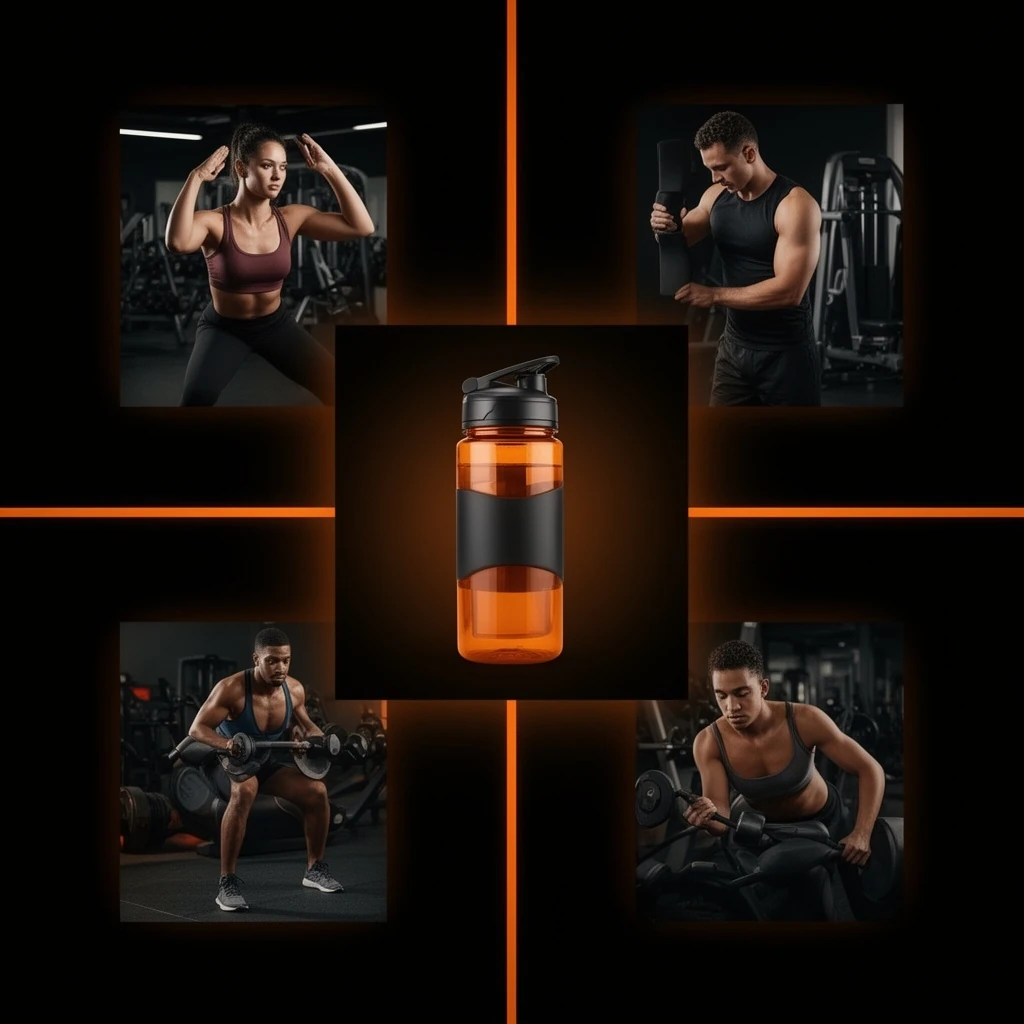
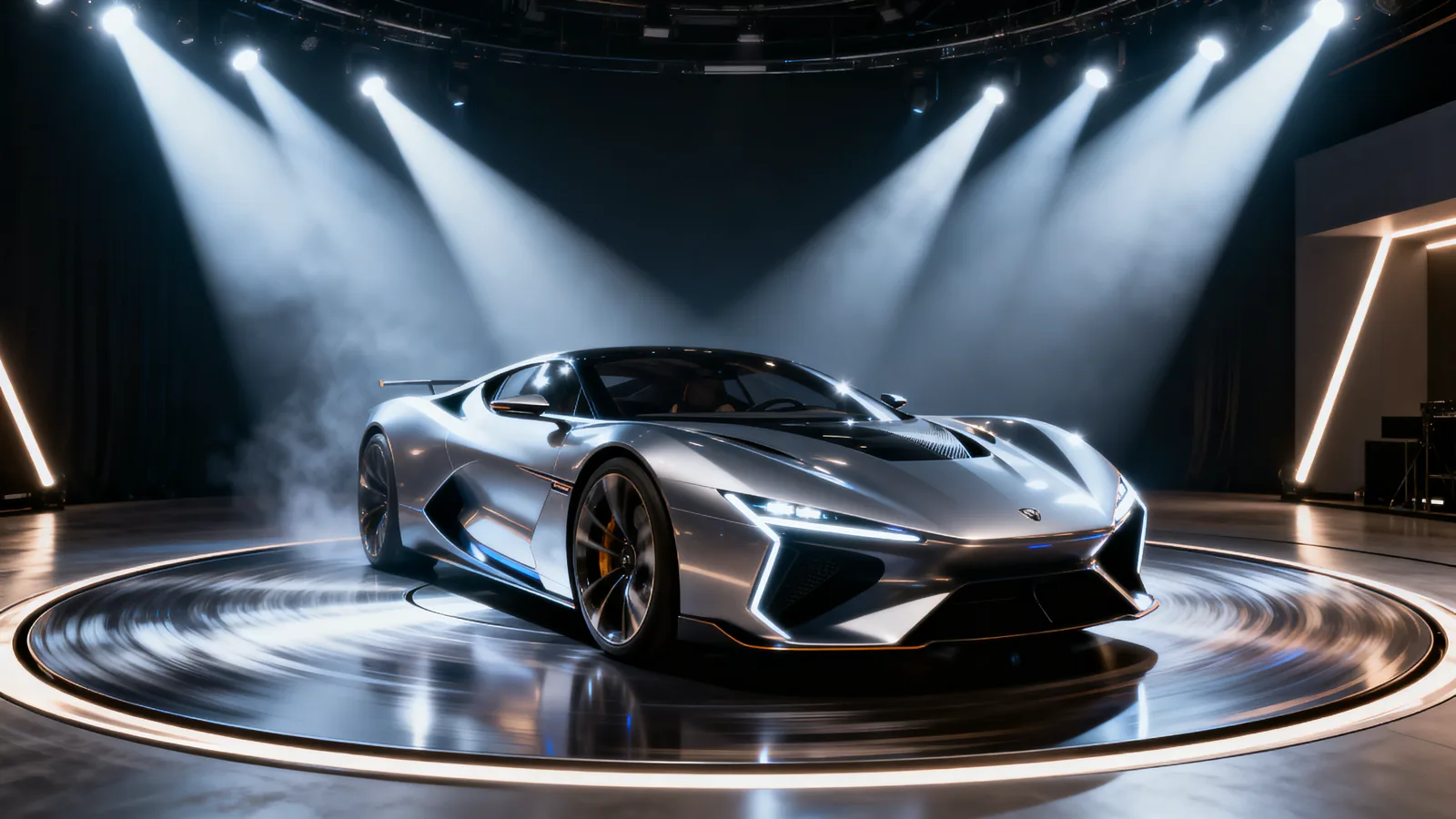
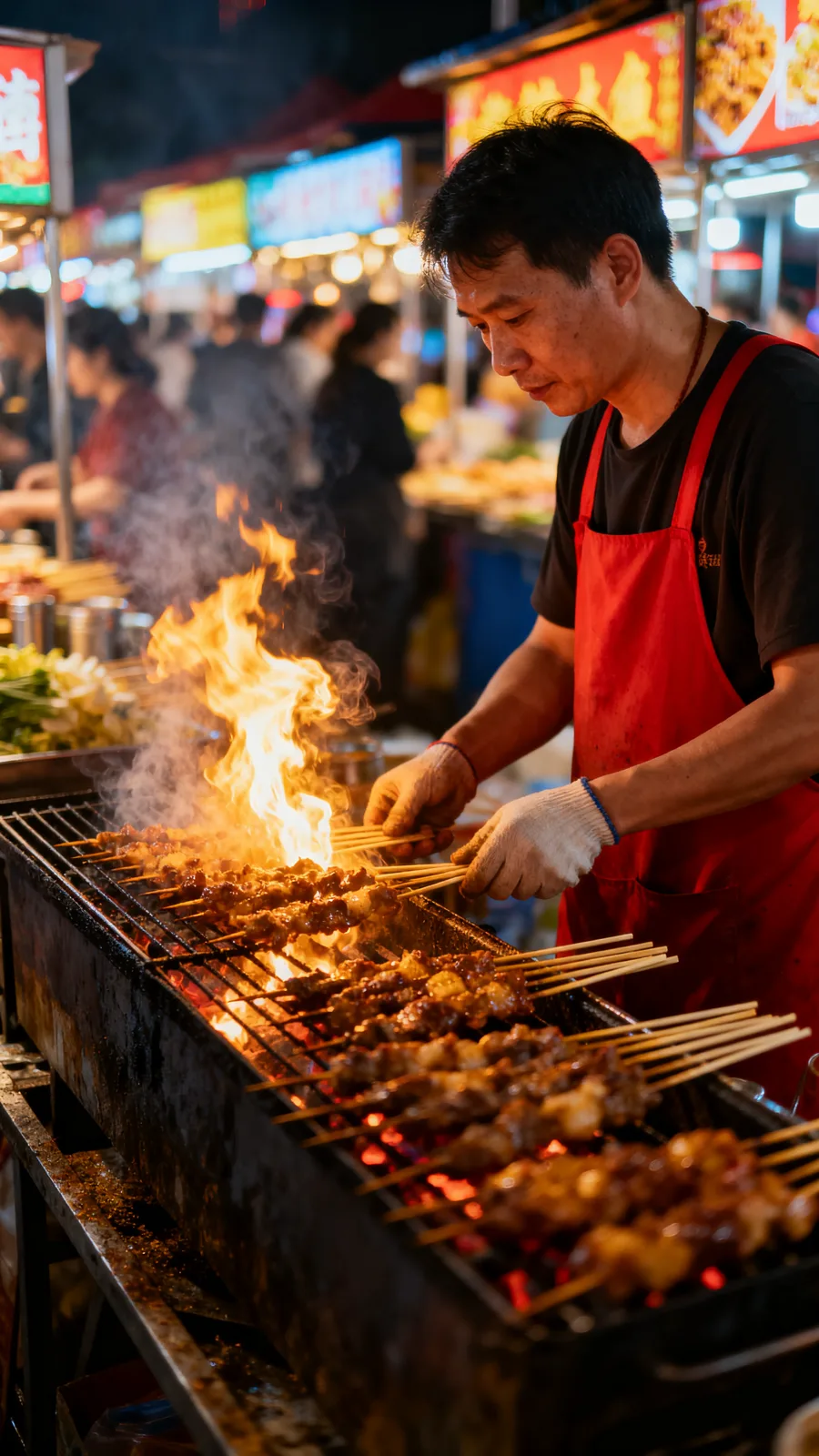
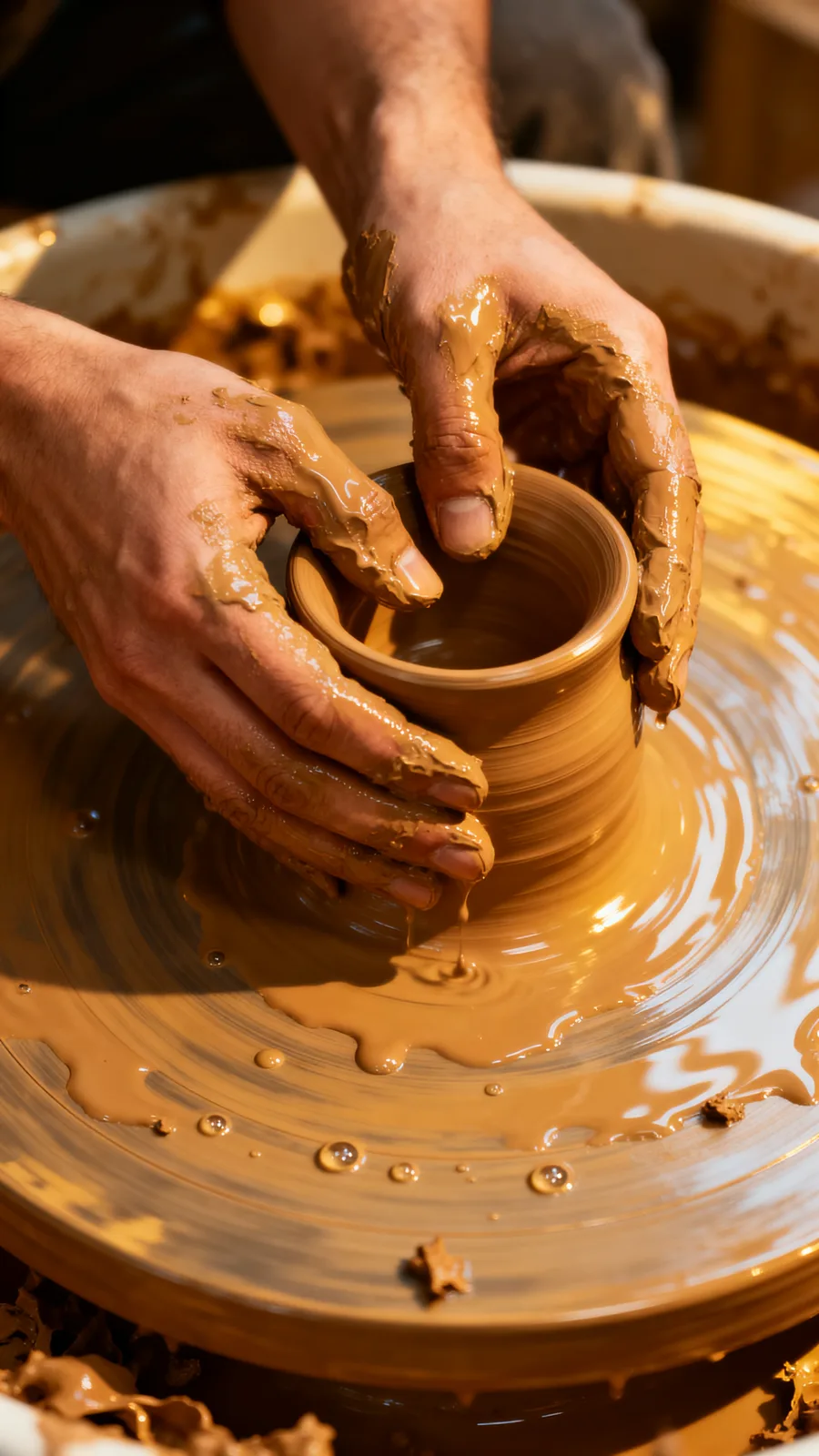
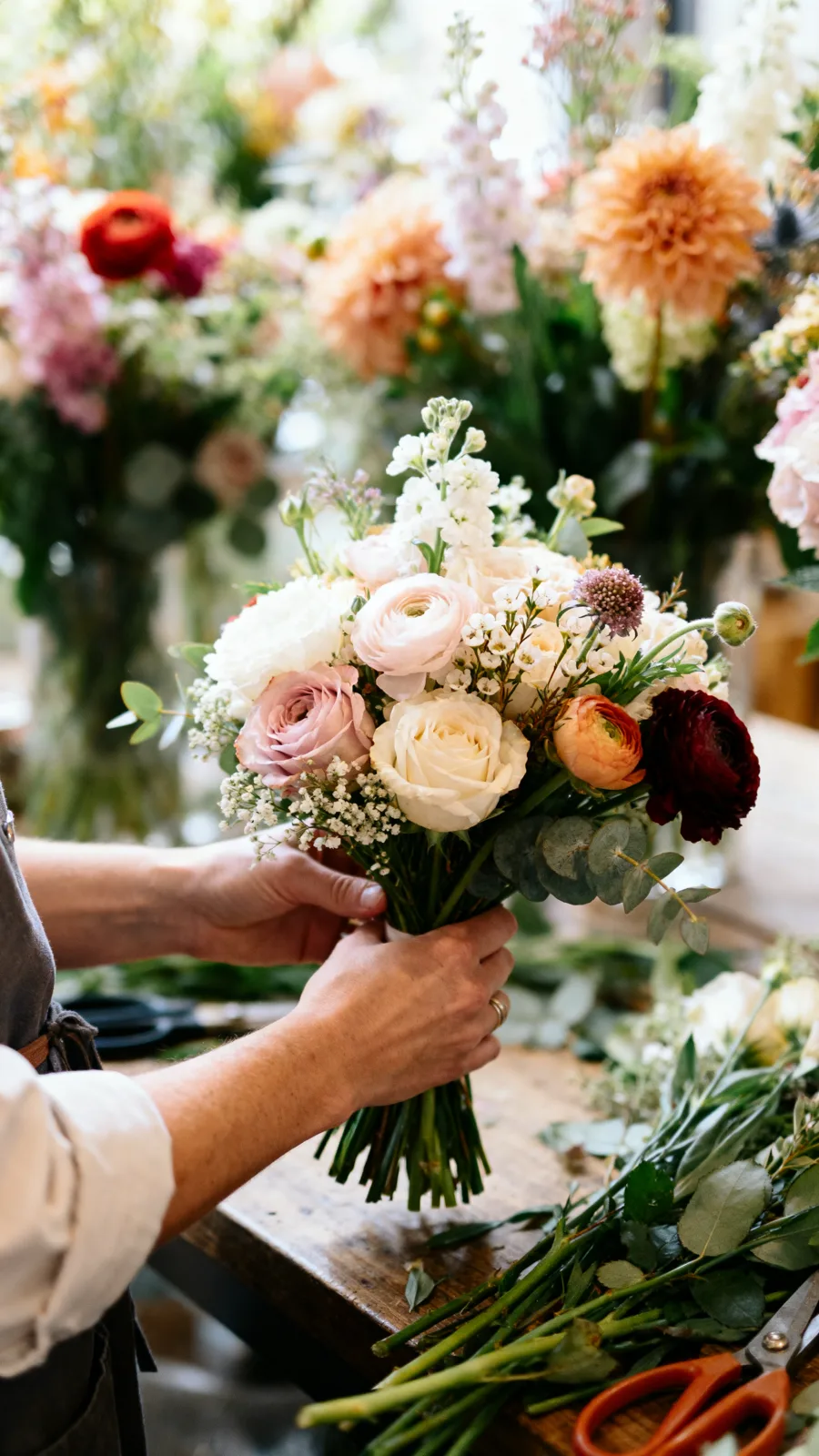
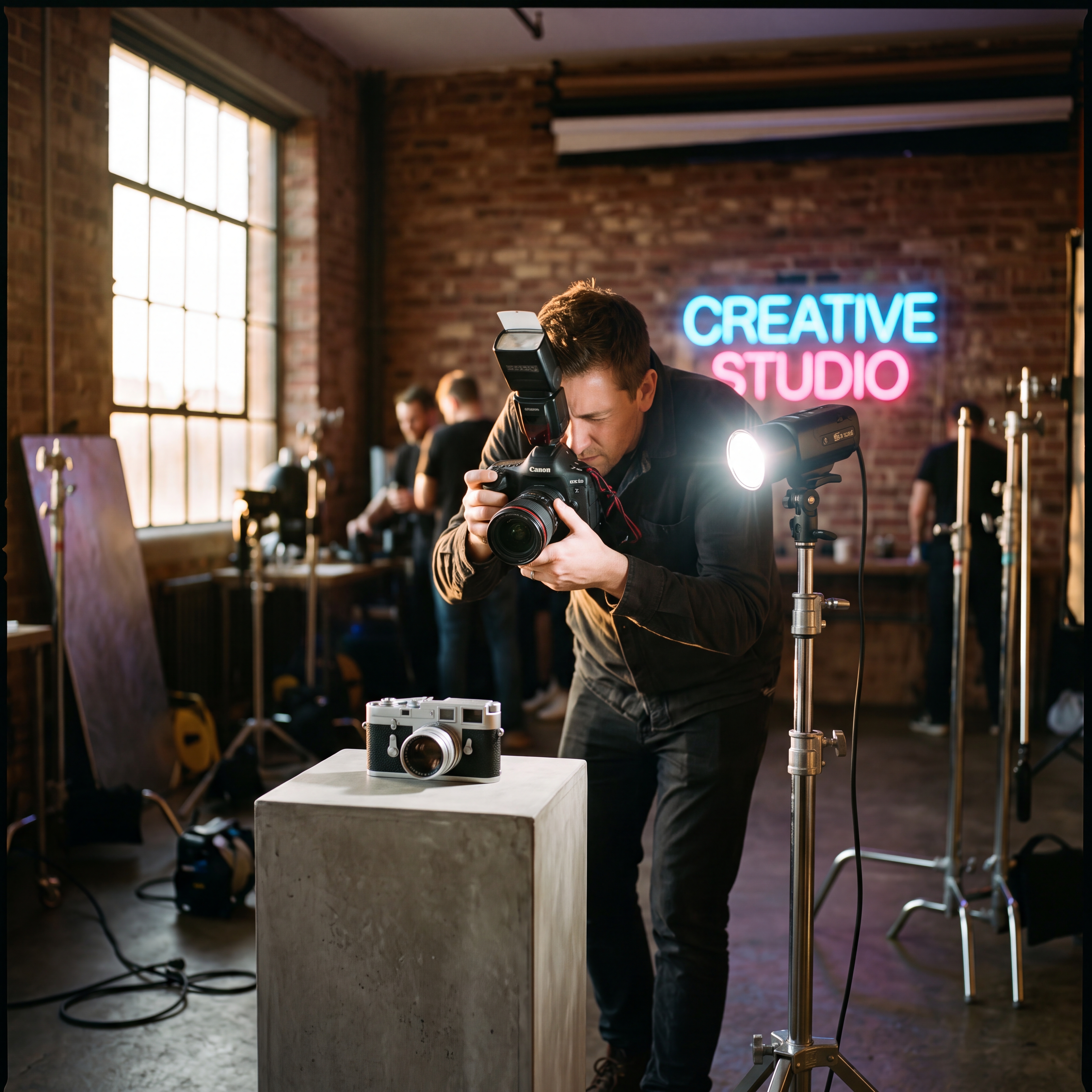
Sample output videos and images — representative of format categories available in Orvik. Hover or scroll to play video tiles.

CALL SHEET — WHAT YOU GET
| No. | Item | Detail |
|---|---|---|
| 01 | 50+ text-to-image, 55+ image-to-image models | FLUX, Imagen, Ideogram, Stable Diffusion, GPT-image, and more — all in one studio. The catalog updates automatically; no tool-switching when the model leaderboard shifts. |
| 02 | Up to 14 reference images | Drop in your brand photos, product shots, mood references, or style examples — up to 14 at once. The engine blends them into the generation to match your brand look without a written style guide. |
| 03 | Edit and restyle uploaded images | Upload any image and describe the change: "make it nighttime", "add a neon grade", "remove the background clutter". The engine applies the edit while preserving the rest of the composition. |
| 04 | Intelligent mode-switch | The studio reads your inputs and picks the generation mode automatically — text-to-image, image-to-image, or multi-reference — with no manual configuration. The right model fires for the right task. |
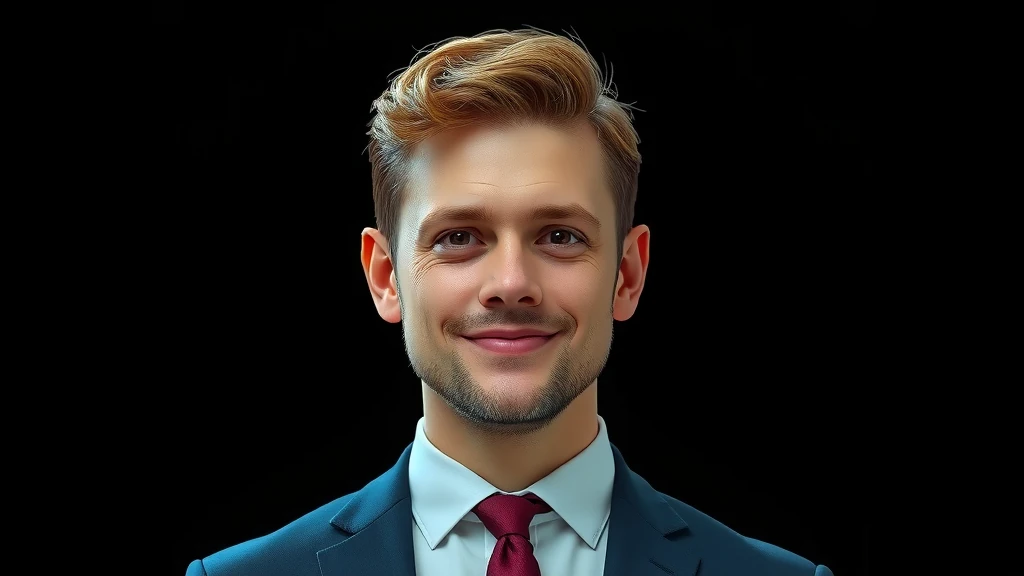
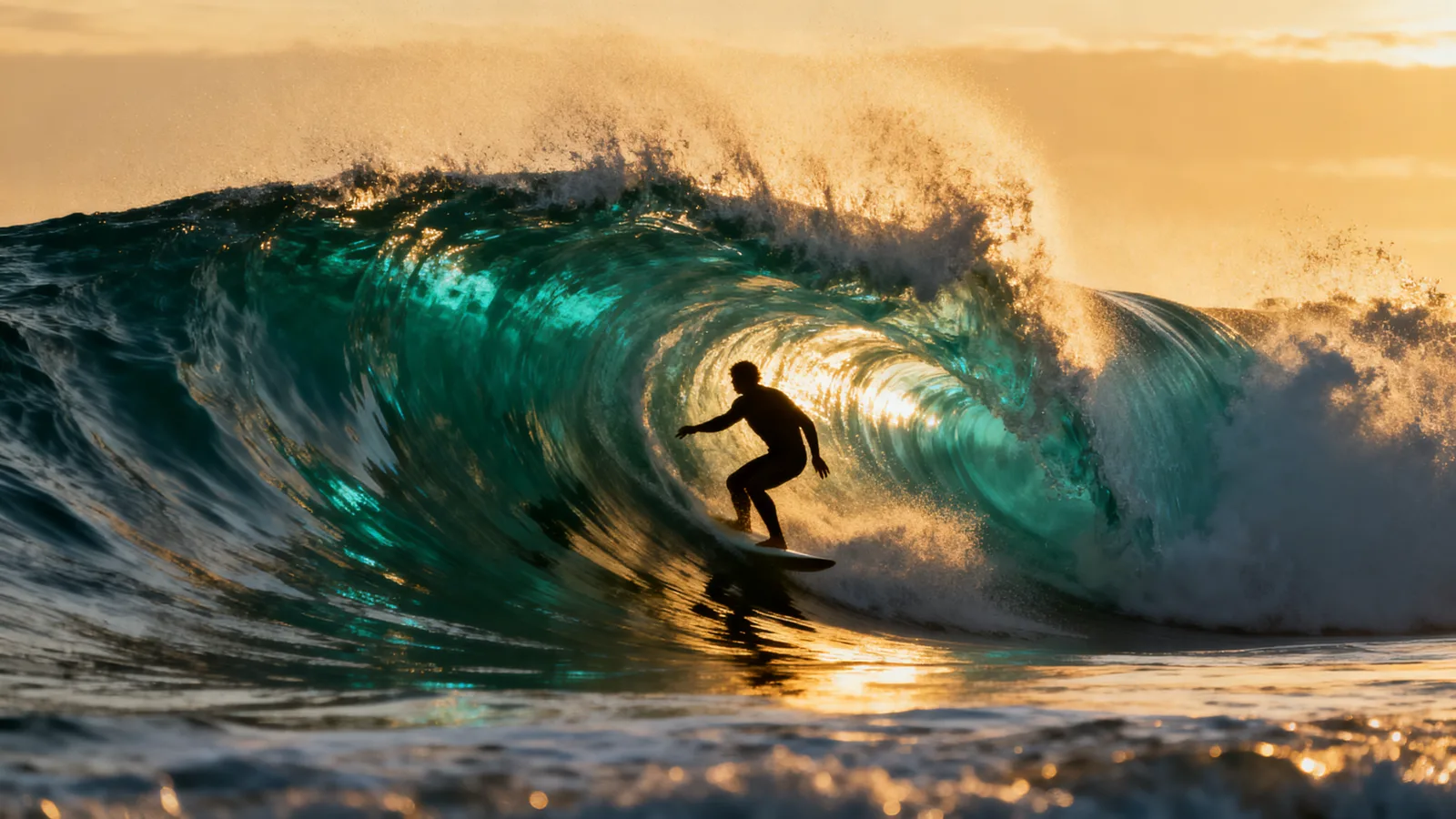
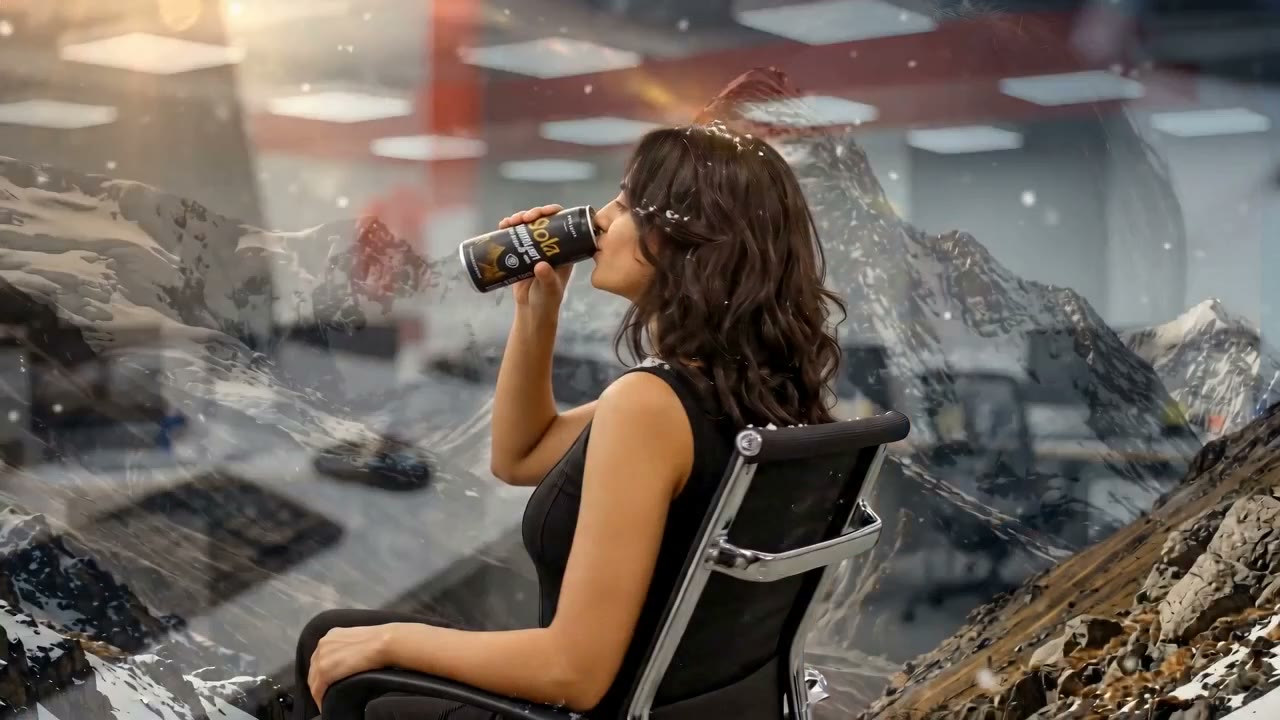
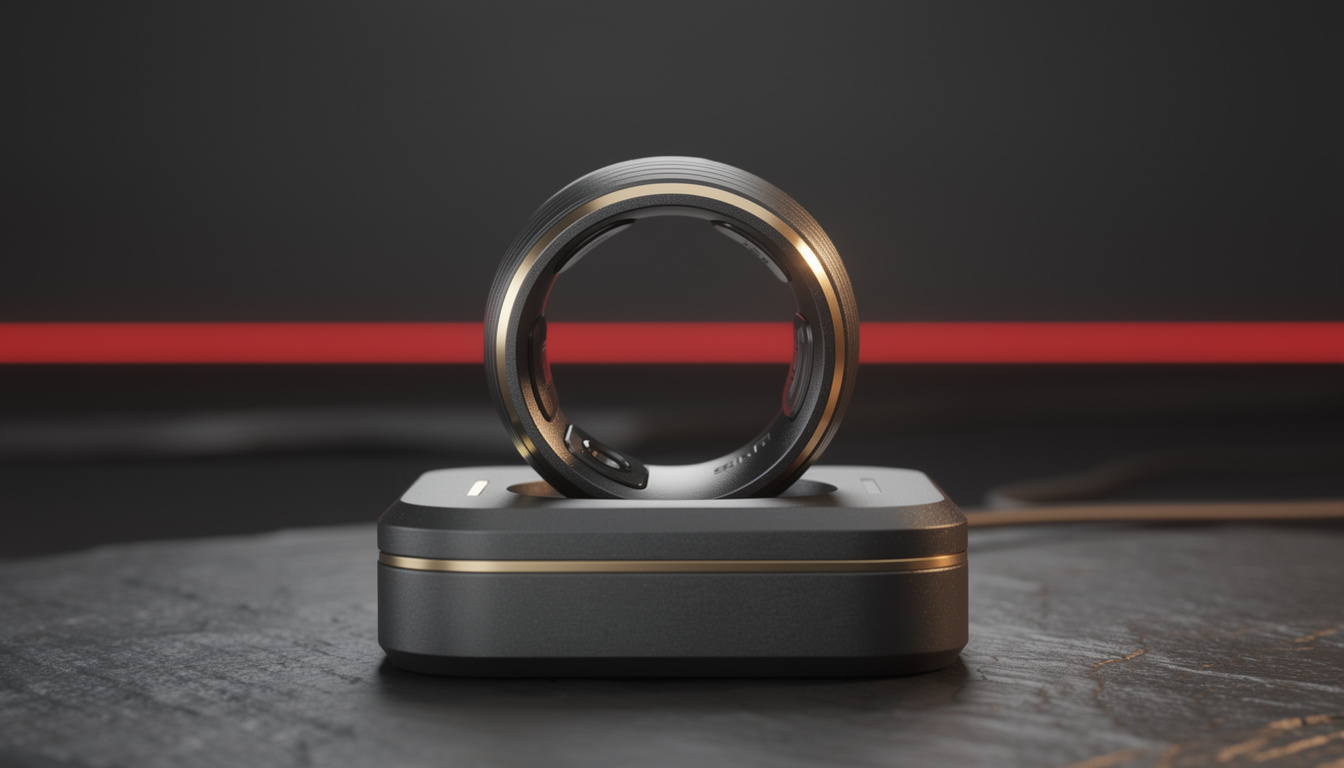
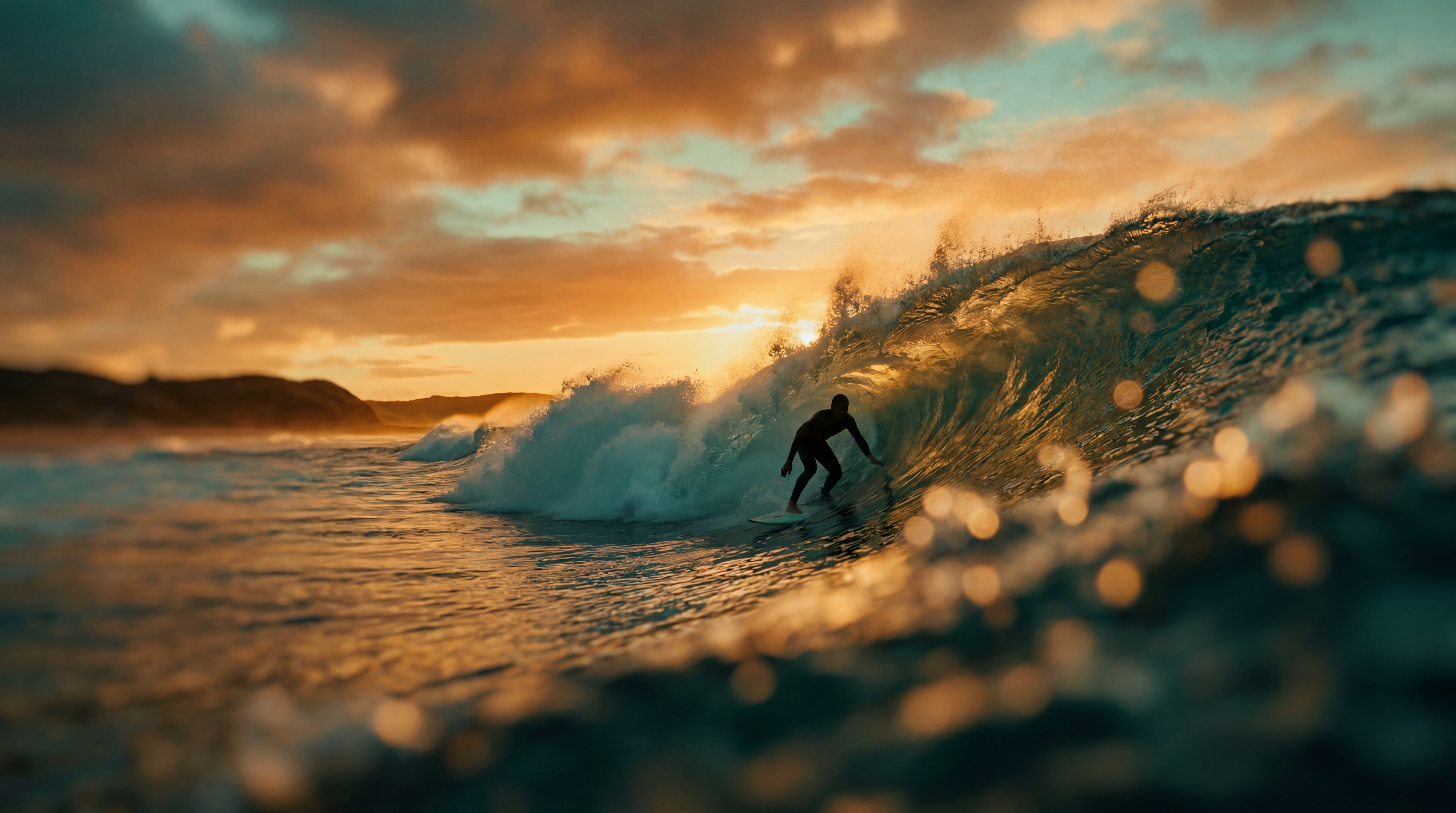
22 real renders. No mockups, no stock — every tile was generated here.




Powered by
The rate card
FAQ
Text-to-image generates a new image entirely from a written prompt. Image-to-image takes an existing image and modifies it — restyling the look, editing specific elements, or using it as a visual reference for a new generation that preserves the composition or subject.
You can drop up to 14 reference images into the studio. The engine treats them as visual conditioning — blending the style, color palette, lighting, and product identity across the generation. Use your brand photos, mood images, or competitor examples as references without writing a style guide.
Orvik gives you access to 50+ text-to-image and 55+ image-to-image models including FLUX, Imagen (Google), Ideogram, Stable Diffusion, GPT-image, and many more. The catalog updates automatically when new models ship.
Yes — that is one of the primary use cases. Upload a product photo and describe the scene you want (studio sweep, lifestyle, flat-lay). The engine generates a catalog-ready image. See also the dedicated Product Photoshoot feature for more specialized product photography tools.
All major formats: 1:1, 4:5, 9:16, 16:9, 3:2, and more — depending on the model selected. Most flagship models output at 1024px or higher. Use the aspect ratio selector in the studio to match your target placement.
You retain the rights the underlying model licenses allow — most models permit full commercial use; check the model page for exceptions.
Yes — plans start at $9/month for Creator and $29/month for Studio. The free tier (15 generations/day) requires no payment method.
Keep exploring
LAST LOOKS
A closing reel of real engine output — video and image, across formats and use cases. Every tile is a sample render.