Creator
$9 per month
STYLE — PRODUCT
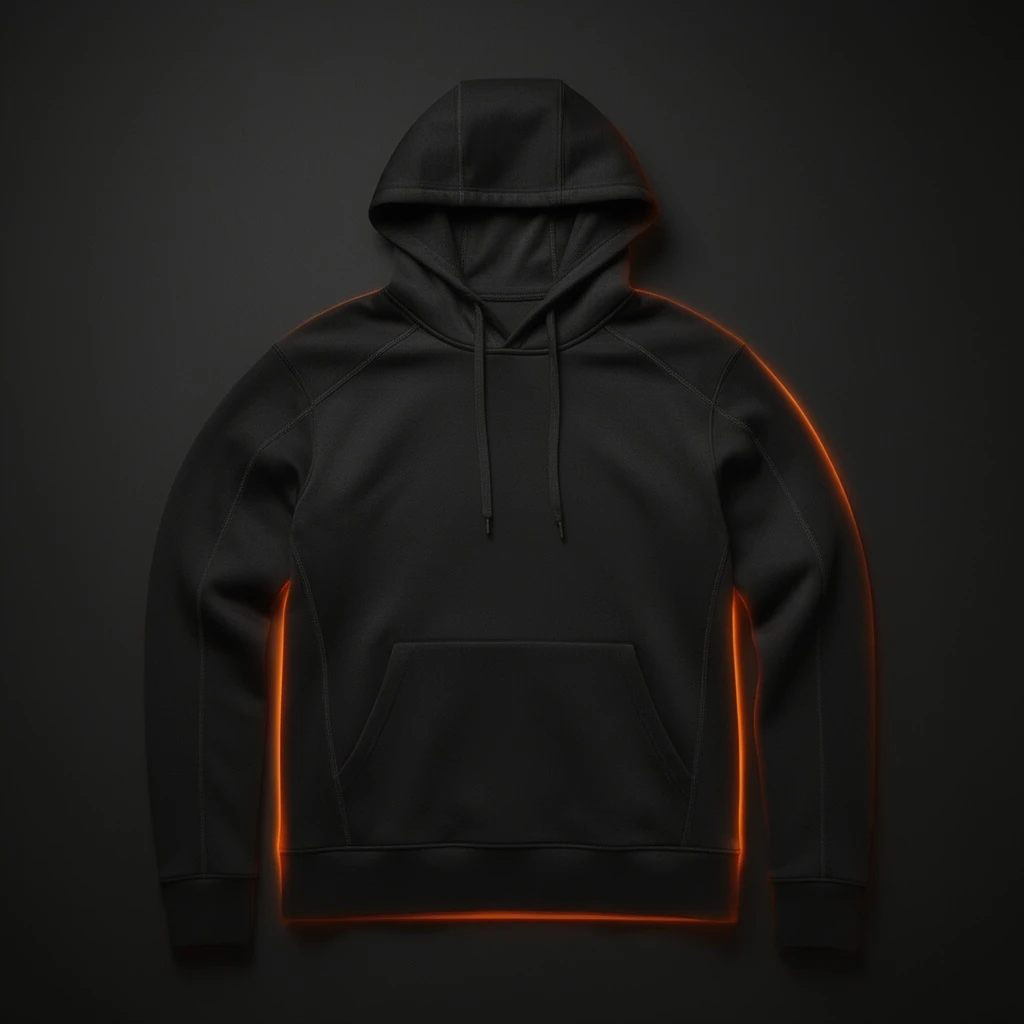
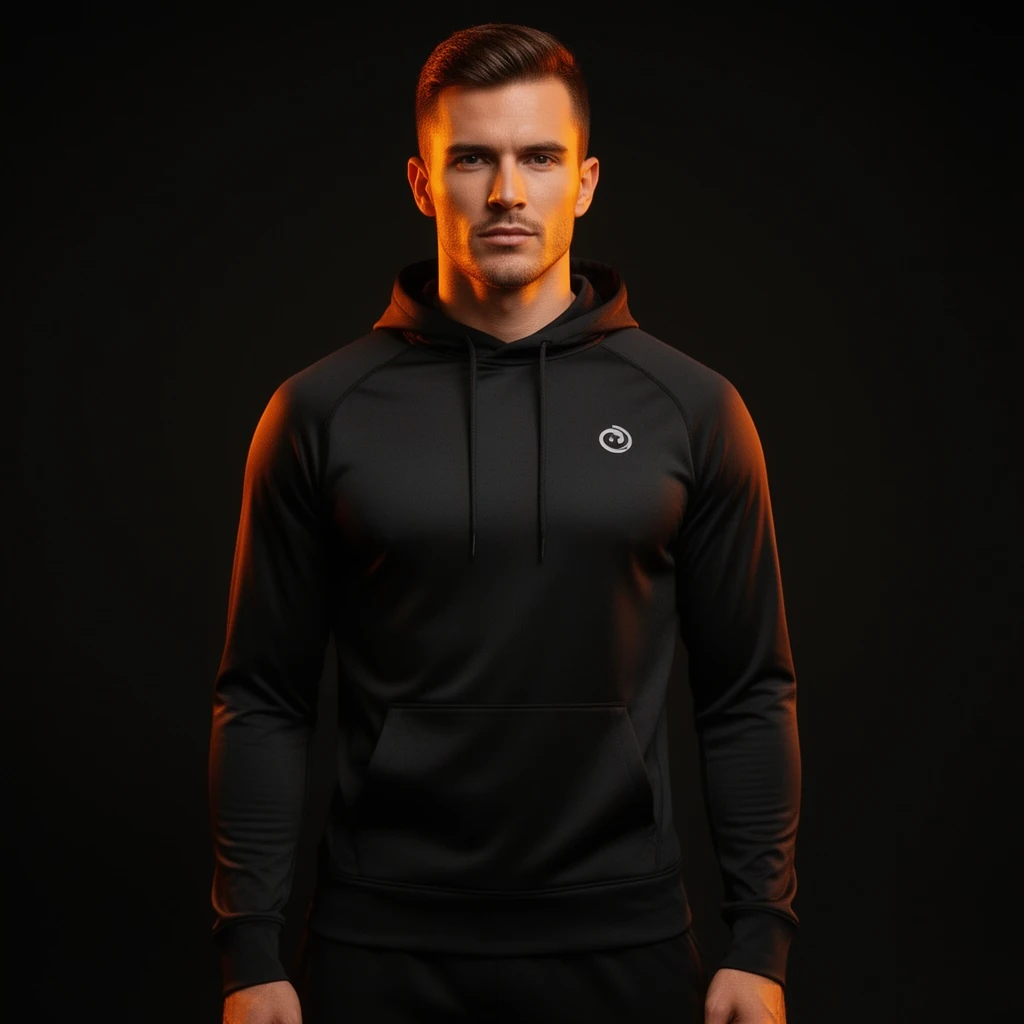
Virtual try-on turns a flat garment photo into an on-model image: the exact hoodie, tee, or dress you sell, worn by a generated model with realistic drape, folds, and fit. It is the fastest route from a supplier photo to an ad-ready fashion visual. Our engine takes the garment shot in, and returns the worn shot out — same fabric, same stitching, new context.
THE TECHNIQUE
The hard problem in try-on is fidelity: the output must preserve the garment's real color, texture, print placement, and proportions while adding a convincing human form underneath. The engine's try-on pipeline is built around that constraint — it maps the actual garment image onto the model rather than imagining a similar garment, so what shoppers see is what ships. The committed samples on this page show the full arc: a clean flat product shot of a black performance hoodie, then the same hoodie worn with natural folds under a dramatic key light. For a store, this collapses the longest step in apparel marketing — model shoots for every colorway — into an upload and a brief. Generate multiple model poses from one garment, keep lighting consistent across your range, and refresh seasonal creative without re-shooting. Pair the worn shot with an editorial treatment when you need campaign imagery rather than catalog imagery.
The rate card
FAQ
A clean, front-facing flat or hanger shot with even lighting. The clearer the input, the more faithfully texture and print carry to the worn shot.
The pipeline maps your actual garment image onto the model, so prints, seams, and labels stay where they are on the real product.
Yes. Describe build, pose, and setting in the brief; the garment stays fixed while everything around it is directable.
Keep exploring
LAST LOOKS
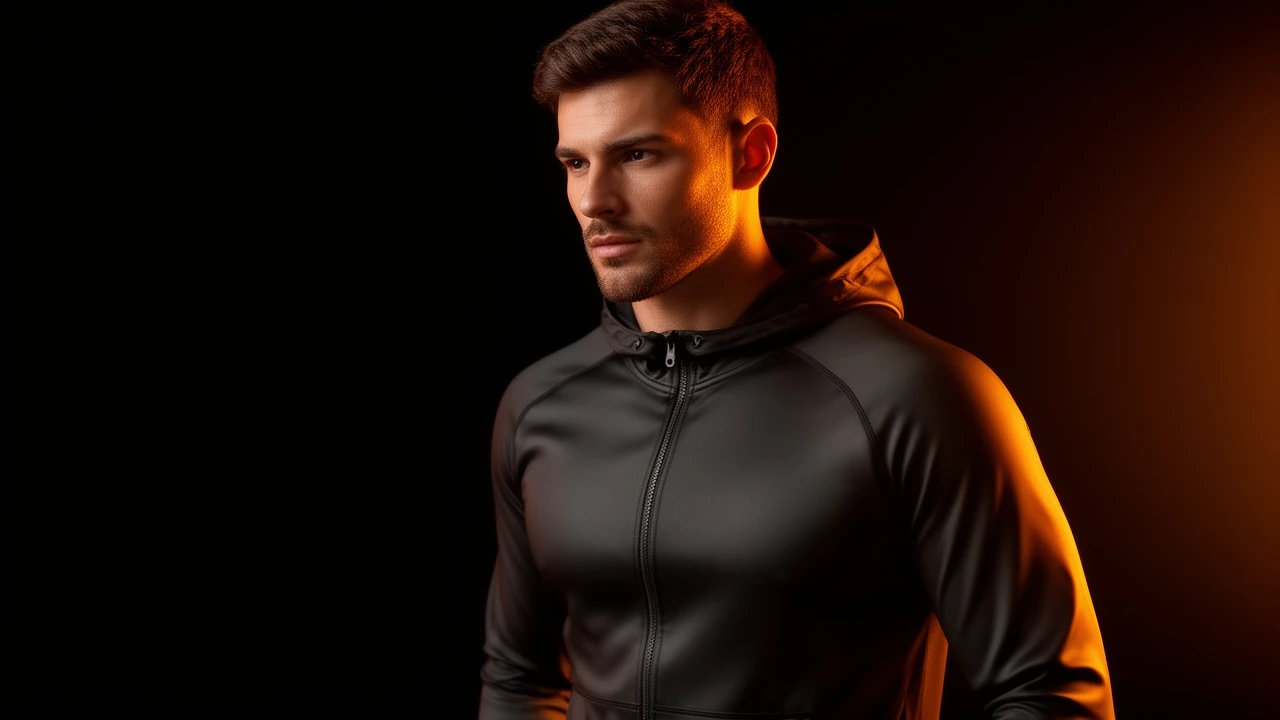
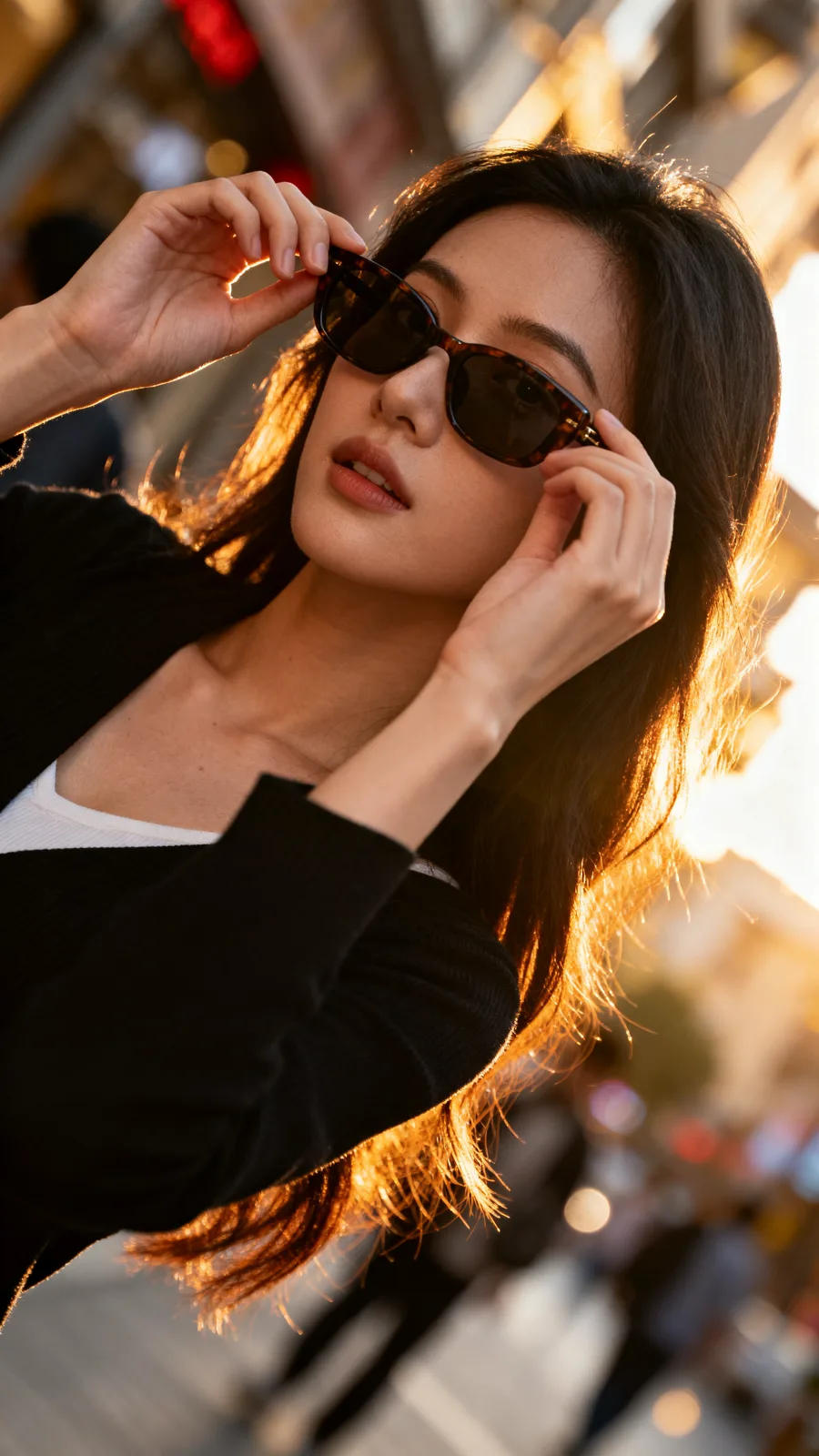
A closing reel of real engine output — video and image, across formats and use cases. Every tile is a sample render.